
All · Social posts · Memes
386Mobile Wedding Invitation Cover
A portrait invitation with your names, ceremony date and venue, with an optional photo.
ChatGPT Free OK
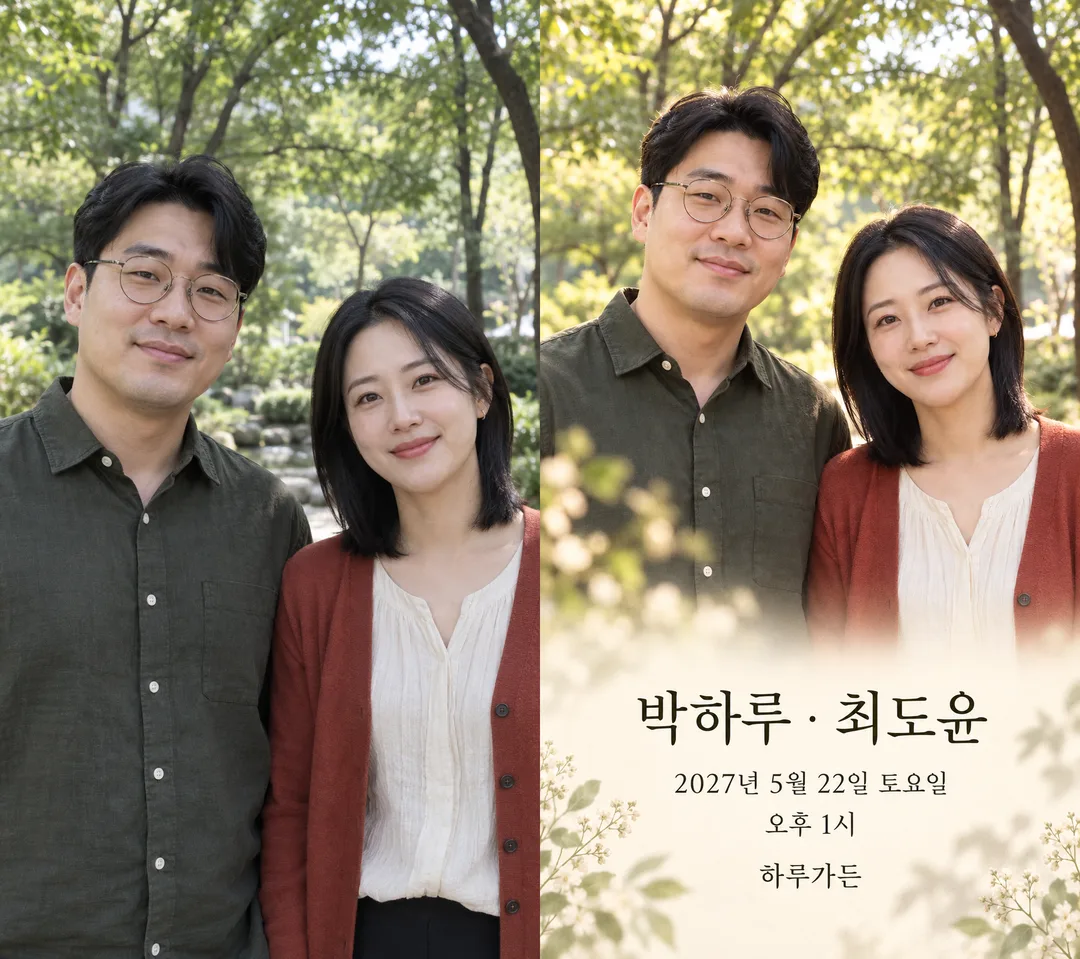
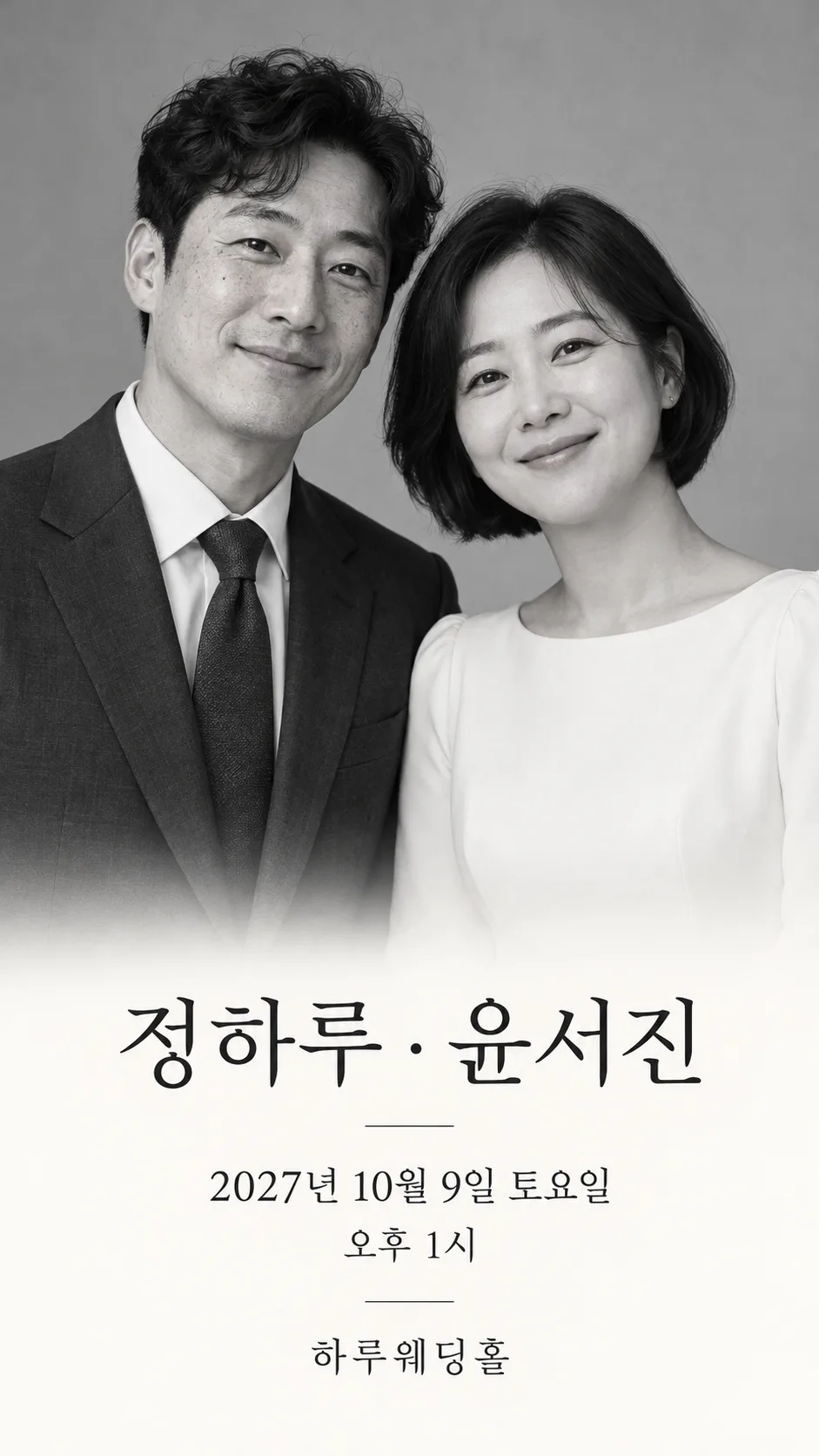
Fill in the fields
- 1Fill in the fields
- 2Copy the prompt
- 3Paste it into a GPT chat
- 4Send it as is and you get an image like the thumbnail example
- 5Attach One couple photo or two individual photos (optional) with the prompt and your photo is used in the result Optional
Full prompt 3,230 characters
Generate this image now. Return exactly ONE finished edge-to-edge mobile wedding invitation cover, no explanation or questions. Canvas Output size 1080x1920 pixels, 9:16 portrait story. Keep all text inside the central 80% of the height., default 9:16. No phone, paper mockup, comparison panel, collage, logo or watermark.
PHOTO RULE: With an attached photo containing two adults, preserve both independently, their facial proportions, eyes, nose, lips, jaw, age, skin tone, hair, glasses, expression, head angles and original clothing. Never blend faces, swap identities, beautify or replace clothes with wedding outfits. Use source-left and source-right positions. Two separate adult photos map in attachment order. If only one adult is supplied, preserve that adult and do not invent a partner: use a botanical motif beside them. With no photo, create two distinct fictional adults with ordinary asymmetrical faces and no celebrity resemblance. Use navy suit and ivory dress only for invented adults. Do not print names from a photo.
Mood: "【Mood】"; empty means Spring floral frame. Apply one coherent invitation treatment: spring flowers means watercolor blossom-and-leaf edges with warm ivory background; watercolor means delicate painterly texture, while source faces, hair and clothes remain recognizable; film means restrained warm analog color, fine grain and leafy bokeh; monochrome means classic neutral black-and-white portrait and charcoal type. Do not print mood labels. Protect identity over decorative treatment.
Layout: two-person portrait dominates the upper half; a smooth light lower area supports large, high-contrast typography. Botanical elements extend to edges, no small floating card. Keep names and all event details inside the central 12–85% of canvas height. Names are the largest text, then date, weekday and time, then venue, then optional greeting. Adjust portrait scale to fit all supplied text, never omit event details. Hands outside crop; natural anatomy.
Authorized names: "【First partner】" and "【Second partner】". Preserve exact spelling and supplied order, separated by a centered dot. Date and time: "【Date and time】". Venue: "【Venue】". Greeting: "【Greeting】". Empty greeting removes its whole line without a gap; never invent one. Required values must be supplied; do not fabricate a date or venue. Check the weekday against a reliable calendar, correct a mismatched weekday to the actual day while preserving the numeric date and time. Render only these authorized values in English; no addresses, parents, RSVP, links, QR codes or extra details. Check every letter, syllable, digit and time marker before finishing. Local date formatting must retain the same instant and weekday. No post-processing or code required.

Mood choice mapping, instructions only: Spring floral frame / Watercolor illustration / Film photography / Classic monochrome correspond in order to spring flowers, watercolor, film, monochrome.

[Final output format]
Output size 1080x1920 pixels, 9:16 portrait story. Keep all text inside the central 80% of the height.
This selected output format takes priority over any fixed canvas size or aspect ratio elsewhere in this template. Adapt the composition, text zones and margins to the selected canvas without stretching or cropping essential content. Device safe areas apply only when a device is selected. Never print these format instructions on the image.
How did it turn out?
You may also like
- 392Kids Birthday Party Invitation

- 377Christmas Decorations for Your Shop
- 360My Year, Remembered by AI
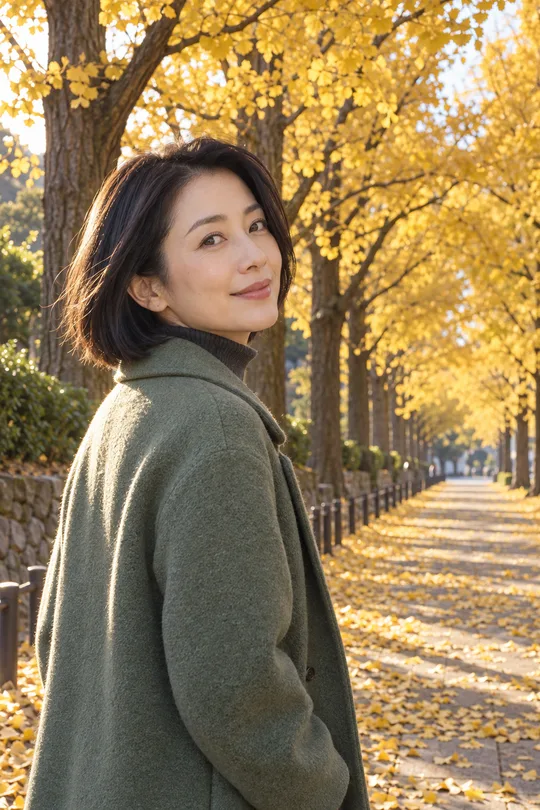
- 357Autumn portrait — your own look on a fall avenue
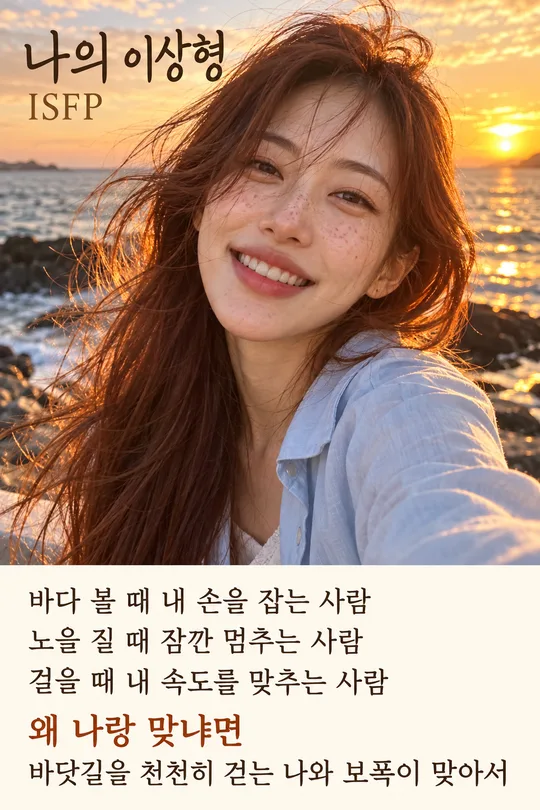
- 355AI Ideal Partner Test — Your AI reads your personality from past chats and predicts who suits you
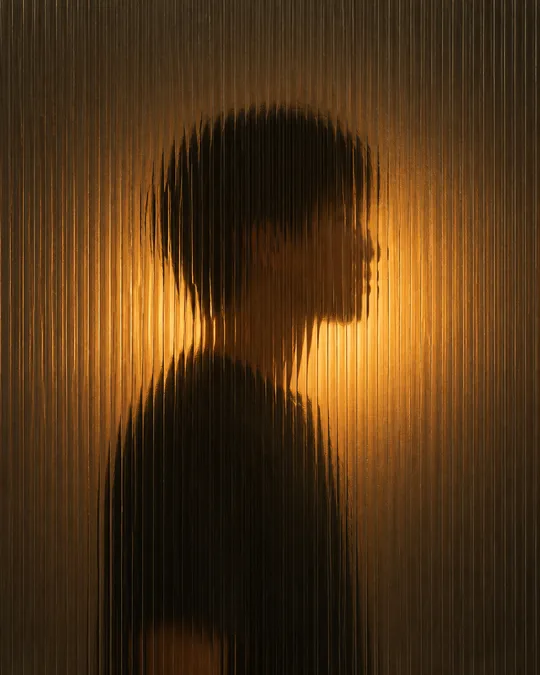
- 342Silhouette behind fluted glass — a softly blurred figure and warm light
How to use it · FAQ
An opening screen for your wedding invitation
Create one portrait image for sharing digitally: both names, ceremony date, weekday, time and venue stay together. This is a cover image; RSVP collection and a complete invitation website are separate.
Names and ceremony details
The two partner names, date and time, and venue are four required fields. Use the order you want guests to read. Saturday, April 17, 2027 at 1:00 PM is an example; Haru Garden is a fictional venue. Mood offers spring florals, watercolor, film photography and classic monochrome. Blank uses spring florals. Greeting is optional: a short invitation such as “Together with our families, we invite you to celebrate our wedding” suits a shared family invitation; omit it for a simpler cover. An empty greeting removes the entire line. Use the shared ratio control for 9:16.
Add a photograph
Attach one clear couple photograph or two separate adult portraits with the completed prompt. Source-left and source-right stay in place; separate photos follow attachment order. Facial features, glasses, hair, age and existing outfits remain recognizable, including under watercolor treatment. Without photos, the image uses two fictional adults. A single adult photo stays solo with a botanical motif instead of an invented partner. Confirm consent to use and share both likenesses.
Review before sending
Compare every name letter, numeric date, weekday, AM or PM, time and venue with the ceremony details. The prompt asks for calendar verification; review the result yourself as well. If a line is wrong, supply the exact replacement and request a new image with the same layout. Check both faces and clothes against the originals. No parents’ names, street address, RSVP deadline, QR or registry details are invented. Paste the prompt into an image AI that supports photo attachments; access conditions belong to that service.