

All · Wallpapers · Quotes & mood
015Make a Monthly Quote Phone Wallpaper
Let a small seasonal garden separate the two halves of a personal reminder, or sit below them.
What you get
- A pencil-lettered personal lock-screen wallpaper
- A seasonal botanical pause between or below the phrases
- Quiet space above and below for phone controls
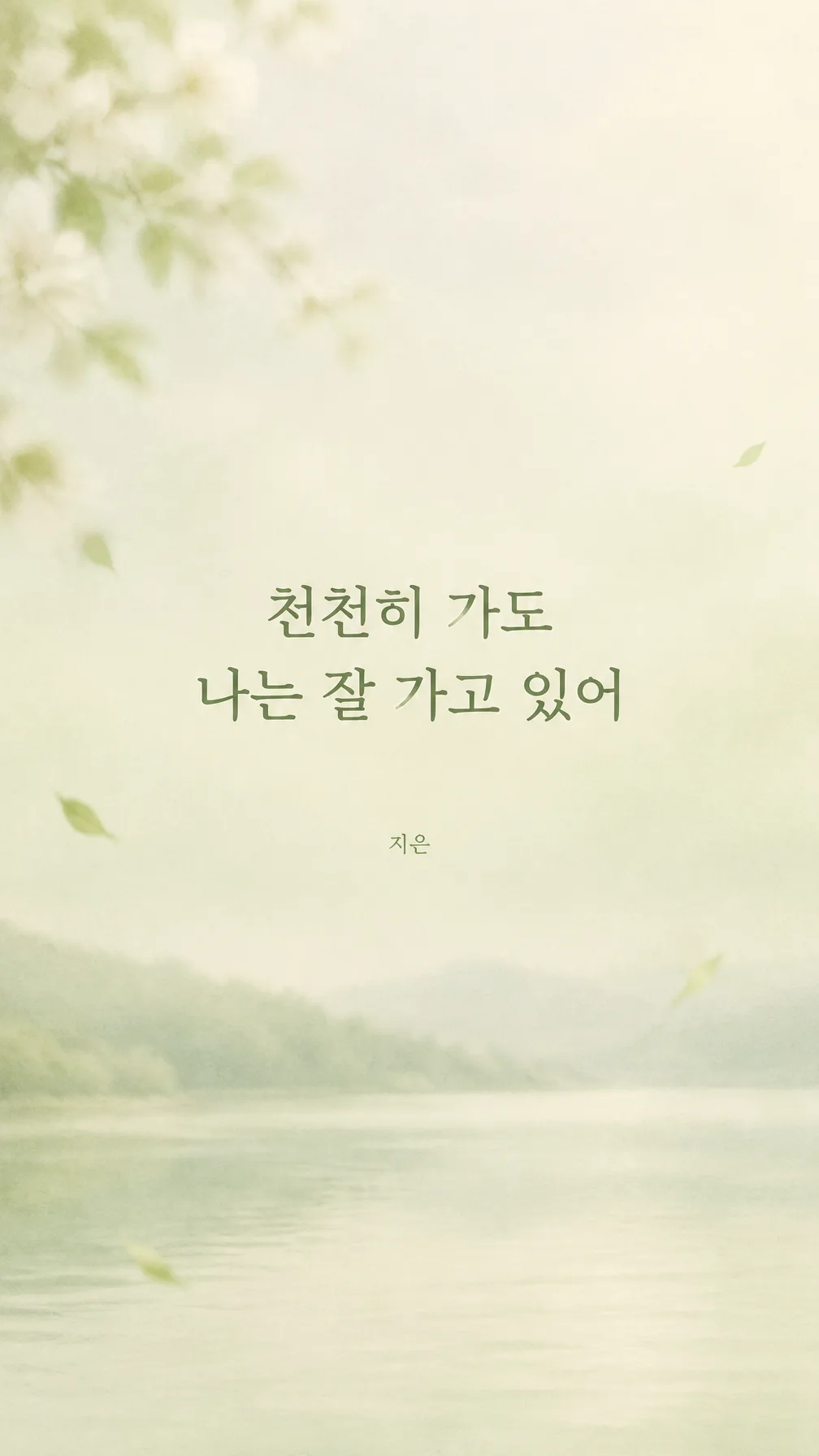
Fill in the fields
- 1Fill in the fields
- 2Copy the prompt
- 3Paste it into a GPT chat
- 4Send it as is and you get an image like the thumbnail example
- 5Attach a real photo that fits the card and it is used in the result: a background photo for background cards, a person or food photo for those cards Optional
Full prompt 2,862 characters
Draw one finished personal phone lock-screen wallpaper. The central invention is a BREATHING GARDEN: a handwritten sentence divided at a deliberate pause, with a tiny seasonal botanical vignette acting as the pause. This is a quiet monthly reminder, not a poster or a diagram.


WORDS: first phrase "【Opening phrase】"; continuing phrase "【Continuing phrase】". Copy each exactly once, in that order, without quotes. If both are absent or say "Choose for me", compose one original brief encouraging sentence in English and divide it at a natural phrase boundary. Never borrow a quotation. Each phrase occupies its own horizontal line, with complete legible pencil strokes and generous side margins. Both phrases have equal visual weight. Never print field labels.

PAUSE PLANT: "【Pause plant】". Paint that plant as a small uncontained gouache vignette on fine matte paper, without a pot, label, border or shadow. Season and atmosphere "【Season and atmosphere】" govern the botanical detail and soft background wash. Palette "【Palette】" governs the paper, paint and contrasting pencil. Keep the existing intimate pencil-handwriting and delicate gouache aesthetic, never typography made out of leaves.

GARDEN POSITION: "【Garden position】". Read the chosen value and implement ONLY its arrangement. If the value is "Between the phrases", draw WORDS ABOVE AND BELOW A PLANT: first phrase at 36%, plant at 47%, continuing phrase at 59%. Otherwise draw BOTH PHRASES TOGETHER ABOVE THE PLANT: first phrase at 40%, continuing phrase at 47%, plant at 64%. For this second arrangement the entire botanical vignette must be BELOW the final text baseline, with clean empty paper between the two lines of words. No plant may appear between those lines. This choice overrides any general description of a pause elsewhere.
The garden stays narrower than the lettering block and never intersects a glyph. All positions refer to the entire canvas. Use open paper, not panels, to connect these elements. Do not draw an actual comma or any punctuation not supplied in the phrases.

SIGNATURE: "【Small signature】" in small pencil lettering at 71%, once; absent means omit. The upper quarter and bottom fifth are evenly toned quiet paper reserved for the real phone clock and controls. Keep all plants and lettering out of those areas. No rendered clock, calendar, month label, icons, phone shell, mockup, frame, logo, watermark or extra words. Preserve exact letters; finish the image directly without commentary.

[Final output format]
Output size 1080x1920 pixels, 9:16 portrait story. Keep all text inside the central 80% of the height.
This selected output format takes priority over any fixed canvas size or aspect ratio elsewhere in this template. Adapt the composition, text zones and margins to the selected canvas without stretching or cropping essential content. Device safe areas apply only when a device is selected. Never print these format instructions on the image.
How did it turn out?
More cards in this category




How to use it · FAQ
The branch finally moved below the sentence
In the first test, changing the garden position still left the branch between the phrases. After one revision telling the generator to follow only the selected arrangement, the two lines gathered above the branch. The cream paper and olive pencil stayed; the reading order changed. Both repeated tests of the default arrangement placed the branch between the opening and continuing phrases.
Choose “Between the phrases” for a pause inside the thought, or “Below both phrases” to read the sentence together and finish on the plant. The botanical vignette supplies the pause without adding a comma.
Give the first phrase somewhere to rest
“Even when I rest / I am still growing” separates a condition from its answer. Breaking a word or putting two unrelated promises in the fields would weaken that connection. These English examples are localized suggestions; the image tests used the Korean equivalent. Keep each half brief enough to read as one line.
The signature drifted to the right
In the revised default tests, one signature was centered and the other sat on the right. If alignment matters, request: “Move only the signature to the center below the words.” The tested lettering did not intersect the branch, and the top and bottom remained empty. We did not apply the images to a real phone; check both phrases against the clock in the lock-screen preview.
Last checked · Published