
All · Infographics & guides · How-to guides
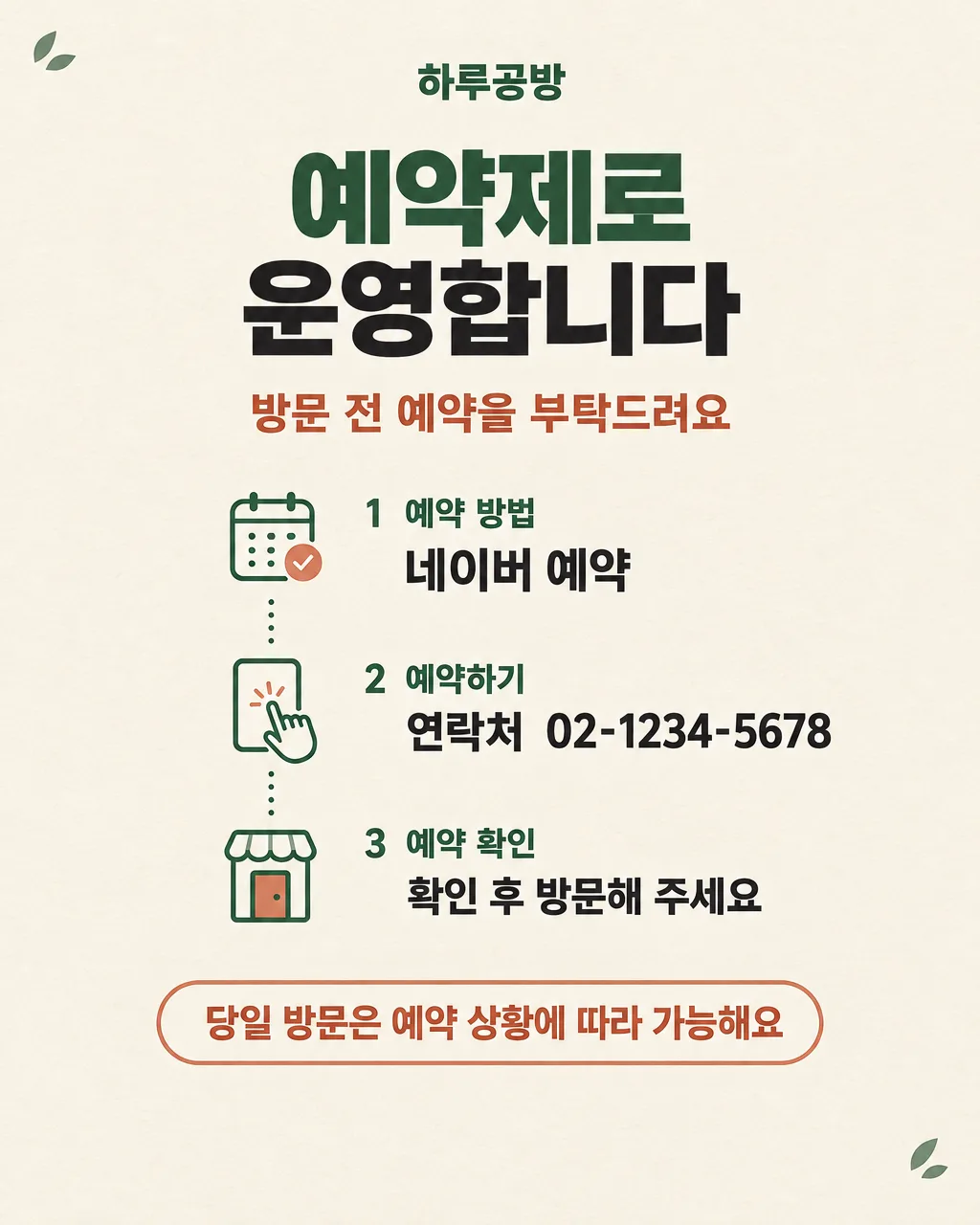
023Reservation Policy Notice
Show booking methods and whether same-day walk-ins are possible.
Fill in the fields
- 1Fill in the fields
- 2Copy the prompt
- 3Paste it into a GPT chat
- 4To use a photo, upload it together with the prompt Optional
Full prompt 891 characters
Create the finished image now. Return the image, not a description.
Output size 2480x3508 pixels, A4 portrait, 300dpi, print-ready poster.

[Owner inputs]
Shop name: 【Shop name】
How to book: 【How to book】
Contact: 【Contact】
Same-day walk-ins: 【Same-day walk-ins】

Make one welcoming shop notice. Present the shop name, exact reservation method and contact, and the selected same-day walk-in policy. If the booking platform in an example is Naver, explain it as a Korean local listing and reservation service; owners may substitute their local platform. Do not invent a booking link, fee, deposit, cancellation rule, or opening hours.

Use the filled field values as instructions. Omit blank optional fields. Preserve exact owner-supplied names, dates, prices, contact details, and wording. Use natural U.S. English for all visible text. Do not print field labels as a separate form, prompt instructions, placeholder braces, or invented facts on the image.
You may also like
How to use it · FAQ
Post it at the entrance and on the shop's local listing after checking booking details.