
項目を入力
- 1項目を入力します
- 2コピーを押します
- 3GPTのチャットに貼り付けます
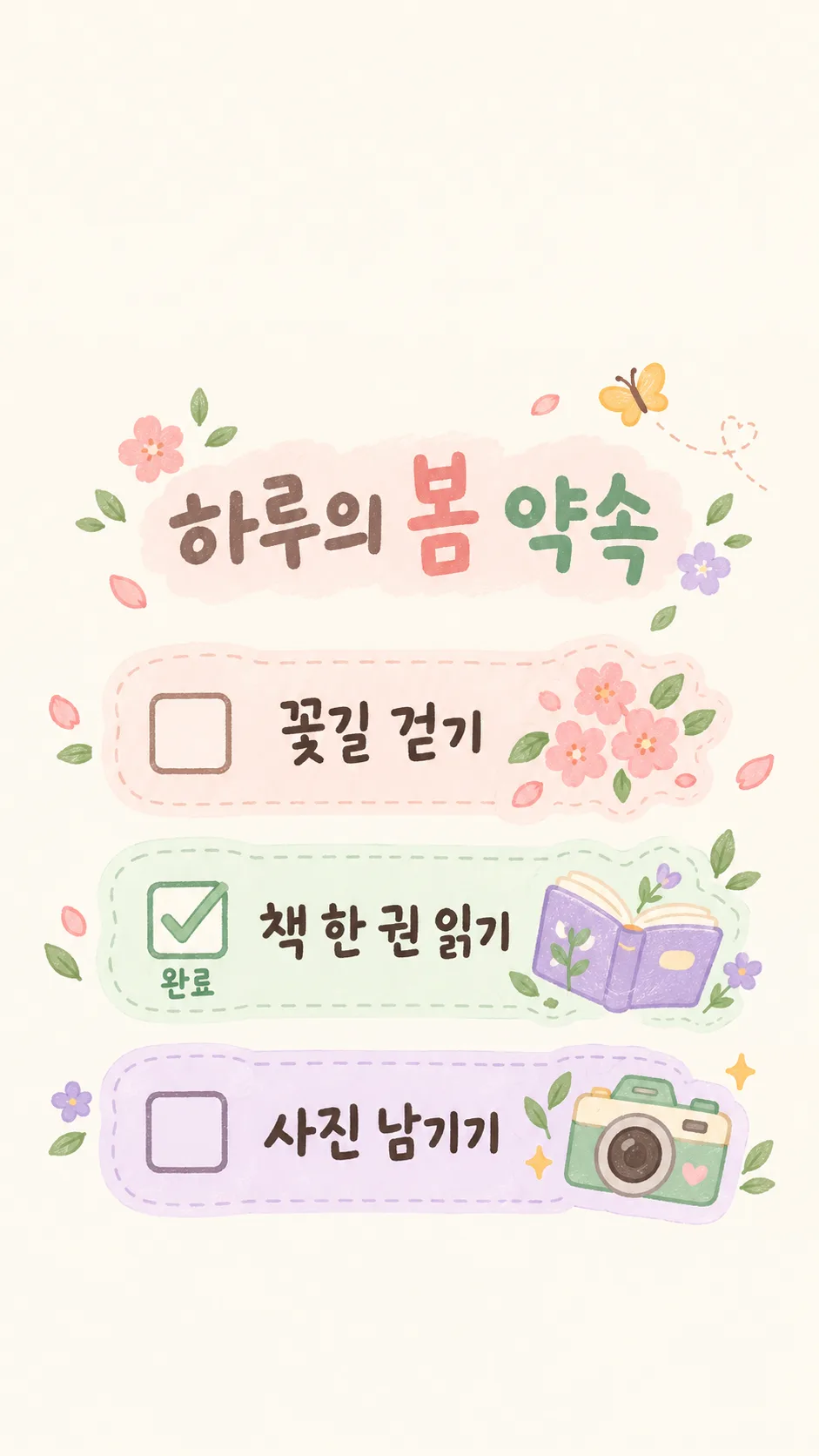
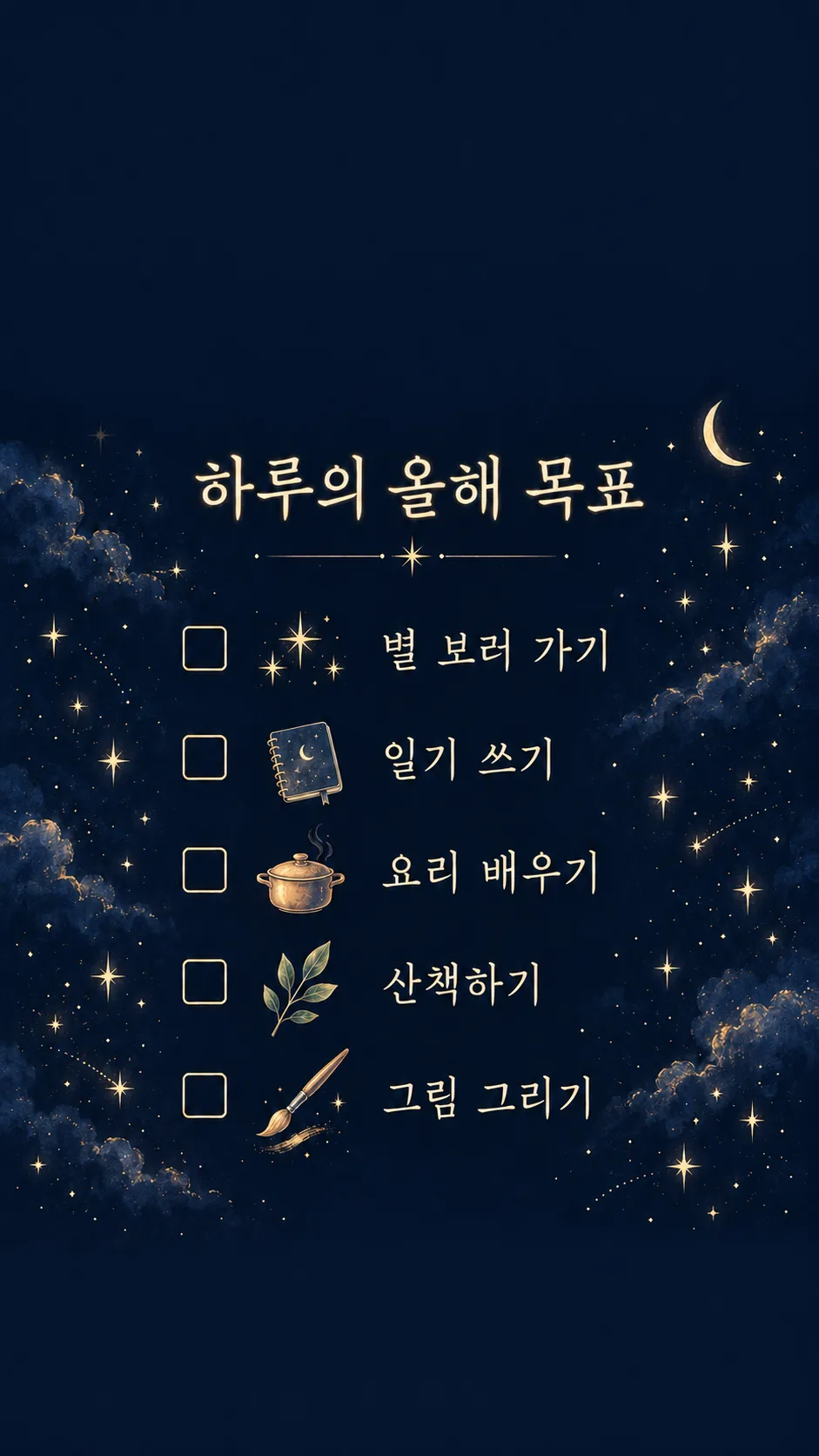
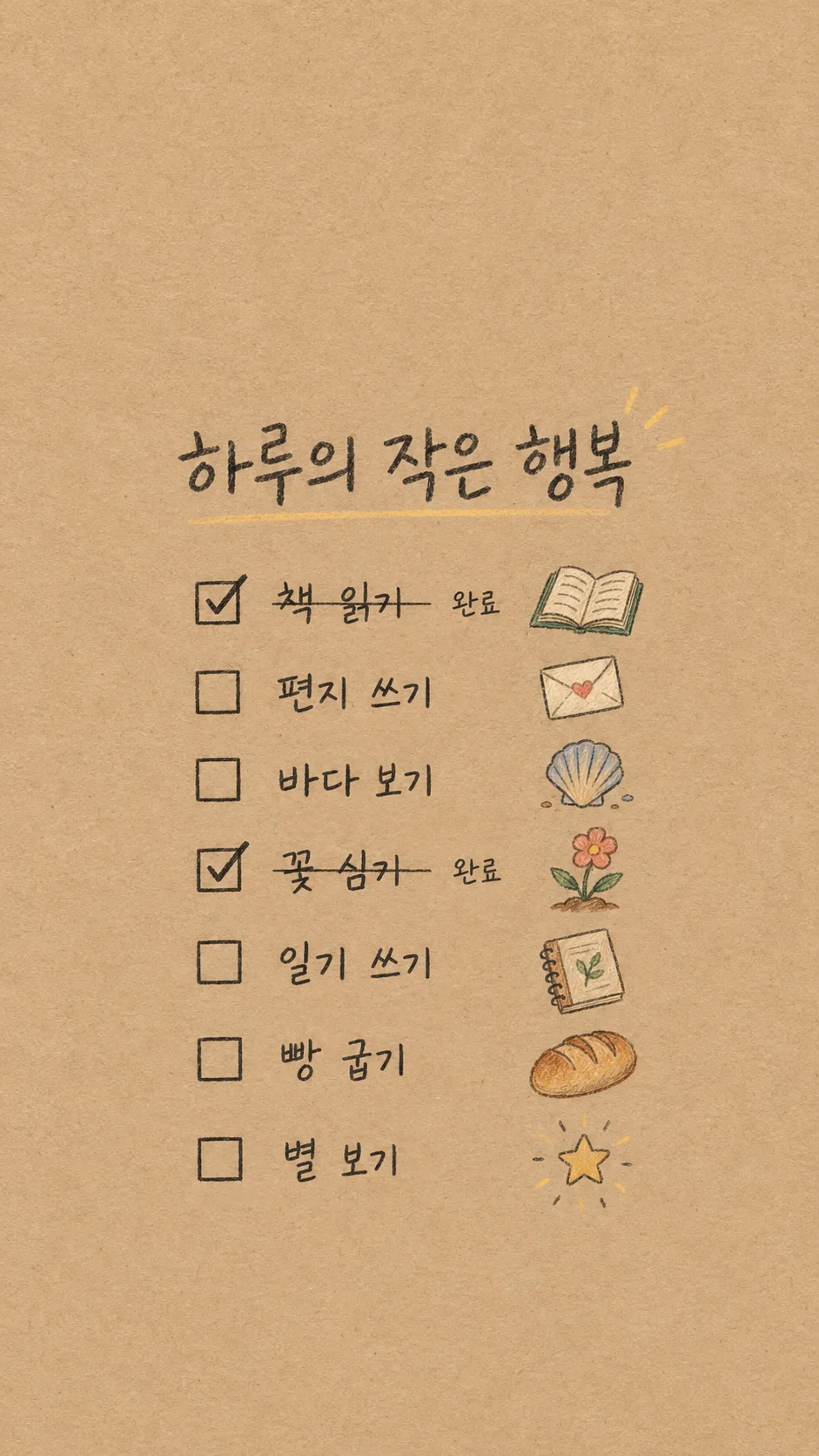
- 4そのまま送ると、サムネイルの例のような画像になります
- 5カードに合う実際の写真を一緒に入れると反映されます。背景カードなら背景の写真、人物・料理カードならその写真 任意
プロンプト全文を見る 3,371文字
Generate this image now. Draw exactly ONE finished full-bleed bucket-list checklist wallpaper directly; no explanation or questions.
Canvas: 出力サイズは1080×1920ピクセル、9:16の縦型にしてください。文字は中央の安全な範囲に収めてください。. Default 9:16. Pure wallpaper, no phone mockup, clock, app icons, widgets, poster frame or collage.
Title: "【タイトル】". Render this supplied title verbatim once, large and readable. Do not invent a subtitle or slogan.
Original input slot 1: "【項目 1】".
Original input slot 2: "【項目 2】".
Original input slot 3: "【項目 3】".
Original input slot 4: "【項目 4】".
Original input slot 5: "【項目 5】".
Original input slot 6: "【項目 6】".
Original input slot 7: "【項目 7】".
Render only nonempty input slots, in original order, verbatim including spelling, numerals and punctuation. A blank slot removes the entire row, its checkbox and icon; compact the remaining rows without gaps. Never invent, translate, correct, duplicate or replace goals. The input numbers are identifiers, not visible row numbers. Use 3–7 supplied goals; never fill missing rows with guessed goals.
Completed original input slot numbers: "【完了した項目の番号】". Accept comma or space separated integers 1–7. Ignore duplicates, invalid numbers and references to blank slots. Empty means nothing completed. Match original slot numbers BEFORE removing blank rows. For completed slots only, draw a checked checkbox and exact small label "完了". Others have empty checkboxes and no status word. Strikethrough: "【取り消し線】". Only if this means On, draw one thin line through completed item text, preserving legibility; otherwise no strike. Never infer completion from goal wording.
Mood: "【雰囲気】". Interpret only the selected option: pastel diary stickers = cream peach mint lavender paper, softly hand-drawn separated white-edged icons; starry night = deep navy, pale gold readable lettering and delicate original icon sketches; kraft paper handwriting = warm kraft texture, clear charcoal pencil handwriting and small colored pencil icons. These are surface treatments of the SAME checklist wallpaper layout. No branded stickers or recognizable product designs.
Layout: top 0–25% and bottom 90–100% are completely quiet plain background texture, with NO letters, stars, icons or decorative objects. Title occupies 28–38%. All checklist rows occupy 41–84% with evenly distributed spacing adjusted to the supplied count. Text stays within 12–88% width. One small original icon per row drawn from that row’s literal meaning, with a neutral abstract dot for unclear meanings; never add a new activity. Keep icons separate and clear gaps between all stickers. No overlapping lettering, high-detail background behind words or excessive decoration. Main checklist remains dominant and legible on a phone. No people, real brands, trademarks, logos, watermark or existing characters.
Before returning the single image, compare every rendered character against the input, count nonempty slots, and check completion mapping. Render ONLY the supplied title, supplied goals and the applicable status word. Do not print verification notes.

[Final output format]
出力サイズは1080×1920ピクセル、9:16の縦型にしてください。文字は中央の安全な範囲に収めてください。
This selected output format takes priority over any fixed canvas size or aspect ratio elsewhere in this template. Adapt the composition, text zones and margins to the selected canvas without stretching or cropping essential content. Device safe areas apply only when a device is selected. Never print these format instructions on the image.
結果はどうでしたか?
こちらのカードも人気です
使い方・よくある質問
毎日目にする自分の目標
自分で書いた目標だけをチェックリストの壁紙にします。タイトル、項目1〜3、雰囲気を入力し、項目4〜7は必要な分だけ追加してください。空欄の行はチェックボックスと絵も消えます。文章はそのまま表示され、目標を勝手に追加しません。上25%と下10%は静かな背景にし、時計やドックの場所を空けます。
完了の指定
完了した項目の番号は、元の入力欄の番号を「2」や「1, 4」と入力します。空欄を除いた後の行番号ではありません。空欄なら完了なし。指定した項目だけにチェックと「完了」を付け、取り消し線が「あり」なら細い線も加えます。存在しない番号や空欄の番号は無視します。
保存前の確認
雰囲気はパステルの日記ステッカー、星空のきらめき、クラフト紙の手書きから選びます。文字を拡大して入力と一文字ずつ比べ、完了した行が正しいか確認してください。長い目標は短くすると読みやすくなります。画像AIにプロンプトを一度貼り付けて一枚を生成します。外部サービスの料金と規約は各サービスで確認してください。時計やアプリが文字に重なる場合は配置を調整してください。見本は3・5・7項目で、完了表示も異なります。