
すべて · 壁紙 · 言葉・雰囲気
420試験カウントダウン・勉強応援壁紙
大きなカウントダウンと試験名、任意の決意の一行。時計と下部ドックの場所を空けた壁紙です。
ChatGPT 無料 OK
項目を入力
- 1項目を入力します
- 2コピーを押します
- 3GPTのチャットに貼り付けます
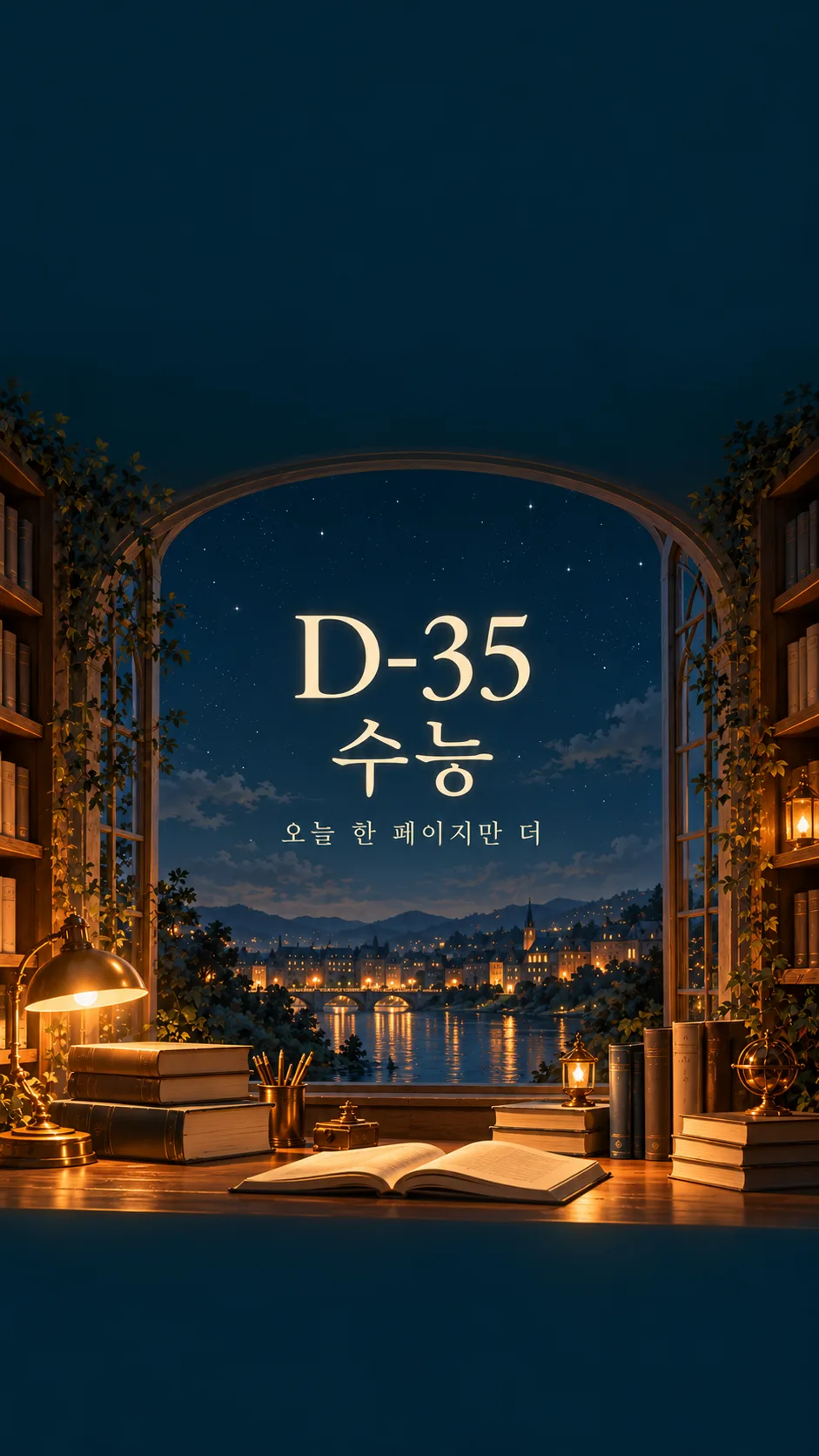
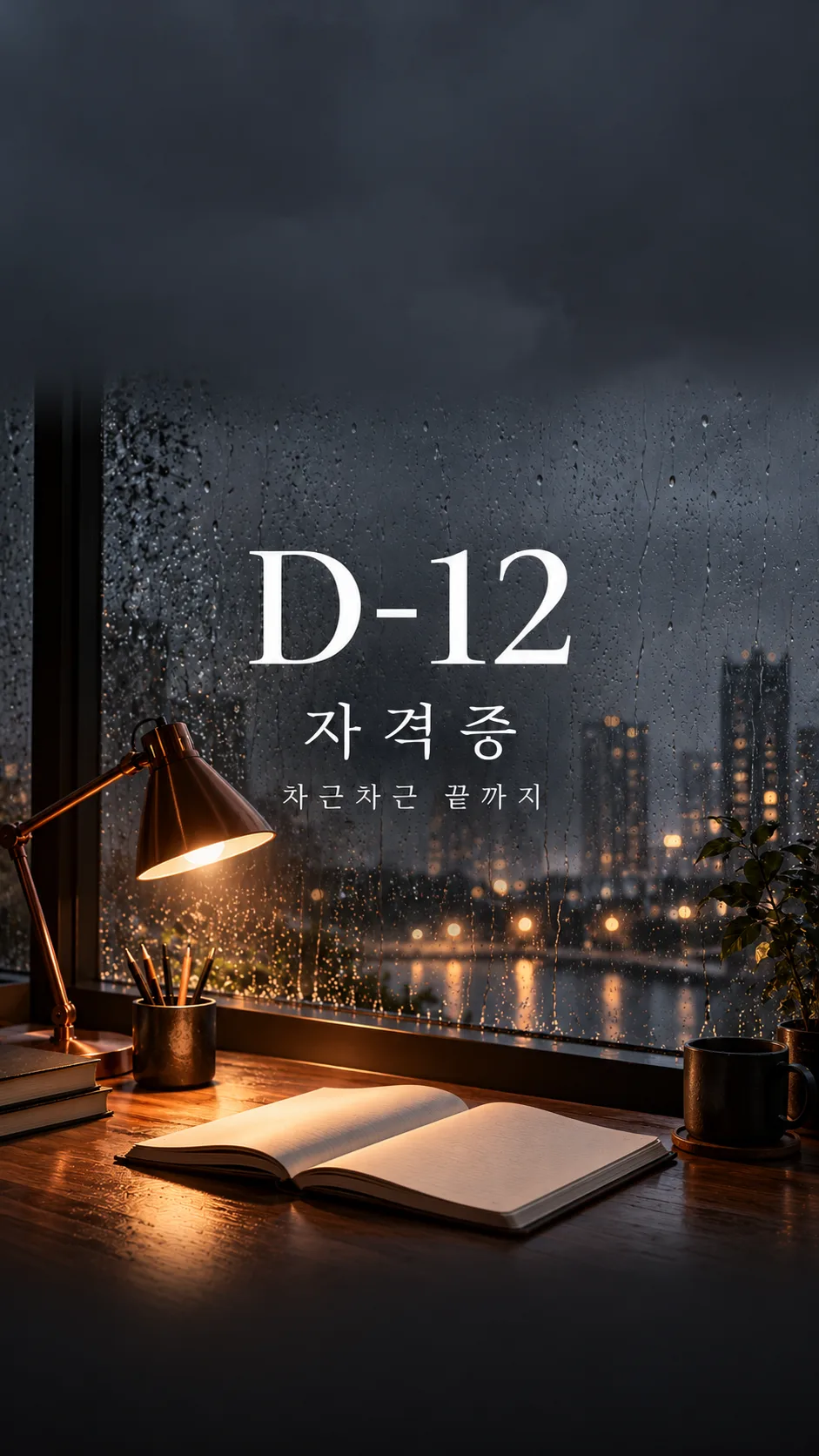
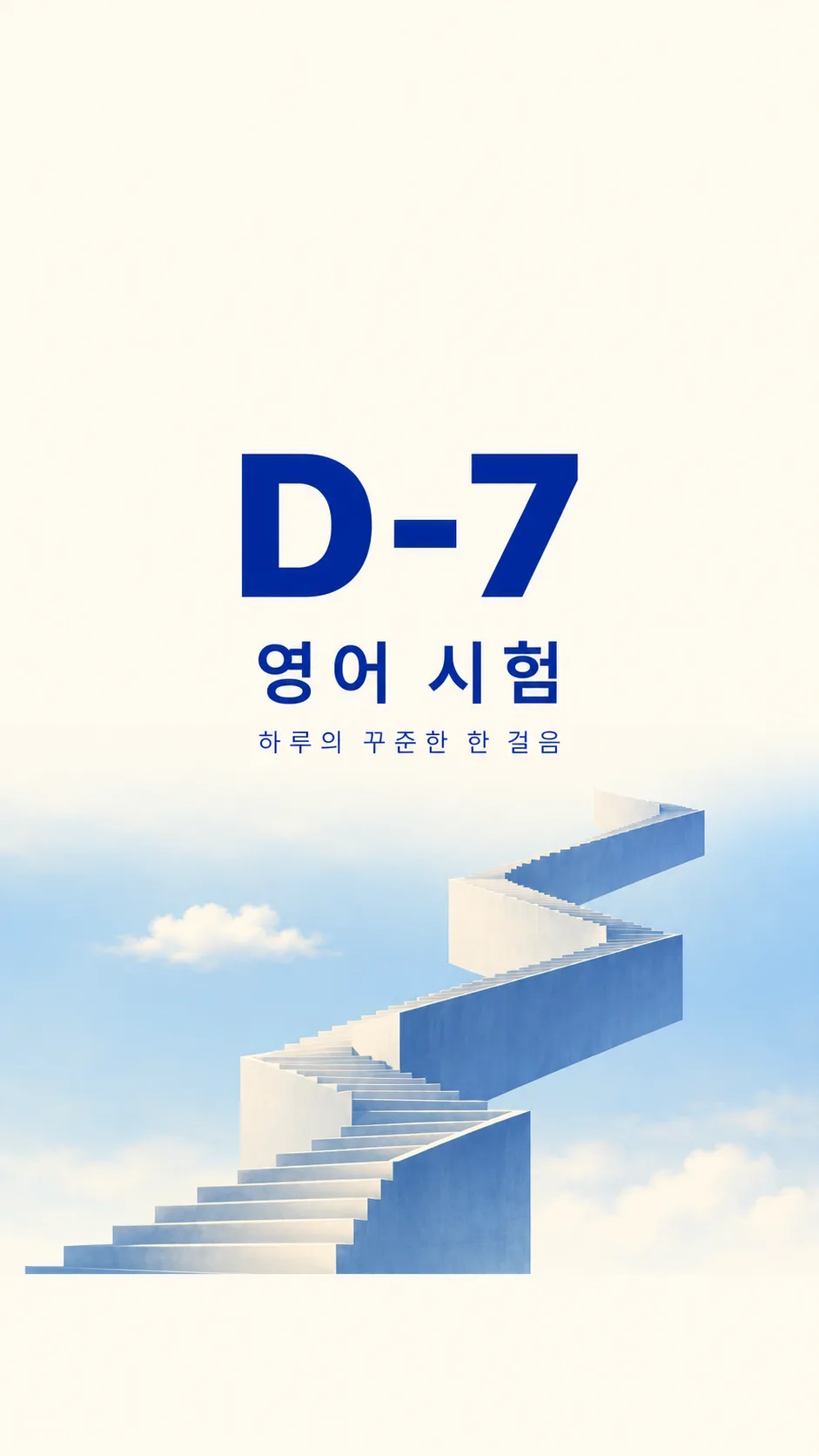
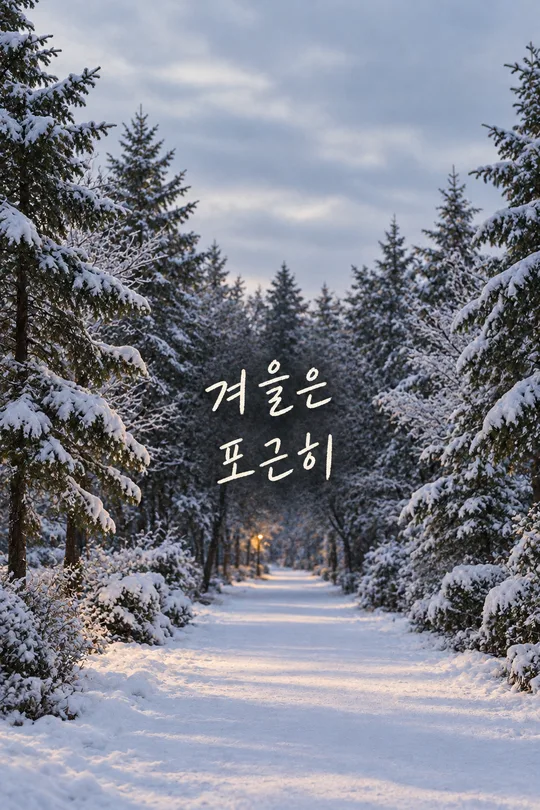
- 4そのまま送ると、サムネイルの例のような画像になります
- 5カードに合う実際の写真を一緒に入れると反映されます。背景カードなら背景の写真、人物・料理カードならその写真 任意
プロンプト全文を見る 3,368文字
Create exactly one finished full-bleed study countdown wallpaper now, without code, explanations, mockups or a collage.
出力サイズは1080×1920ピクセル、9:16の縦型にしてください。文字は中央の安全な範囲に収めてください。
Use 9:16 by default. Fill the canvas with the finished background, no paper surround or phone frame.
COUNTDOWN = "【カウントダウン】". EXAM = "【試験名】". PLEDGE = "【決意の一行】". SCENE = "【場面】". MOOD = "【雰囲気】".
Copy COUNTDOWN verbatim, including D, hyphen, leading zeros and digits. Never calculate from dates, use today's date, decrement it, translate it or normalize it. If COUNTDOWN is empty, omit it; do not invent a number. Copy EXAM and PLEDGE verbatim in their supplied script; do not translate user wording. Empty EXAM omits the exam line. Empty PLEDGE removes its entire line and closes the gap. Never add an invented slogan, name, date, signature or labels.
Resolve optional menu commands before drawing. A blank scene uses the dawn desk; a blank mood uses calm illustration. おまかせ means choose a fitting option and never print the command. Use one scene and one mood only.
Scene meanings in order: 夜明けの机とライト = a quiet dawn desk with one warm original lamp and plain open notebook; 雨の窓辺の自習室 = a rainy window study room with a copper lamp and plain notebook; 星空が見える夜の図書館 = a fictional simple night library with stars below the clear clock zone; 空へ続く階段 = one original geometric staircase rising through pale blue sky.
Mood meanings: 穏やかなイラスト = refined quiet editorial illustration with restrained grain and amber highlights; 情緒的な写真 = cinematic natural photography with tactile paper and realistic rain; ミニマルなタイポグラフィ = ivory and cobalt editorial typography with simplified geometric scene.
For every scene and mood, reserve the entire top 25 percent for a quiet low-detail background with absolutely no text, stars, shelves, foliage, lamps or people. Reserve the entire bottom 10 percent for the same quiet background with no objects or lettering. These are usable clock and dock zones, not outlined boxes. Position all writing between 32 and 58 percent of image height; large COUNTDOWN first, EXAM next, PLEDGE smallest. Keep generous side margins, strong contrast and readable letterforms. Fit long text by reducing its size while preserving exact characters; do not truncate. The scene occupies 60 to 89 percent, blending naturally into the plain bottom zone. The background reaches every edge.
Use original fictional architecture, plain notebooks, unlettered books and original lamp designs. No actual schools, academies, textbook publishers, logos, trademarks, recognizable branded products or existing characters. Do not depict a person unless explicitly requested in the scene; then show only anonymous hands or a back view with no face, reflection or recognizable identity. No famous-person likeness. No UI, clock, calendar, watermark or verification notes. Before returning the one image, compare every letter and digit against the supplied text and inspect both clear zones. Regenerate incorrect lettering inside image generation rather than adding a separate text layer.

[Final output format]
出力サイズは1080×1920ピクセル、9:16の縦型にしてください。文字は中央の安全な範囲に収めてください。
This selected output format takes priority over any fixed canvas size or aspect ratio elsewhere in this template. Adapt the composition, text zones and margins to the selected canvas without stretching or cropping essential content. Device safe areas apply only when a device is selected. Never print these format instructions on the image.
結果はどうでしたか?
こちらのカードも人気です
使い方・よくある質問
毎日見る画面に小さな約束を
大きなカウントダウン、試験名、任意の決意を入れた勉強用壁紙を一枚作ります。上25%は時計用、下10%はドック用の静かな背景にします。スマートフォンの枠や時計そのものは描きません。
五つの欄の使い方
必須項目は2個です。カウントダウンにはD-30やD-007のように表示したい文字を完成形で書き、試験名は短くまとめます。数字や先頭のゼロをそのまま使い、試験日からの計算や毎日の更新はしません。決意の一行を空けると、その行全体が消えます。場面は四種類、雰囲気は三種類です。場面が空欄なら夜明けの机とライト、雰囲気が空欄なら穏やかなイラストになります。「おまかせ」は該当する項目だけを選ぶ指示で、画像には印字しません。
一度貼り付けて画像を作る
基本比率9:16を確認し、完成したプロンプトを画像AIへ一度貼り付けます。写真の添付は不要です。各見本は別々の画像で、夜の図書館のイラスト、雨の自習室の写真、空の階段のミニマルな構成を示しています。建物や道具は架空で、実在する学校や教材のロゴは使いません。
設定前に拡大して確認
数字、ハイフン、試験名、決意の小さな文字を一文字ずつ確認してください。時計と重なる場合は「文字全体を画面の高さ40〜55%に移し、上25%を空けて」と依頼します。誤字は正しい行を丸ごと伝えて描き直します。端末の壁紙設定で自動拡大を弱めると余白を保ちやすくなります。日数を変えるときはカウントダウン欄を書き換えて新しい画像を作ってください。