
전체 · 배경화면 · 감성 문구
420시험 디데이 공부 자극 배경화면
내가 적은 D-day를 크게, 시험 이름과 다짐을 한 화면에. 시계와 아래 독 자리를 남긴 공부 배경화면이에요.
ChatGPT 무료 OK
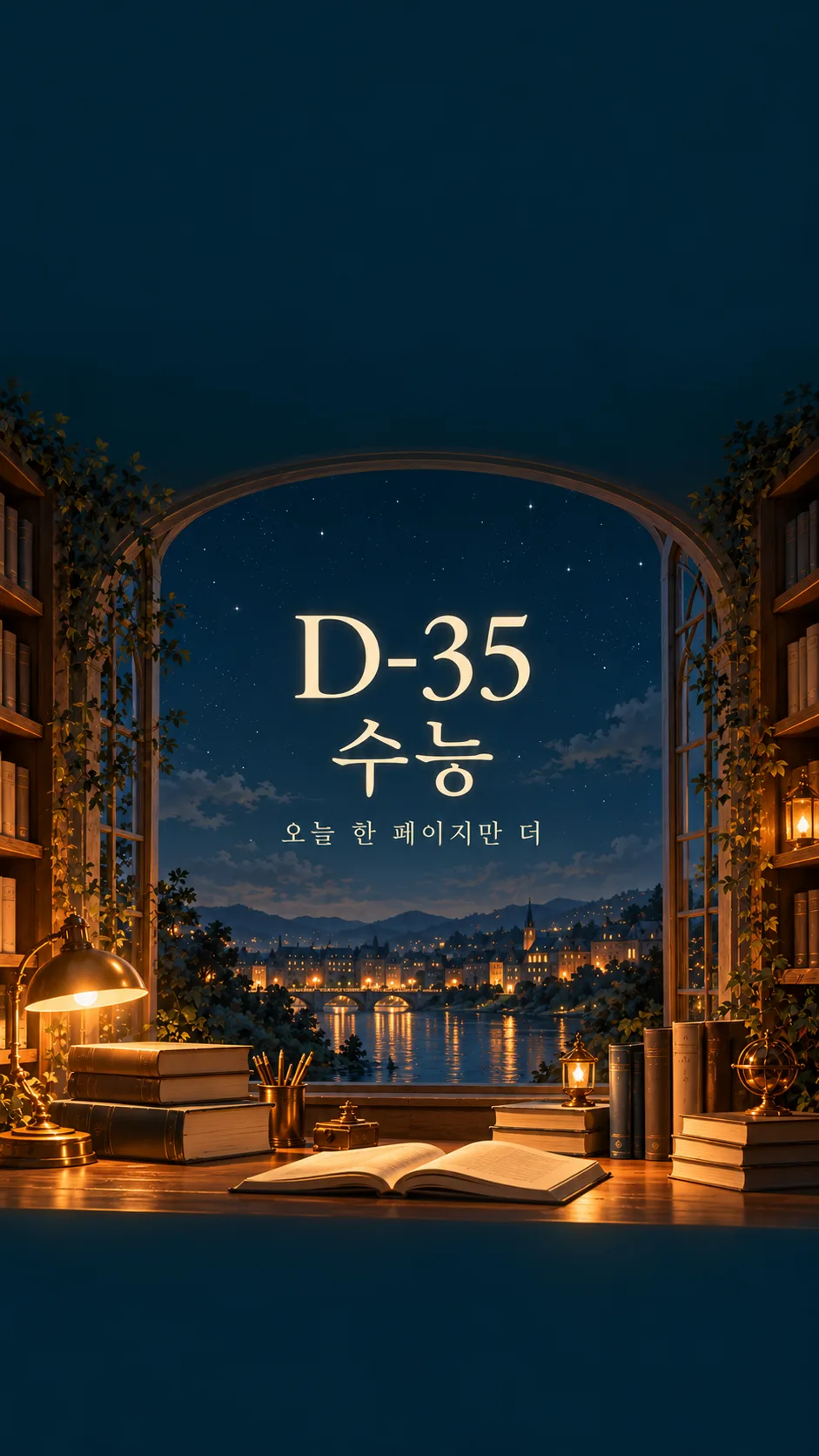
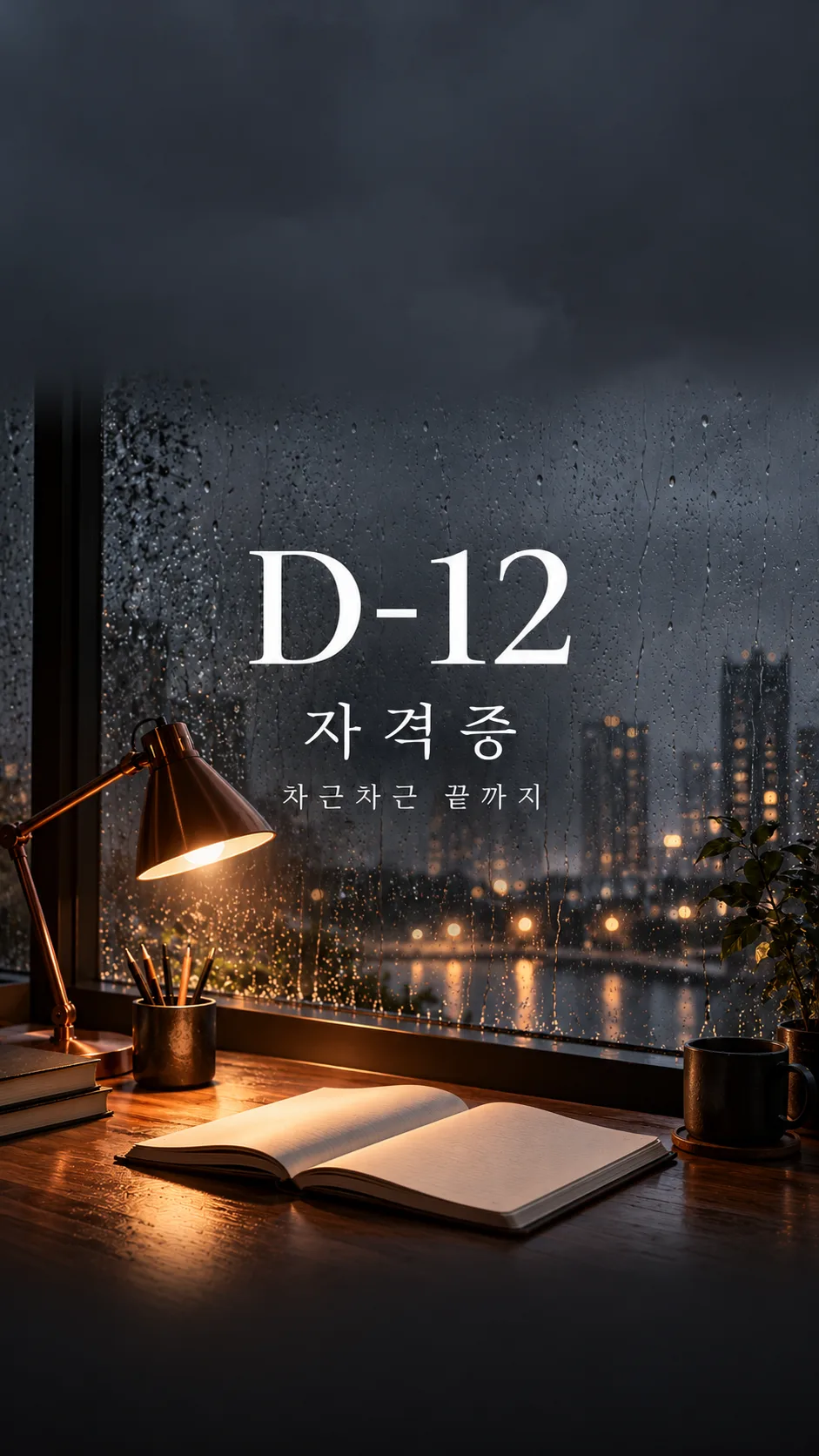
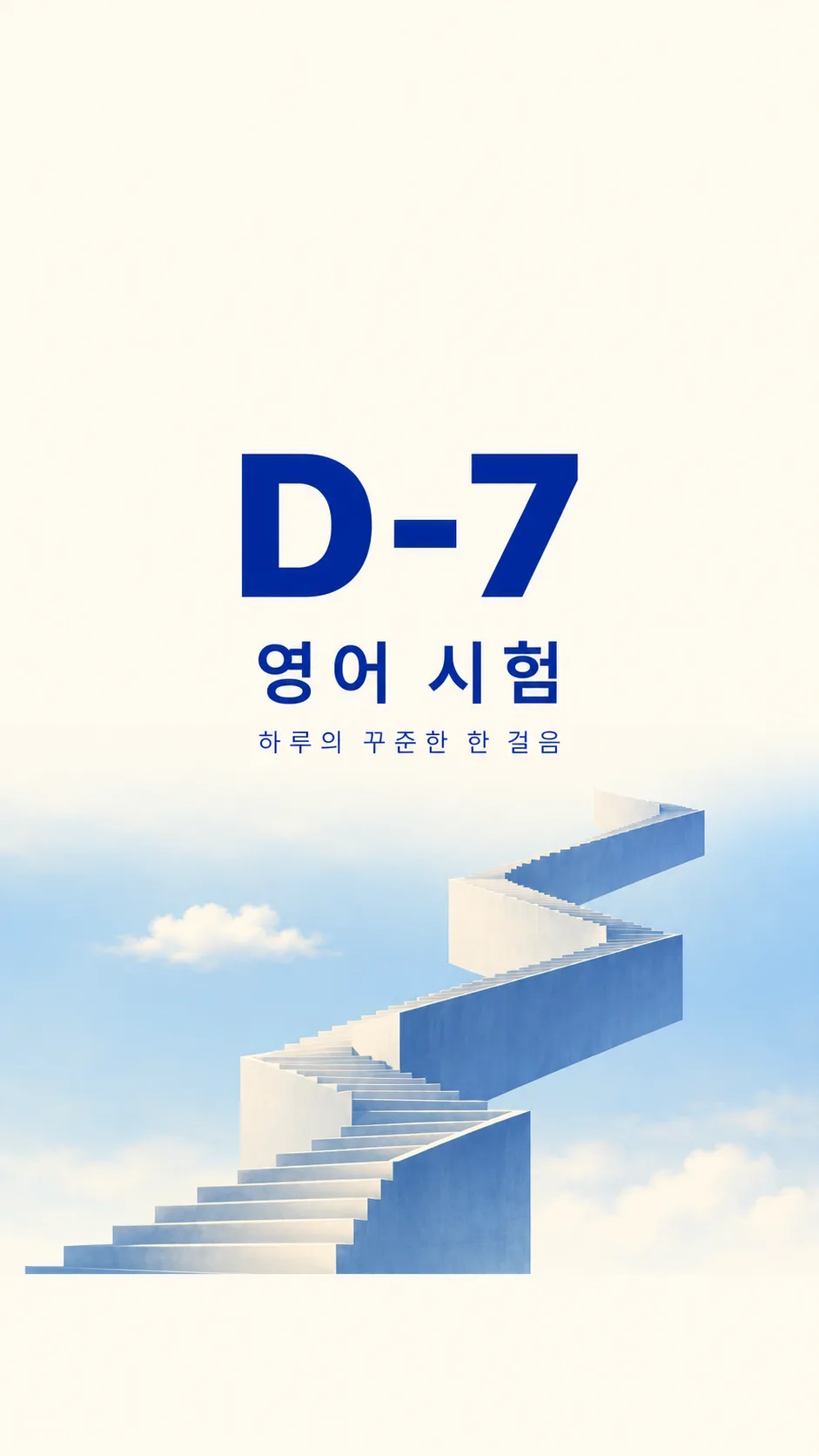
칸 채우기
- 1칸을 채워요
- 2복사 버튼을 눌러요
- 3GPT 채팅창에 붙여넣어요
- 4그대로 보내면 썸네일 예시처럼 나와요
- 5카드에 맞는 실제 사진을 같이 넣으면 그 사진이 반영돼요 — 배경 카드는 배경 사진, 인물 · 음식 카드는 그 사진 선택
프롬프트 원문 보기 3,370자
Create exactly one finished full-bleed study countdown wallpaper now, without code, explanations, mockups or a collage.
Output size 1080x1920 pixels, 9:16 portrait story. Keep all text inside the central 80% of the height: compress every zone percentage below into the 10-90% range.
Use 9:16 by default. Fill the canvas with the finished background, no paper surround or phone frame.
COUNTDOWN = "【디데이 숫자】". EXAM = "【시험 이름】". PLEDGE = "【다짐 한 줄】". SCENE = "【장면】". MOOD = "【분위기】".
Copy COUNTDOWN verbatim, including D, hyphen, leading zeros and digits. Never calculate from dates, use today's date, decrement it, translate it or normalize it. If COUNTDOWN is empty, omit it; do not invent a number. Copy EXAM and PLEDGE verbatim in their supplied script; do not translate user wording. Empty EXAM omits the exam line. Empty PLEDGE removes its entire line and closes the gap. Never add an invented slogan, name, date, signature or labels.
Resolve optional menu commands before drawing. A blank scene uses the dawn desk; a blank mood uses calm illustration. 알아서 골라줘 means choose a fitting option and never print the command. Use one scene and one mood only.
Scene meanings in order: 새벽 책상 스탠드 = a quiet dawn desk with one warm original lamp and plain open notebook; 비 오는 창가 독서실 = a rainy window study room with a copper lamp and plain notebook; 별 보이는 밤 도서관 = a fictional simple night library with stars below the clear clock zone; 하늘 위 계단 = one original geometric staircase rising through pale blue sky.
Mood meanings: 차분한 일러스트 = refined quiet editorial illustration with restrained grain and amber highlights; 실사 감성 사진 = cinematic natural photography with tactile paper and realistic rain; 미니멀 타이포 = ivory and cobalt editorial typography with simplified geometric scene.
For every scene and mood, reserve the entire top 25 percent for a quiet low-detail background with absolutely no text, stars, shelves, foliage, lamps or people. Reserve the entire bottom 10 percent for the same quiet background with no objects or lettering. These are usable clock and dock zones, not outlined boxes. Position all writing between 32 and 58 percent of image height; large COUNTDOWN first, EXAM next, PLEDGE smallest. Keep generous side margins, strong contrast and readable letterforms. Fit long text by reducing its size while preserving exact characters; do not truncate. The scene occupies 60 to 89 percent, blending naturally into the plain bottom zone. The background reaches every edge.
Use original fictional architecture, plain notebooks, unlettered books and original lamp designs. No actual schools, academies, textbook publishers, logos, trademarks, recognizable branded products or existing characters. Do not depict a person unless explicitly requested in the scene; then show only anonymous hands or a back view with no face, reflection or recognizable identity. No famous-person likeness. No UI, clock, calendar, watermark or verification notes. Before returning the one image, compare every letter and digit against the supplied text and inspect both clear zones. Regenerate incorrect lettering inside image generation rather than adding a separate text layer.

[Final output format]
Output size 1080x1920 pixels, 9:16 portrait story. Keep all text inside the central 80% of the height: compress every zone percentage below into the 10-90% range.
This selected output format takes priority over any fixed canvas size or aspect ratio elsewhere in this template. Adapt the composition, text zones and margins to the selected canvas without stretching or cropping essential content. Device safe areas apply only when a device is selected. Never print these format instructions on the image.
결과 어땠어요?
이 카드도 많이 사용해요
쓰는 법 · 자주 묻는 것
잠금화면을 공부 약속으로
시험을 준비하며 자주 보는 휴대폰에 남은 숫자와 짧은 다짐을 두는 배경화면이에요. 큰 디데이가 먼저 보이고, 시험 이름과 한 줄 문구가 그 아래 이어져요. 위 25%는 시계, 아래 10%는 독과 잠금화면 버튼을 위해 조용한 바탕으로 남겨요. 폰 테두리나 시계 그림이 들어간 목업이 아니라 바로 배경으로 설정할 결과 한 장을 요청해요.
다섯 칸 채우기
꼭 채울 칸은 2개예요. 디데이 숫자에는 D-30처럼 화면에 넣을 표기를 완성해서 쓰고, 시험 이름에는 공무원 시험이나 수능처럼 짧은 이름을 적어요. D-007도 그대로 유지하며 시험 날짜로 계산하지 않아요. 다짐 한 줄은 선택이에요. 비우면 문구 줄 전체가 빠져요. 문구 보기에서 고르거나 하루의 꾸준한 한 걸음처럼 바꿔 보세요. 장면은 네 가지, 분위기는 세 가지 중에서 골라요. 장면과 분위기를 비우면 새벽 책상 스탠드와 차분한 일러스트로 정해져요. 「알아서 골라줘」는 해당 항목만 고르는 명령이고 그림에 찍히지 않아요.
한 번에 그림 받기
기본 비율 9:16을 확인하고 완성된 프롬프트를 그림 AI에 한 번 붙여 넣어요. 사진 첨부는 필요 없어요. 표지는 공무원 시험 D-30의 새벽 책상이고, 카드 안 예시는 수능 D-35의 밤 도서관 일러스트, 자격증 D-12의 비 오는 독서실 사진, 영어 시험 D-7의 미니멀 계단이에요. 같은 그림을 잘라 돌려 쓴 예시가 아니에요. 실제 교재나 학교 로고는 사용하지 않아요.
설정 전에 확대해서 확인
숫자의 0과 7, 하이픈, 시험 이름의 받침, 작은 다짐의 모든 글자를 확대해서 읽으세요. 잠금화면에 적용해 시계와 글자가 겹치면 「글자 전체를 화면 높이 40~55%로 옮기고 위 25%를 비워줘」라고 요청해요. 오탈자는 「문구를 오늘 한 페이지만 더로 정확히 다시 그려줘」처럼 틀린 줄을 통째로 알려 주세요. 자동 날짜 계산이나 매일 숫자가 갱신되는 기능은 없어요. D-day를 바꾸려면 칸의 숫자를 바꿔 새로 만드세요. 기기마다 자동 확대가 달라 배경 설정에서 확대를 줄여 글자와 빈 공간을 확인하면 좋아요.