
項目を入力
- 1項目を入力します
- 2プロンプトをコピーします
- 3GPTのチャットに自分で撮った旅の風景写真1枚とプロンプトを一緒に送ります
- 4写真と文章の両方が入っていることを確認します
プロンプト全文を見る 3,778文字
Generate this image now. Draw it directly - do not describe it, explain it, or ask questions.
A3横、420×297mm、縦横比1.414:1のポスターを1枚作成してください。生成できる最大解像度を使い、印刷用の最終目標は4961×3508ピクセル、300dpiです。文字は紙の端から10mm以上内側に置いてください。

[Purpose]
Create one layered-paper landscape from the user's own travel photo, with a large pencil memory line. It is a complete personal travel artwork, not a portrait, itinerary or comparison collage.

[Scene]
Retain real viewpoint, skyline, buildings, terrain, paths, water and relative positions. Keep visible people and vehicles in their actual counts. Translate the whole scene into thin stacked matte paper planes. Extend only plain sky or ground to fit, never a new attraction or building. Caption: "【思い出のひとこと】". For "おまかせで選んで", create a reflective Japanese phrase of at most eighteen characters about noticing this view; no invented location, date or travel story.

[Attached photo]
One landscape photo taken by the user is required. It defines the scene, not a generic Japanese street. Preserve significant edges and recognizable source colors in sage, teal, ivory and rust. No added sign letters or brand marks.

[Text layout]
Open paper sky with large pencil caption y18-28%. One connected layered landscape fills y31-100%, from broad foreground through middle scene to distant skyline. No inset photo or separate panels.
Optional place only: render "【場所の名前】" on quiet ground at y78-81%.
Optional name only: render "【名前】" on a separate modest pencil line at y82-84%; no label or empty tag.

[Style]
Fixed handcrafted layered matte paper, clean cut silhouettes, fine edge fibers and restrained shallow shadows. Muted teal/sage with ivory sky and small rust accents. No watercolor, woodcut, folded origami, toy model or animation screenshot.

[Visual hierarchy]
Read the memory line first, then recognize the personal landscape. Roads, roofs and terrain remain clear as a list image. Optional names are secondary. Finish the artwork edge to edge.

[Lighting and texture]
Soft grazing light, continuous paper planes and sensible foreground-to-distance layering. Fine thin edges rather than large polygon folds. Matte surfaces without plastic glare or a desktop setting.

[Text rules]
Visible words are Japanese in large connected dark graphite pencil handwriting. Exact supplied caption unless automatic. Print place and name only if supplied. No guessed city, date, weather, attraction facts, labels or automatic-choice controls.

[Avoid]
No new destination, invented landmark, map, before-and-after, origami animal, miniature on a table, extra people, copyrighted artist, brand, several files or cutting instructions.

[Single-image delivery]
Deliver exactly one completed raster image, with one fixed medium and one fixed composition. All requested elements belong inside this single canvas. Generate it directly without running code, giving setup instructions, asking follow-up questions, presenting alternatives, or requiring the user to crop or combine files. Do not put the prompt, field names, placeholders, explanations or an advertising wrapper in the artwork. Keep the outer canvas fully finished edge to edge. Respect the selected aspect ratio by adapting spacing only; preserve the same result type and relative visual hierarchy.

[Legibility and factual discipline]
Keep every essential letter within 14-84% of the canvas height and 7-93% of its width. Leave the top 12% and bottom 15% free of important lettering. At 1024x1536, essential ink must stay between y215 and y1290. Use readable dark-on-light or light-on-dark contrast, actual connected letters and natural word spacing. Never fabricate dates, discounts, counts, rewards, statistics, origins, medical effects or business terms. Do not reproduce trademarks, famous people, named fictional characters, franchise imagery, artist signatures, watermarks, device mockups or official app interfaces.
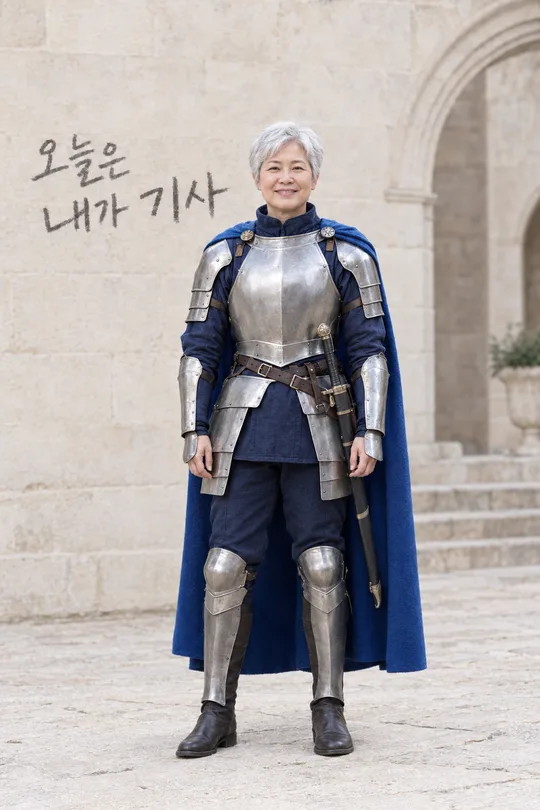
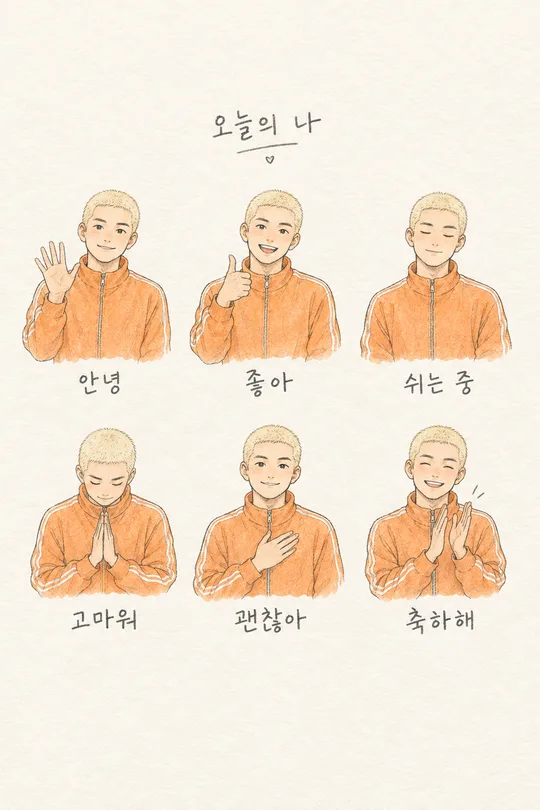
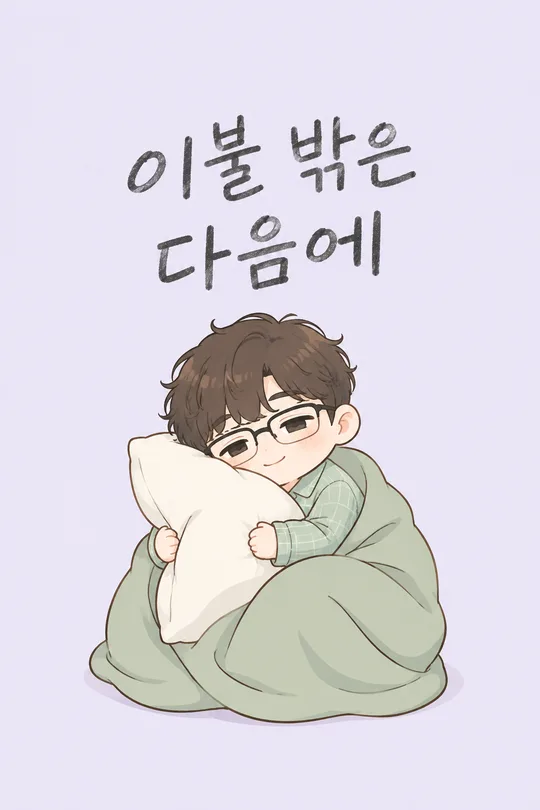
こちらのカードも人気です
使い方・よくある質問
旅を違う素材で残す
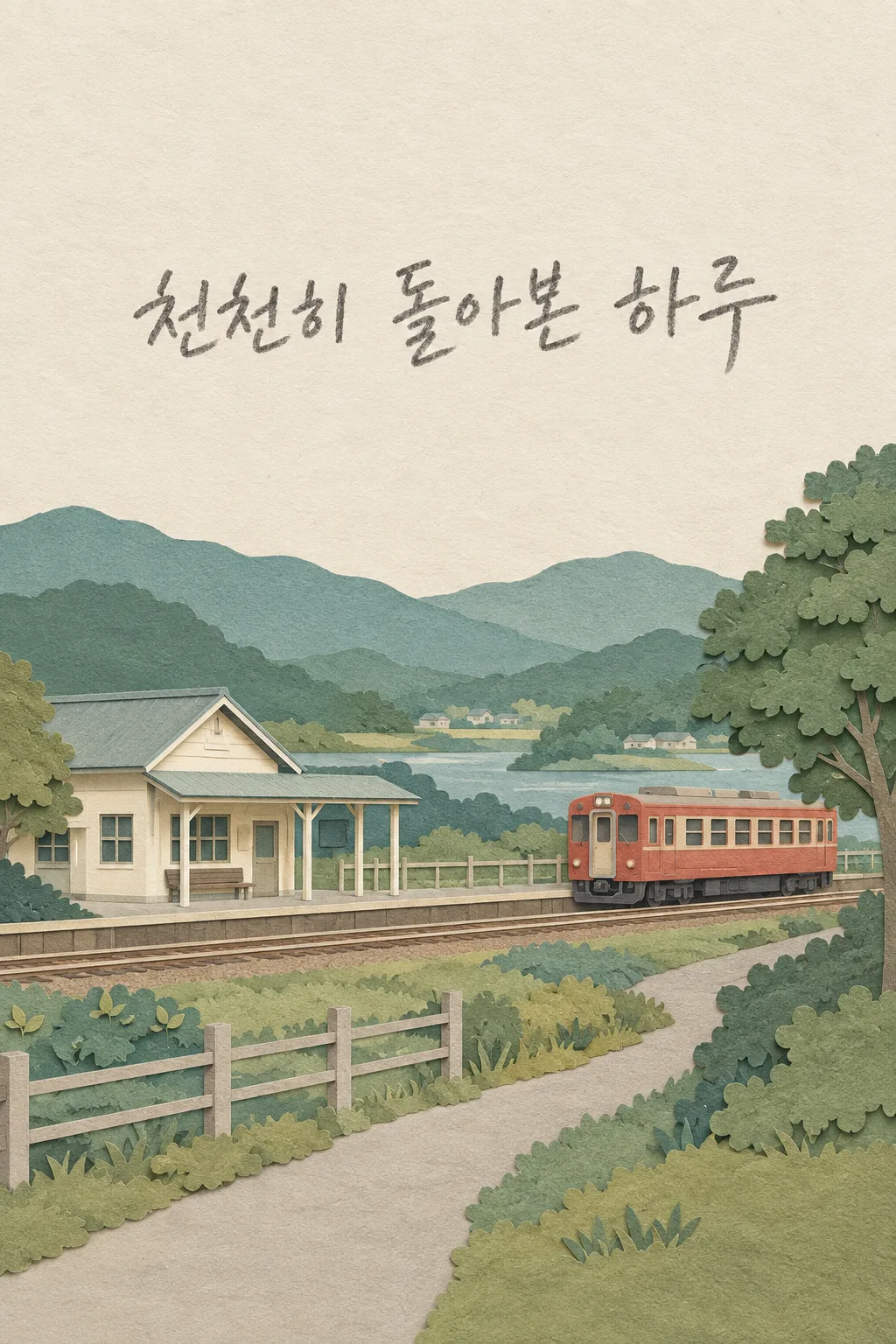
歩いた道や窓から見た景色を、紙が何層も重なった一枚の風景に変えるカードです。小さな駅、路地、海辺、散歩道など、自分で撮った場所をSNSの記録にしたいときに使います。写真と絵を上下に比較する形式ではなく、風景全体が紙のイラストになります。建物や道の位置が自分の写真に基づくため、同じひとことでも人によって違う思い出になります。
写真の選び方
場所の構図がはっきり分かる写真を一枚用意してください。顔だけの自撮りより、道、建物、山、水などが見える写真が向いています。人物が写っている場合も人数と位置を残すよう依頼しますが、中心は人物の肖像ではなく風景です。自分で撮った写真や利用できる写真を選んでください。表紙の小さな駅と列車は素材と構成を示す架空の見本で、実際の観光地を紹介するものではありません。
思い出と名前
ひとことには、その景色と一緒に残したい短い言葉を入力します。おまかせで選んでを選ぶと、写真を眺める気持ちを表す一般的な言葉を作り、行っていない旅行の話や日付は加えません。場所の名前は実際に分かるときだけ入力し、分からなければ空欄にしてください。写真だけで都市や駅名を推測させません。自分の名前も任意です。両方を空欄にしても、大きなひとことと風景は残ります。画風や配置を選ぶ欄はなく、重なる紙の風景一種類に固定されています。
一つのメッセージで送る
写真をGPTの入力欄に追加して、まだ送信しません。入力を終えたプロンプトを同じ欄に貼り付け、写真と文章の両方を確認して一度送ります。写真だけ先に送った場合は、上の写真を使うよう最後に一文を加えてください。利用者が紙を切ったり複数の画像を組み合わせたりする作業は不要で、完成した一枚をそのまま受け取ります。
元の風景を確認
写真と生成画像を並べて、建物の位置、道の向き、人や車両の数、山や水の形を確認してください。素材を変えても別の場所になってはいけません。横長写真は無地の空や単純な地面を伸ばして縦画面に合わせ、存在しない建物や有名な名所を追加しないよう依頼します。紙の薄い端と層の間の影が見え、折り紙の動物や机の上の模型になっていないことも見ます。
修正の基準
駅の位置が動いた場合は、写真のように駅は左、列車は右と関係を指定してください。文字が小さければひとことを短くして大きく書くよう伝えます。推測された日付や都市名は削除を依頼します。最初のメッセージで一枚を完成させる設計で、追加依頼は失敗を補う方法です。
よくある質問
- 日本の写真だけですか? どの旅先も、元の場所を残した紙の風景になります。
- 元写真も入りますか? 比較枠はなく、風景全体が紙の絵になります。
- 場所の名前が不明なら? 空欄にすれば推測せず、その行だけ省略します。