

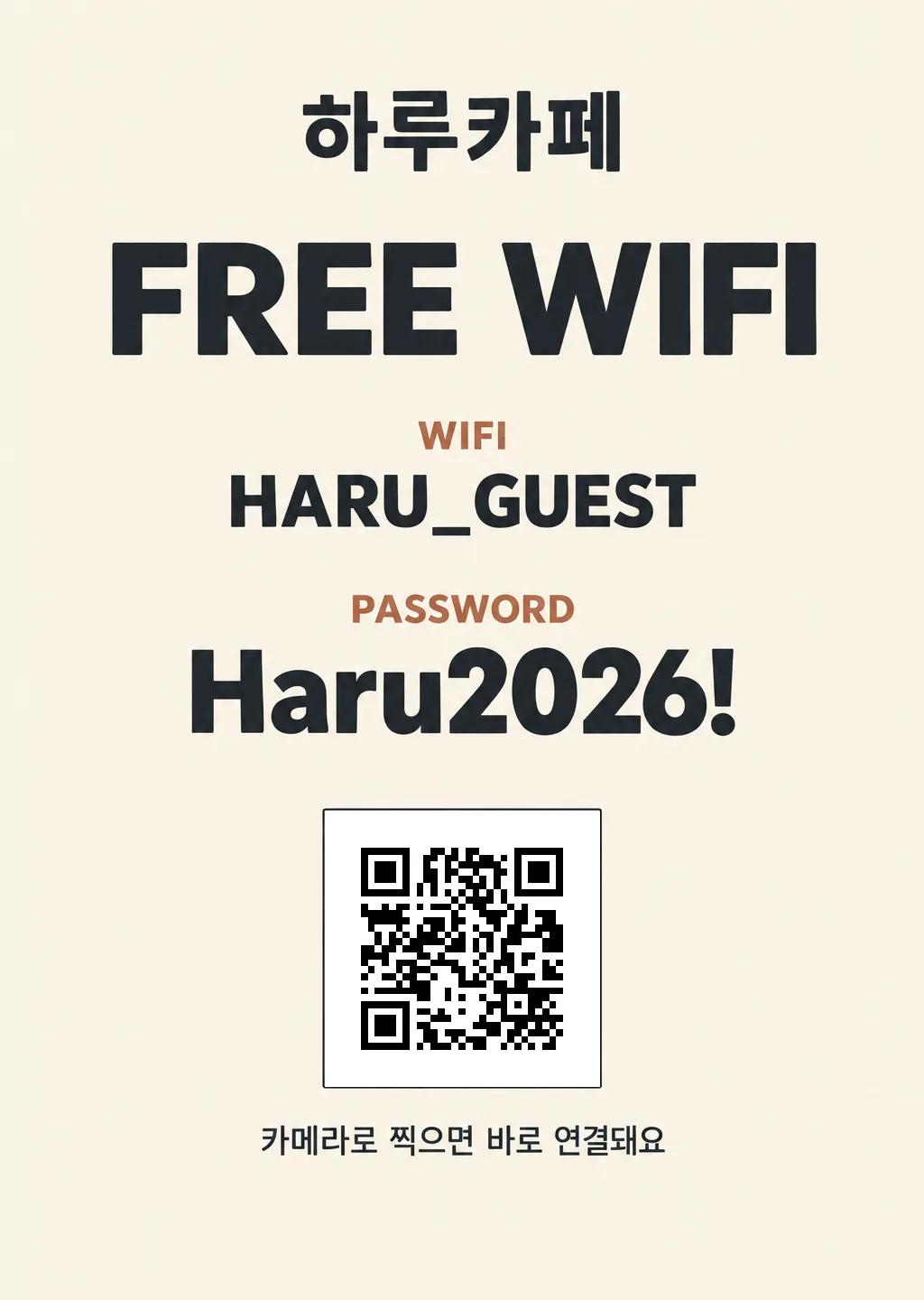
項目を入力
- 1項目を入力します
- 2コピーを押します
- 3GPTのチャットに貼り付けます
- 4そのまま送ると、サムネイルの例のような画像になります
- 5カードに合う実際の写真を一緒に入れると反映されます。背景カードなら背景の写真、人物・料理カードならその写真 任意
プロンプト全文を見る 8,303文字
Generate this image now. Draw it directly - do not describe it, explain it, or ask questions.
出力サイズは2480×3508ピクセル、A4縦、300dpiの印刷用ポスターにしてください。

[Purpose]
Create one finished Japanese Wi-Fi password information sign for a shop owner, ready to print and display near the counter, entrance, waiting area, or customer seating. The sign must let a customer identify the network and type the password correctly from several steps away. The password is the primary information and must be much larger than ordinary body text. Exact character fidelity is essential: uppercase and lowercase English letters, digits, underscores, hyphens, and punctuation must remain exactly as supplied. Deliver only the flat, complete artwork. Do not show a wall, frame, clipboard, table, hand, phone, room, perspective mockup, or staged interior.

[Scene]
Design one vertically organized information board with a calm shop identity at the top, the Wi-Fi network name in the middle, and the password as the dominant element in the lower-middle area. Use generous empty space and a simple alignment system so the three supplied text values cannot be confused. Separate the network name and password with spacing or a thin rule, never with a decorative box that crowds the characters. Small original, unlettered accents may appear only near the outer edges and only when consistent with the selected feeling. The artwork must work as an actual sign at A4 size, not as a decorative social-media concept. Do not create, imitate, reserve space for, or suggest a QR code. Do not include any square matrix, barcode, scan icon, phone-scanning scene, or patterned block that could be mistaken for a working code.

[Attached photo]
No attached photo is required. Build the sign only from the supplied text and the selected visual feeling. Do not invent a storefront, product, mascot, person, logo, or branded object.

[Text layout]
Render these exact strings, without the surrounding quotation marks. Keep all text inside approximately 8% safe margins and paint the selected background continuously to every canvas edge.
At the top, around 9-20% of the canvas height, center the exact shop name "【店名】" as the identity line.
Around 28-36%, render the fixed heading "FREE WIFI" in clear, restrained lettering.
Around 43-53%, render the small fixed label "WIFI" and directly beneath it render the exact value "【Wi-Fi名】" in large, high-contrast characters.
Around 63-73%, render the small fixed label "PASSWORD" and directly beneath it render the exact value "【パスワード】" as the largest and boldest text on the entire sign.
Keep the password on one horizontal line whenever possible. If it is unusually long, reduce its type size only enough to keep every character visible inside the safe margins; never wrap, crop, abbreviate, mask, replace, or add spaces. Do not print field names, braces, instructions, the selected feeling, or any other wording beyond the six main text lines specified above and the supplied optional text lines specified below.

[Style]
Use only the selected feeling "【雰囲気】" to determine the visual treatment. For "すっきり", use an edge-to-edge warm white or very pale neutral background, deep charcoal Japanese sans-serif lettering, precise spacing, and one restrained accent color. For "木の温もり", use a quiet light natural-wood texture with a broad low-detail area behind all text, dark near-black lettering, and minimal carved or painted-line accents; grain must never cross or break a character. For "手書き風", use a warm matte paper background with friendly hand-lettered Japanese headings and sparse hand-drawn accents, but set the network name and password in a disciplined, highly legible monospaced or technical display style. For "かわいく", use a soft pastel background with a few tiny original geometric or abstract doodles at the edges, rounded Japanese headings, and a crisp technical typeface for credentials; keep it suitable for an independent shop and do not use any known character. Never print the feeling name or show multiple style options.

[Visual hierarchy]
The exact password "【パスワード】" must be the first or strongest detail noticed and must remain readable from a distance. Give it the highest contrast, heaviest weight, and most generous clear space. The exact network name "【Wi-Fi名】" is the second reading anchor. The shop name and fixed Japanese headings are smaller. Use a font treatment that makes similar characters unmistakable: uppercase O must be visibly different from digit 0, digit 1 from lowercase l and uppercase I, uppercase S from digit 5, and uppercase B from digit 8. Preserve the actual character shapes without substituting one character for another. Use clear terminals, differentiated widths, or a restrained slashed-zero glyph only if it still represents the supplied digit 0 accurately. Never use all caps automatically, and never change letter case. Avoid condensed, ornate, script, outline, stencil, or distressed lettering for the network name and password.

[Lighting and texture]
Use flat, even, matte illumination with no perspective distortion. Keep paper, wood, or handmade texture subtle and low contrast, especially behind the network name and password. Maintain strong figure-ground contrast across the entire sign. All corners and margins must be fully painted in the selected background treatment. There must be no glare, shadow passing over text, bevel, embossing, metallic reflection, glow, or photographic depth effect that makes a character harder to identify.

[Text rules]
Copy "【店名】", "【Wi-Fi名】", and "【パスワード】" exactly, character by character. Preserve uppercase and lowercase letters, digits, spaces, underscores, hyphens, and punctuation. Never translate, autocorrect, normalize, spell out, censor, hide, partially replace with dots, or invent any credential. Count the characters in the supplied network name and password before rendering and visually verify the same sequence afterward. Render the fixed labels exactly as "FREE WIFI", "WIFI", and "PASSWORD" in clean uppercase Latin letters. Japanese consonants, vowels, and final consonants must have complete strokes. Do not duplicate any line. Do not add connection instructions, security claims, internet speed, opening hours, contact details, icons containing letters, any other unrequested foreign-language text, quotation marks, braces, section titles, or placeholder text.

[Avoid]
No QR code under any circumstances, because an AI-drawn code may not scan. No barcode, matrix pattern, scan frame, smartphone, router brand mark, Wi-Fi service provider logo, delivery-app logo, real brand, trademark, celebrity, copyrighted character, song lyric, mascot, watermark, signature, or artist name. No unsupplied network, fake password, URL, phone number, social handle, promotional phrase, price, or offer. No tiny password, ambiguous glyphs, mixed character substitutions, changed capitalization, missing punctuation, character overlap, line wrapping through punctuation, cropped text, decorative object covering text, noisy wood grain, chalk dust, neon, bloom, lens flare, glowing edges, transparent background, unpainted canvas, letterbox bars, empty boxes, or fake interface elements.

[MORE OWNER INPUT — each line exists only when supplied; treat "選ばない" as absent]
WIFI_5G: "【5G Wi-Fi名】". When nonempty, this exact second network name MUST appear as a separate line immediately below the main network name and above PASSWORD. It uses the same password unless the owner wrote otherwise. Keep it smaller than the main network name but clearly readable. This supplied network is required content, not an extra invented network.
NOTE: "【利用案内】". One small line under the password.
PHOTO_TIP: "【撮影のヒント】". Small helpful line; never draw a QR code.
PLACEMENT: "【使う場所】". INTERNAL, never printed; adjust contrast and scale for that spot only.
Keep every added line smaller than the main message; never let added text crowd the hero or shrink the main title. Supplied texts stay exact.

[Final output format]
出力サイズは2480×3508ピクセル、A4縦、300dpiの印刷用ポスターにしてください。
This selected output format takes priority over any fixed canvas size or aspect ratio elsewhere in this template. Adapt the composition, text zones and margins to the selected canvas without stretching or cropping essential content. Device safe areas apply only when a device is selected. Never print these format instructions on the image.
結果はどうでしたか?
同じ分類のほかのカード
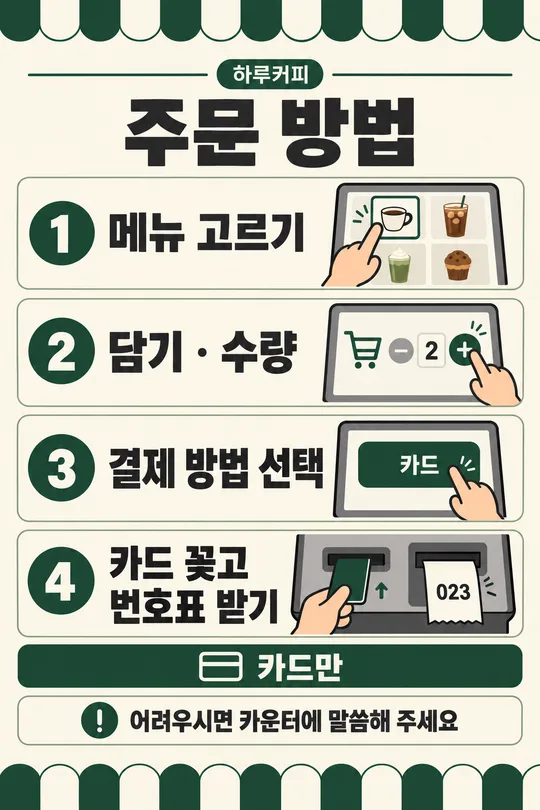
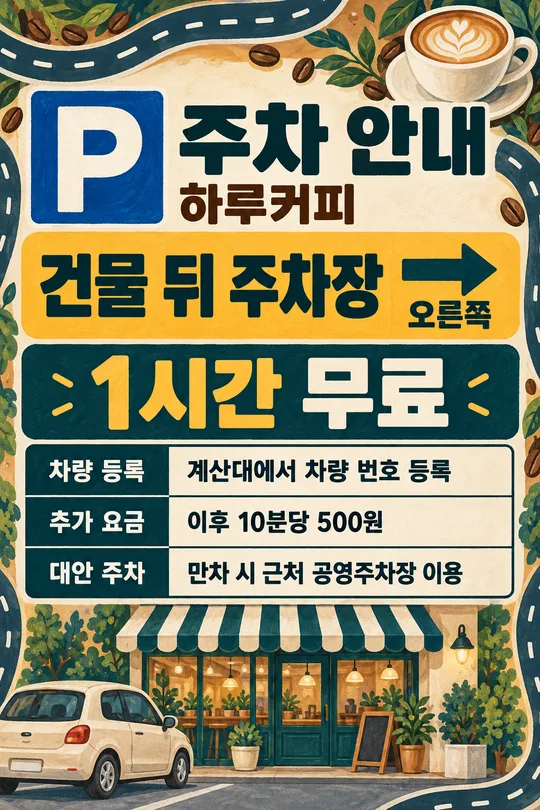
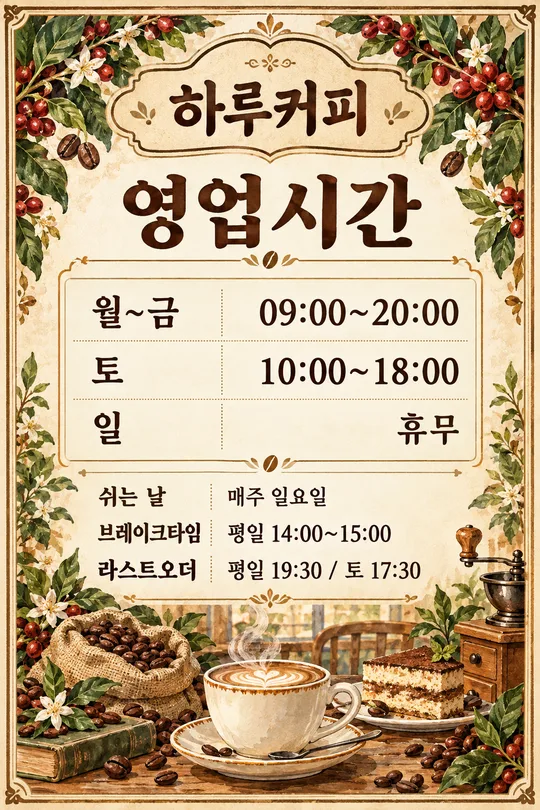
使い方・よくある質問
こんな時にお使いください
カフェや待合室などで、お客様からWi-Fiの接続情報を何度も尋ねられるのを防ぐための案内サインです。ネットワーク名とパスワードを大きく表示し、スムーズな接続をサポートします。
入力欄の埋め方
ルーターに設定されている通りのWi-Fi名とパスワードを、大文字・小文字・記号・空白まで正確に入力してください。雰囲気は店舗のインテリアに合わせて選びます。不確実なQRコードは含めません。
生成結果の確認ポイント
パスワードの文字や数字が正確に出ているか、数字の0とアルファベットのOなどが区別できるかを念入りに確認します。印刷や掲示の前に、実際のスマートフォンで接続テストを行ってください。
修正を依頼する方法
「パスワードの最後の感嘆符が抜けないようにして、他はそのまま維持してください」のように具体的に指示します。修正後も必ず再確認してください。
もっと伝えたいときの項目
以下はすべて任意です。必要なものだけ入力し、空欄は画像から消えます。ボタンは「選ばない」で外せます。例を押すとすぐ入ります。
- 5G Wi-Fi名: Haru_5G
- 利用案内: 1時間ご利用いただけます
- 撮影のヒント: カメラでパスワードを撮っておいてください
- 使う場所: テーブル · レジ · 壁
最終確認日 · 公開