
項目を入力
- 1項目を入力します
- 2コピーを押します
- 3GPTのチャットに貼り付けます
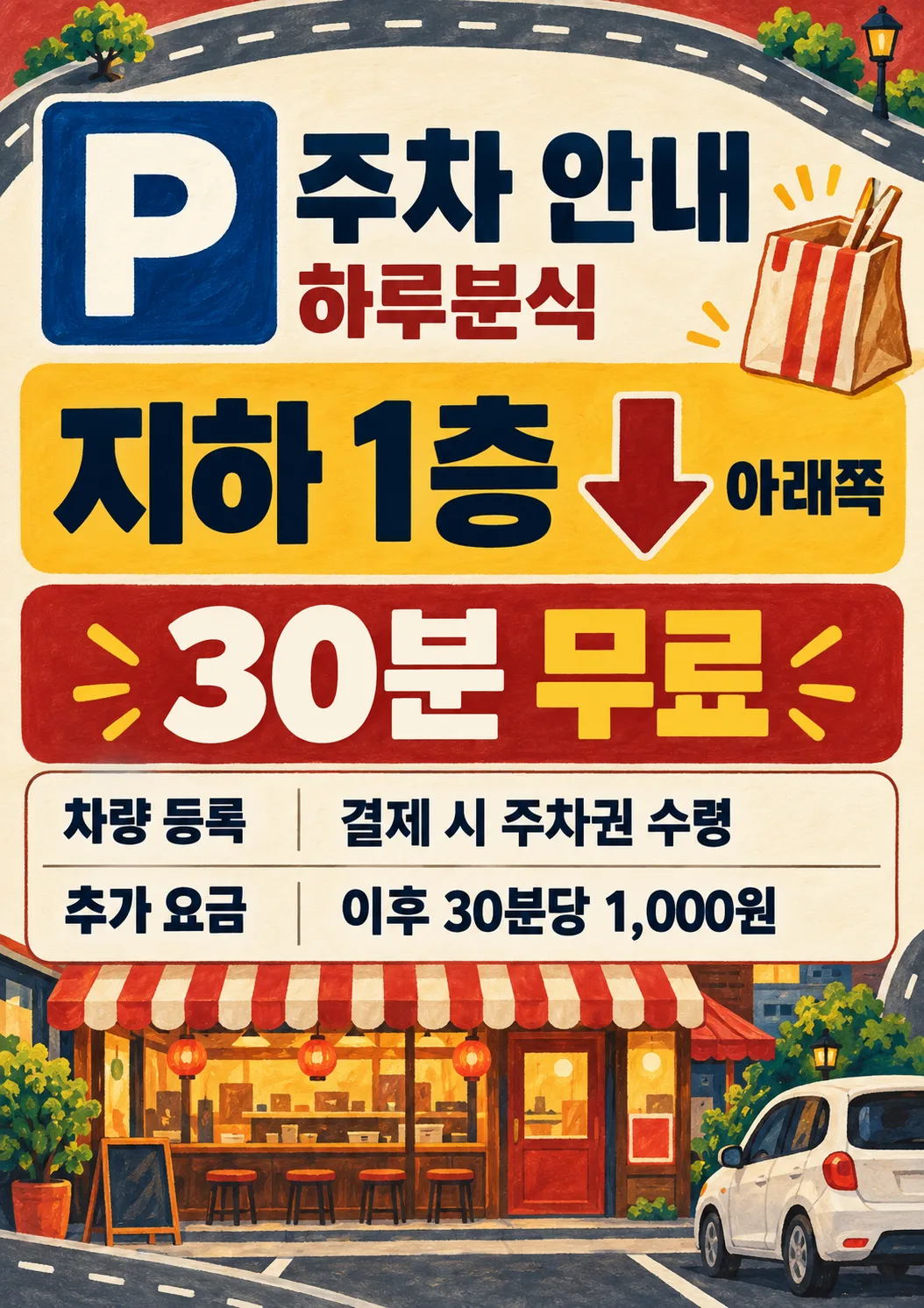
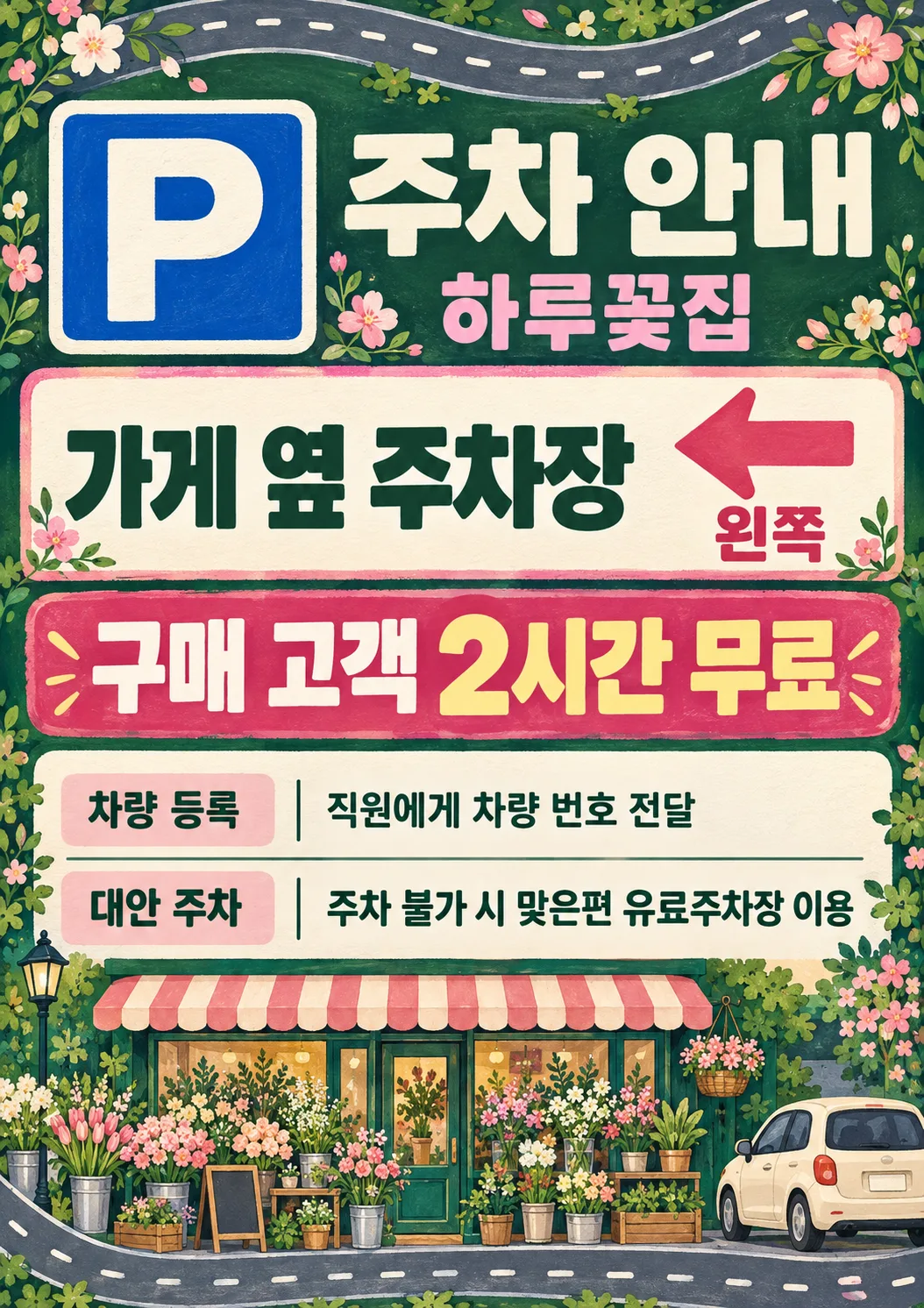
- 4そのまま送ると、サムネイルの例のような画像になります
- 5カードに合う実際の写真を一緒に入れると反映されます。背景カードなら背景の写真、人物・料理カードならその写真 任意
プロンプト全文を見る 4,102文字
Generate this image now. Draw it directly, do not explain or ask questions.
Create ONE premium illustrated parking information sign, a finished flat portrait print design. 出力サイズは2480×3508ピクセル、A4縦、300dpiの印刷用ポスターにしてください。 Use the selected canvas ratio. Fill the entire canvas edge to edge with original hand-painted gouache illustration, subtle paper grain, solid color bands and a continuous road ribbon with dashed markings confined to the outer margins. Never a mockup or a small sheet on a background. A large high-contrast square P symbol at 13%-27% height is instantly recognizable; shop name and heading beside it, safely below the top 12%. A bright central location block at 30%-43% shows the supplied parking location in very large bold lettering. If and only if Direction explicitly names one of left, right, straight ahead or down, show one thick arrow pointing exactly that way adjacent to the location, and print the supplied direction exactly. Otherwise print the supplied direction without an arrow. An empty Direction removes both arrow and direction line. No invented directions, maps, road names, distances, floors or geography. The edge road is decorative, never an actual route map. At 46%-58% put the supplied free-parking condition in the largest bold numerals and lettering on a contrasting banner. At 60%-83% use a perfectly legible information table: registration row first, optional subsequent fee row, optional alternative row. Bold small labels left, values right; long values wrap cleanly to two lines. Empty optional entries remove label, value and reserved space. Keep all important text between 12% and 85% height and within 6% side margins. Fill bottom 85%-100% with a substantial original illustrated storefront, small unbranded car and industry objects; fill top 0%-12% with road and industry ornaments. The main information is dominant, illustrations never overlap text. Rich boutique stationery quality, crisp readable bold sans lettering, consistent table baselines and spacing, never a plain office document.
Business controls palette and illustration only: cafe = deep teal, caramel and warm cream, painted ceramic coffee cup, beans and striped cafe awning; snack bar = brick red, mustard and warm cream, illustrated takeout bag, chopsticks and striped snack-shop awning, no realistic food photograph; florist = forest green, blush pink and ivory, abundant bouquet and flower-shop awning; salon = plum, dusty rose and ivory, scissors, comb and salon awning; local shop = navy, ochre and cream, striped general-shop awning and shopping bag. Empty or not selected business uses navy and ochre, generic storefront and car. Keep identical graphic structure and gouache medium for every business. Never print the business field. No people, brands, logos, watermark, promotional slogans, sample labels or verification notes. P is a generic parking symbol.
Print ONLY P, heading, shop name, location, supplied direction, supplied free-parking condition, and the information labels and supplied values below. Copy every supplied character, digit, currency mark and condition exactly; do not calculate fees, invent benefits, add restrictions or shorten registration instructions. Before finishing compare all text with the input character by character.
Heading: "駐車案内"
Shop name: "【店名】"
Parking location: "【駐車場所】"
Direction: "【案内方向】"
Free-parking condition: "【無料時間・条件】"
Registration, label "車両登録": "【登録方法】"
Subsequent fee, label "追加料金": "【追加料金】"
Alternative when parking is unavailable, label "代替駐車場": "【駐車できない場合】"
Business (internal only): "【業種】 (map localized business choices to cafe, snack bar, florist, salon, local shop, not selected in that order)"
Output text is Japanese. Direction mapping: 左=left, 右=right, 直進=straight ahead, 下=down.

[Final output format]
出力サイズは2480×3508ピクセル、A4縦、300dpiの印刷用ポスターにしてください。
This selected output format takes priority over any fixed canvas size or aspect ratio elsewhere in this template. Adapt the composition, text zones and margins to the selected canvas without stretching or cropping essential content. Device safe areas apply only when a device is selected. Never print these format instructions on the image.
結果はどうでしたか?
こちらのカードも人気です
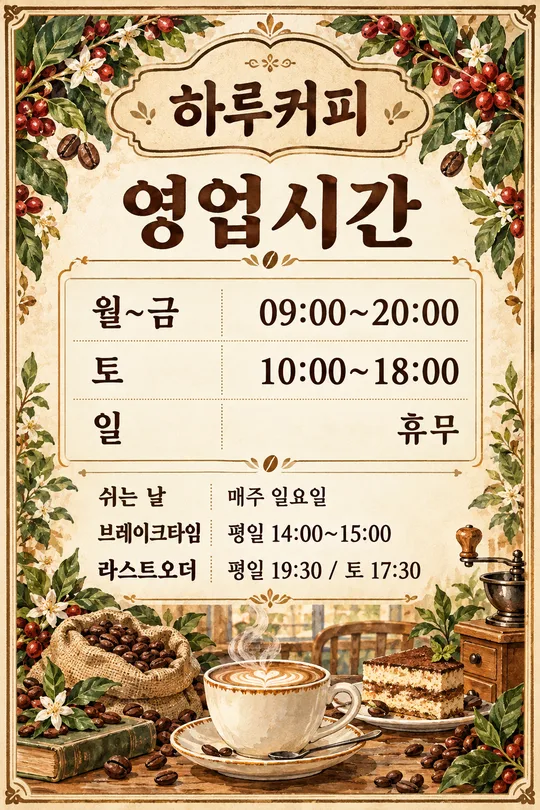
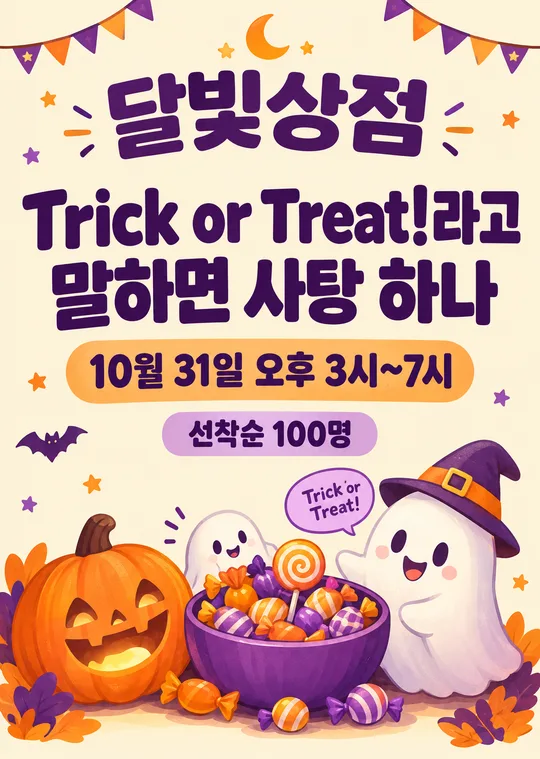
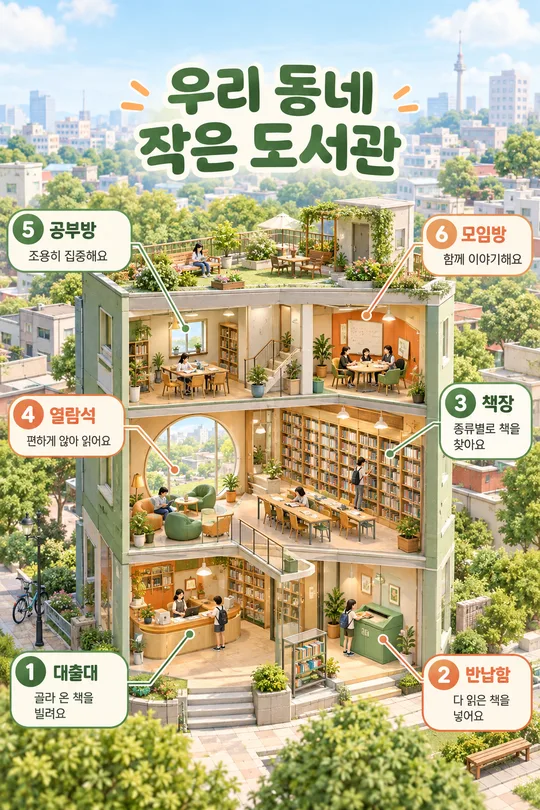
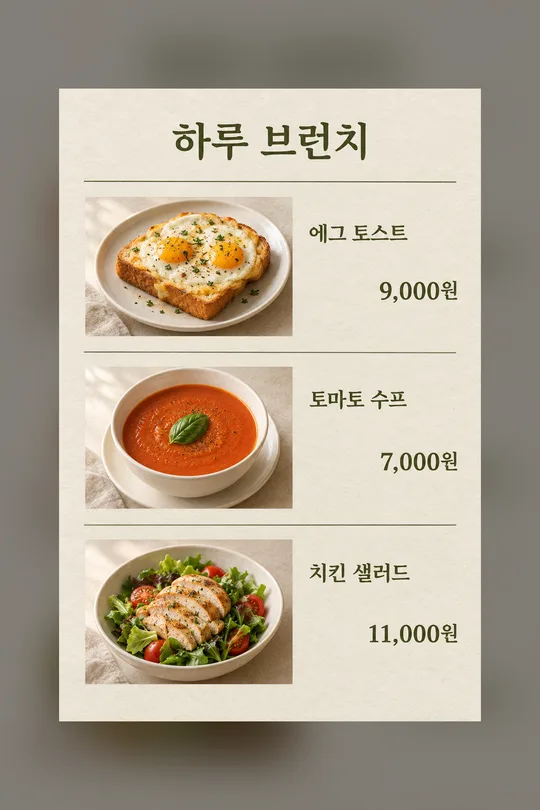
使い方・よくある質問
場所と条件がすぐに読める案内
入口・レジ・駐車場前に貼る縦型案内板です。大きなPマークの下に駐車場所と無料時間・条件を太字で示し、登録方法・追加料金・満車時の代替先を表にまとめます。カフェは青緑とキャラメル色のカップ・豆、軽食店は赤茶と黄色の持ち帰り袋・箸、花屋は緑とピンクの花束、美容室は紫のハサミ・くし、地域のお店は紺色の買い物袋を描きます。ガッシュの手描き調と情報配置は共通です。端の道路模様と下部の店舗・車の絵で画面全体を満たします。写真は不要です。完成したプロンプトを画像AIに一度貼り付け、一枚の案内板を依頼します。
必須四項目と任意四項目
必須項目は店名・駐車場所・無料時間・条件・登録方法の4個です。「無料時間・条件」は一つの欄です。店名は看板の名前、場所は「建物裏の駐車場」「地下1階」など明確な場所を書きます。無料条件は「購入客は2時間無料」のように対象も含めてください。無料特典がなければ「無料駐車なし」、登録不要なら「登録不要」と事実を記入します。
案内方向は左・右・直進・下の四種類で、貼る位置から見た方向を指定します。対応する矢印と入力した方向文字を表示します。それ以外の文章は文字のみとし、矢印を推測しません。空欄では方向と矢印が両方消えます。追加料金は「以降10分ごとに100円」のように単位まで、代替先は実際に利用できる場所を書いてください。空欄では該当する表の行と空間を削除します。近隣駐車場の場所・距離・無料特典は自動で追加しません。業種の空欄または選択なしでは紺と黄土色の一般店舗・車を描きます。業種名は印字しません。
印刷と照合
共通の比率設定でA4を選ぶと縦型印刷向けの比率を依頼します。一覧表紙は2:3でA4とは異なります。拡張や切り抜きをせず、縦横比を維持して余白を付けて印刷してください。試し刷りで遠くから場所と無料条件が読めるか確認します。場所の階数、実際の方向、無料対象・時間、登録場所、料金の金額と分単位を一文字ずつ入力と比較してください。道路模様は装飾で、実際の地図ではありません。規則が変わったら該当欄を直して再生成します。長い登録文は事実を保ったまま短くしてください。
よくある質問
無料駐車がない場合は必須欄に無料駐車なしと記し、追加料金に正しい料金を書きます。代替先が未確認なら空欄にしてください。矢印や文字が違う場合は入力を確認して再生成し、照合済みの結果だけを掲示します。ギャラリーは韓国語の入力による生成例です。英語・日本語とも八項目、四方向、六業種の選択肢と空欄の動作は共通です。通貨の例は各言語の独立した値で、換算ではありません。