
전체 · 인포그래픽/안내 · 이용 방법
367입체 인포그래픽 포스터
주제 하나를 숫자·핵심 설명·단계와 촘촘한 3D 점토 그림으로 정리한 정보 포스터 한 장이에요.
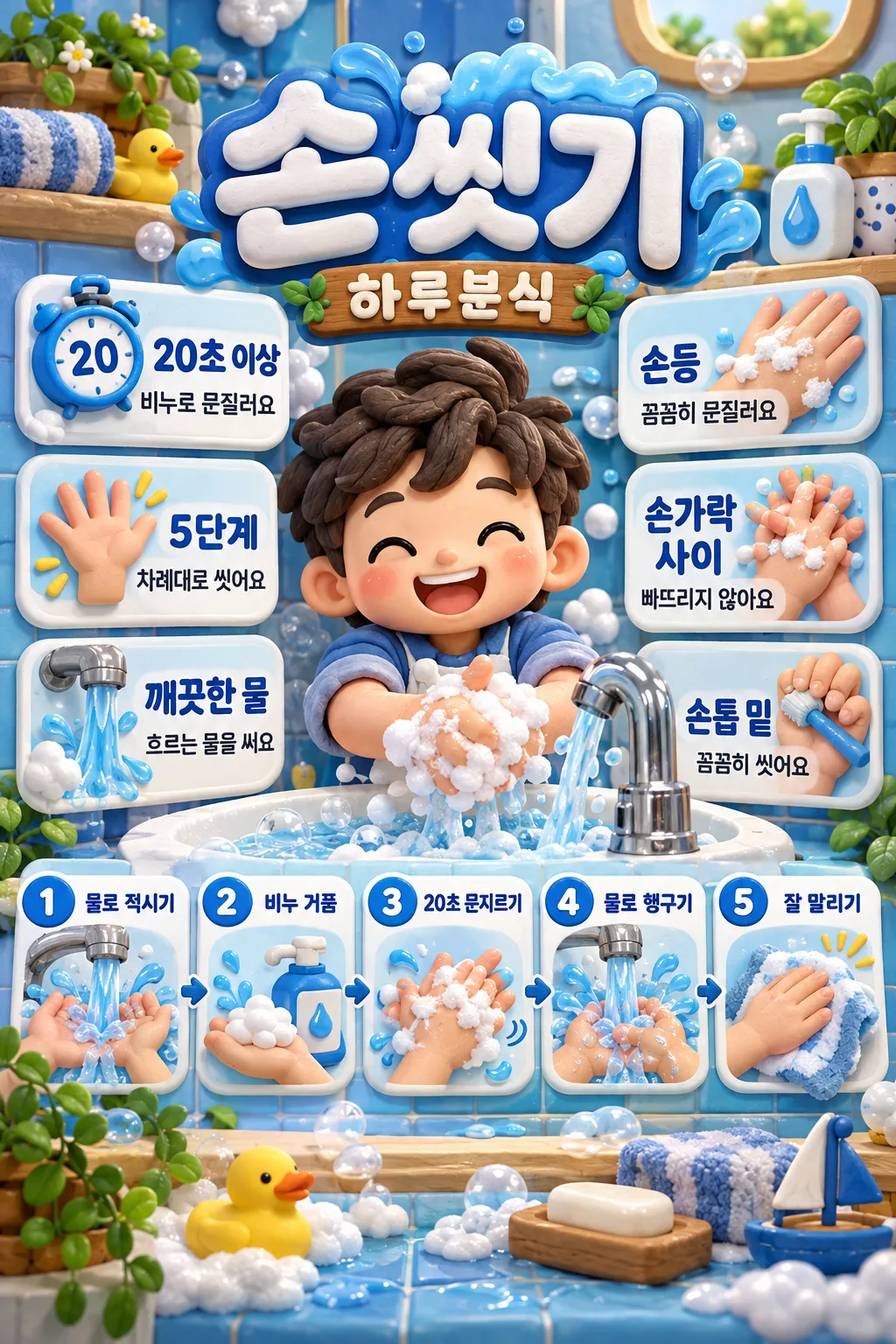
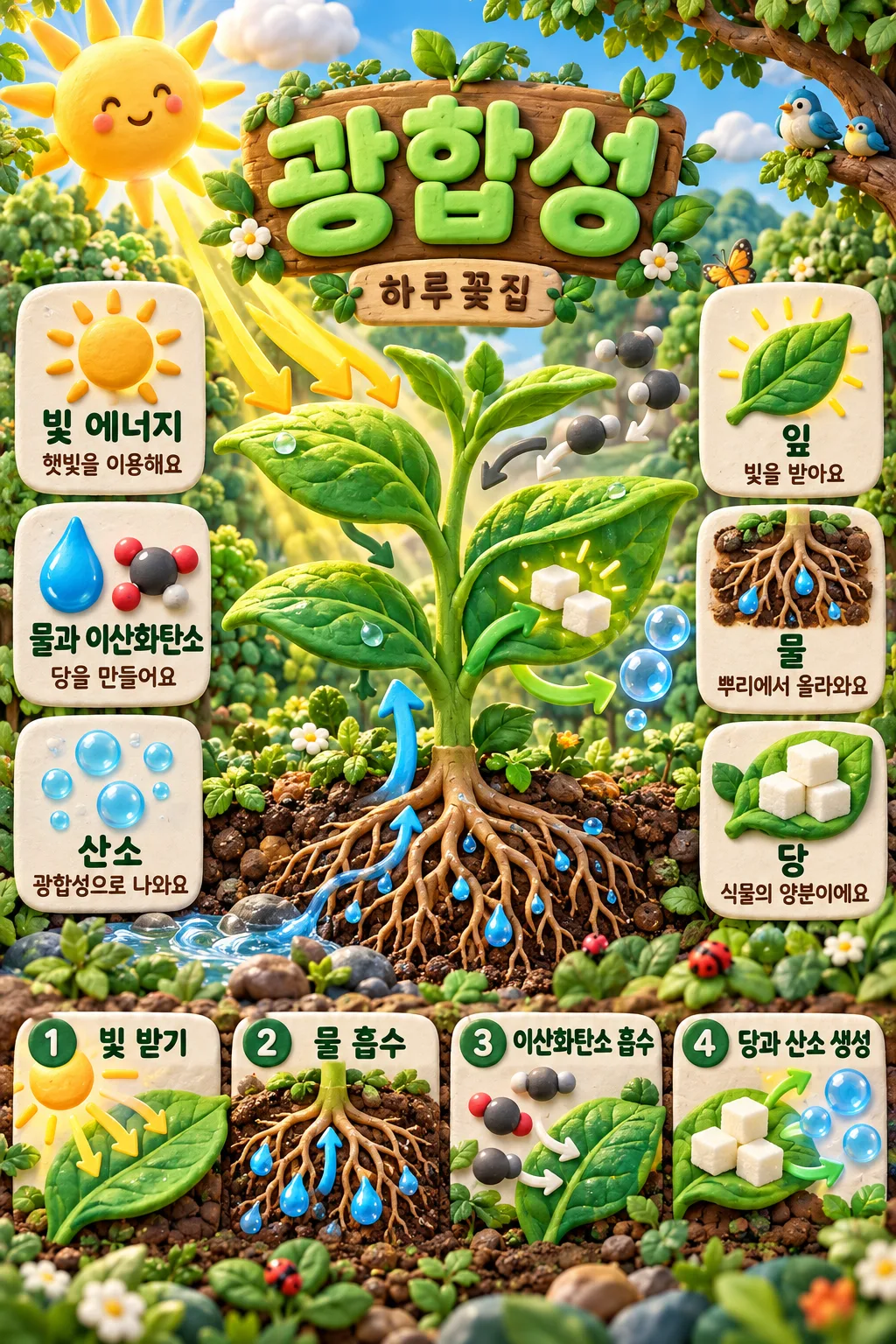
칸 채우기
- 1칸을 채워요
- 2복사 버튼을 눌러요
- 3GPT 채팅창에 붙여넣어요
- 4그대로 보내면 썸네일 예시처럼 나와요
- 5카드에 맞는 실제 사진을 같이 넣으면 그 사진이 반영돼요 — 배경 카드는 배경 사진, 인물 · 음식 카드는 그 사진 선택
프롬프트 원문 보기 3,497자
Create ONE finished full-bleed Korean 3D clay educational infographic poster. Return image only, no questions, code or explanation.
Output exactly one finished 2:3 portrait image, 1024x1536 pixels. Keep all important text inside the central 73% of image height: leave the top 12% and bottom 15% free of essential lettering.
Topic: 【주제】
Displayed name: 【이름】
Key facts: 【핵심 사실】
Key explanations: 【핵심 설명】
Steps: 【단계】
Accent color: 【강조 색】

Use one consistent hand-sculpted matte clay style: subtle fingerprints, rounded bevels, thick dimensional lettering, richly detailed miniature objects, varied natural colors, soft studio contact shadows. Create a dense professional editorial infographic, not a building cutaway. Fill the entire canvas with topic-related clay scenery and decoration; no blank margins, paper mockup, border, collage, watermark, logo imitation or existing characters.

Portrait layout: large title at 14–23% of height, name at 24–26%; central dominant topic sculpture at 28–64%, three illustrated fact tiles at left and three illustrated explanation tiles at right; one bottom row of two to five individually illustrated numbered step tiles at 66–82%. Top 12% and bottom 15% contain only dense scenic clay decoration, never text. At 1024x1536, all letters fit within y205..1260. For landscape, keep the same central hero and two side columns with a wider bottom step strip and the same text-safe proportions. Topic objects, shadows and small props continue to every edge. Make the central subject detailed and instantly recognizable. Every side tile contains a distinct clay icon, short bold heading and one readable explanation. Each step contains only its supplied short heading, a distinct illustration and a sequence number, no added caption.

Exactly three facts and three key explanations. Semicolons separate items; a dash splits heading from explanation. If there are more than three, select the three most relevant verified entries; if fewer, fill the remaining entries with verified topic facts. Steps follow the supplied two to five entries. If blank, use four researched conceptual stages, or the verified standard number of action steps up to five. A conceptual cycle must not claim a single beginning or a rigid biochemical chronology. Name blank means no brand line; blank color uses teal. All displayed words are in Korean; preserve name spelling. Never print input labels, URLs, source notes, color names, verification disclaimers or the word example.

Before generating, verify scientific facts, numbers, health guidance and units against authoritative web sources. Research blank content and validate supplied claims too. If browsing is unavailable, use only the verified source excerpts supplied in the content; omit unsupported numerical claims and fill tiles with supported qualitative facts, never invented statistics. For health, avoid treatment promises and efficacy claims. Sequence numbers are order markers, not quantities. Retain the meaning of time and units, e.g. handwashing 20 seconds refers to scrubbing. Do not add prices, offers or conditions. Print title, name and each item exactly once in its own location; repeated concepts across supplied fields may retain their wording. Check every character, unit, step number and illustration before returning one image.

[Final output format]
Output exactly one finished 2:3 portrait image, 1024x1536 pixels. Keep all important text inside the central 73% of image height: leave the top 12% and bottom 15% free of essential lettering.
This selected output format takes priority over any fixed canvas size or aspect ratio elsewhere in this template. Adapt the composition, text zones and margins to the selected canvas without stretching or cropping essential content. Device safe areas apply only when a device is selected. Never print these format instructions on the image.
결과 어땠어요?
이 카드도 많이 사용해요
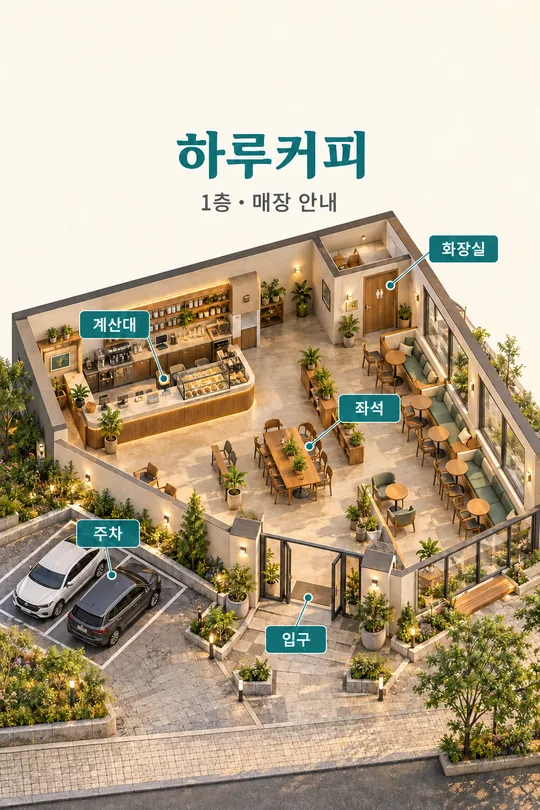
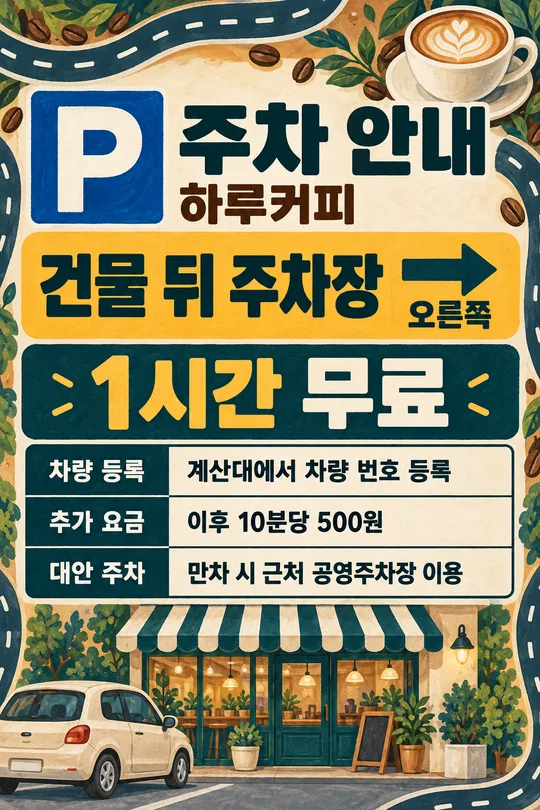
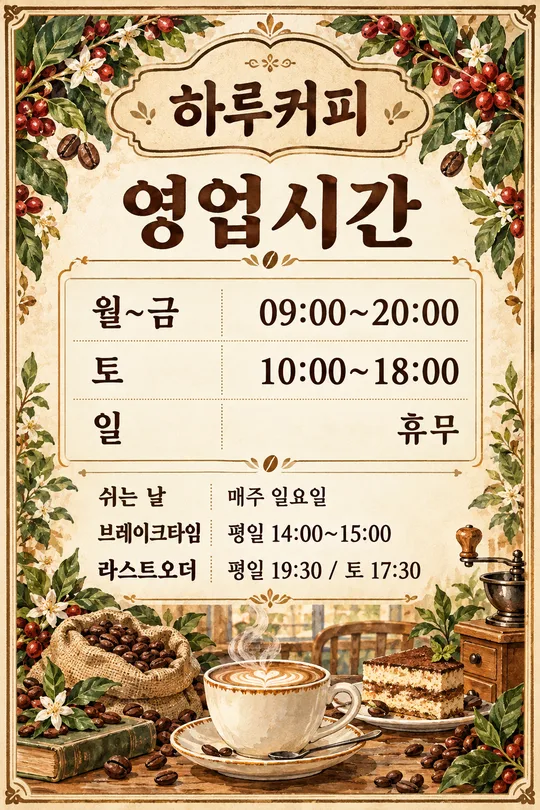
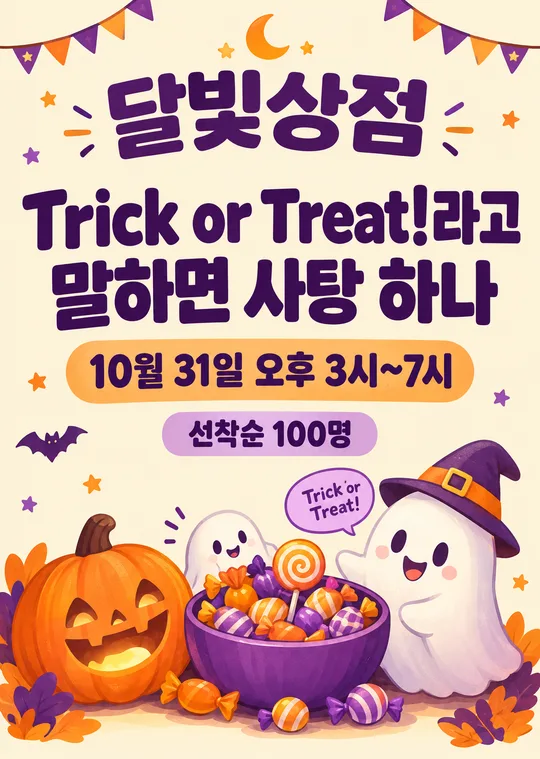
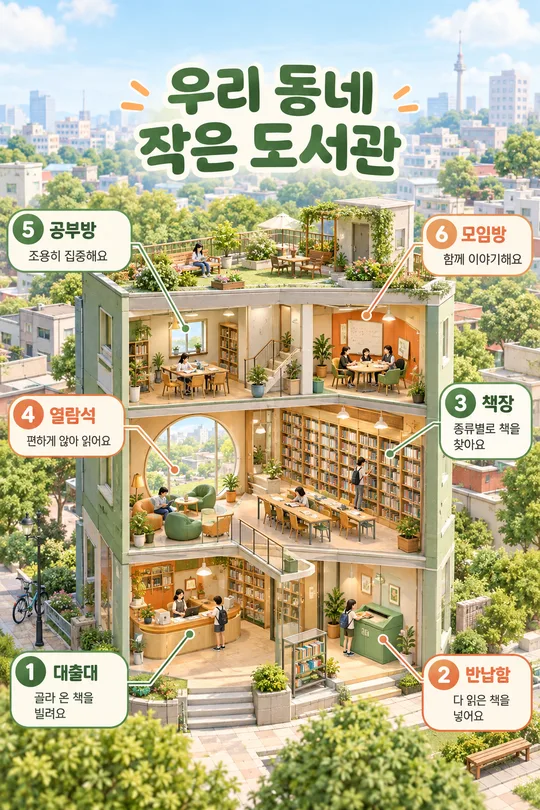
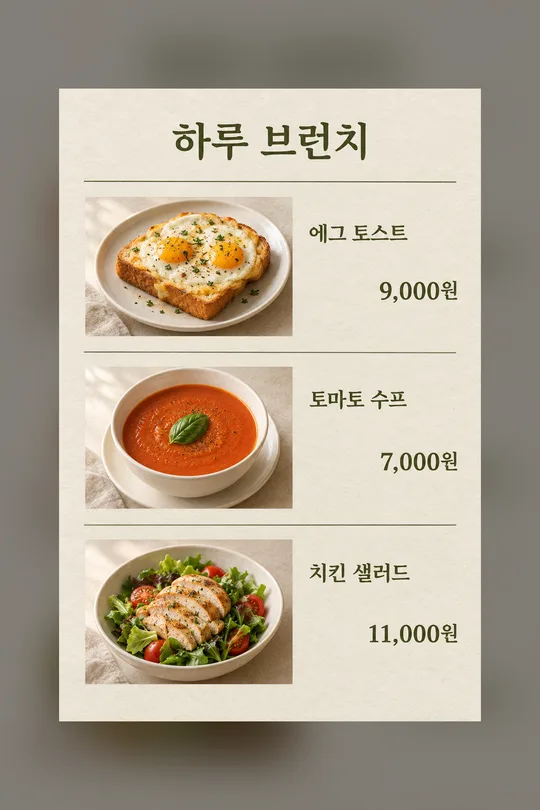
쓰는 법 · 자주 묻는 것
매장 벽에 손 씻는 순서를 붙이거나 꽃집 SNS에서 광합성을 소개할 때 쓰는 정보 포스터예요. 가운데 큰 점토 그림, 왼쪽 핵심 사실 세 칸, 오른쪽 핵심 설명 세 칸, 아래쪽 단계 그림이 한 화면에 모입니다. 점토의 손끝 자국과 작은 소품까지 보이는 그림체로, 건물 내부를 여는 단면도가 아닌 주제 설명 그림입니다.
꼭 칸은 주제 1개예요. 먼저 물의 순환처럼 한 가지 주제를 적으세요. 이름은 가게·채널의 표시 이름이며 비우면 이름 줄이 빠집니다. 핵심 사실과 핵심 설명은 각각 세 항목을 세미콜론으로 구분해 적어요. 각 항목은 짧은 제목과 한 줄 설명을 긴 대시로 나누면 됩니다. 단계는 두 개에서 다섯 개까지 세미콜론으로 나눕니다. 숫자는 단계 번호로 자동 붙고, 입력한 단위·시간은 뜻을 바꾸지 않아요. 강조 색을 바꾸면 큰 제목과 번호의 점토 색이 달라집니다. 빈 색은 청록이에요.
사실·설명·단계를 비우면 주제를 기준으로 웹에서 확인한 내용으로 채우도록 지시합니다. 웹 검색이 없는 도구라면 출처 URL과 그 출처에서 확인한 짧은 내용을 해당 칸에 함께 넣으세요. 확인하지 못한 통계는 만들어 넣지 않고 확실한 설명으로 대체합니다. URL과 조사 메모는 그림에 인쇄하지 않아요. 단계는 순서가 있는 행동 또는 개념 흐름이며, 모든 자연 현상이 단순한 직선 순서로 진행된다는 뜻은 아닙니다.
완성된 프롬프트를 그림 AI에 한 번 붙여 넣으면 포스터 한 장을 요청합니다. 사진은 필요하지 않아요. 외부 서비스의 요금과 이용 조건은 해당 서비스에서 확인하세요. 화면 비율은 공통 크기 선택으로 정합니다. 세로에서는 단계가 아래 한 줄, 가로에서는 아래 넓은 띠로 배치되며 그림체는 같습니다.
저장 전에 제목·이름·단위·숫자를 한 글자씩 읽고 단계 순서와 그림이 맞는지 확인하세요. 손 씻기의 20초는 비누로 문지르는 시간이므로 헹구는 시간으로 그려지면 안 됩니다. 긴 설명이 작아지면 항목당 한 문장으로 줄여 다시 생성하세요. 매장 출력 전에는 작은 시험 인쇄로 읽히는지 확인합니다.
주제만 바꾸면 되나요? 기본 예시가 남아 있으면 다른 주제의 설명이 섞일 수 있어요. 주제를 바꿀 때 세 내용 칸도 함께 바꾸거나 비우세요. 예시의 손 씻기는 다섯 단계, 광합성은 네 개의 개념 단계로 구성했어요. 글자가 틀리면 정확한 문자열을 적어 해당 글자만 수정하도록 요청할 수 있습니다. 원본 이미지에 직접 글자를 합성할 필요는 없어요.