
전체 · 인포그래픽/안내 · 매장 안내문
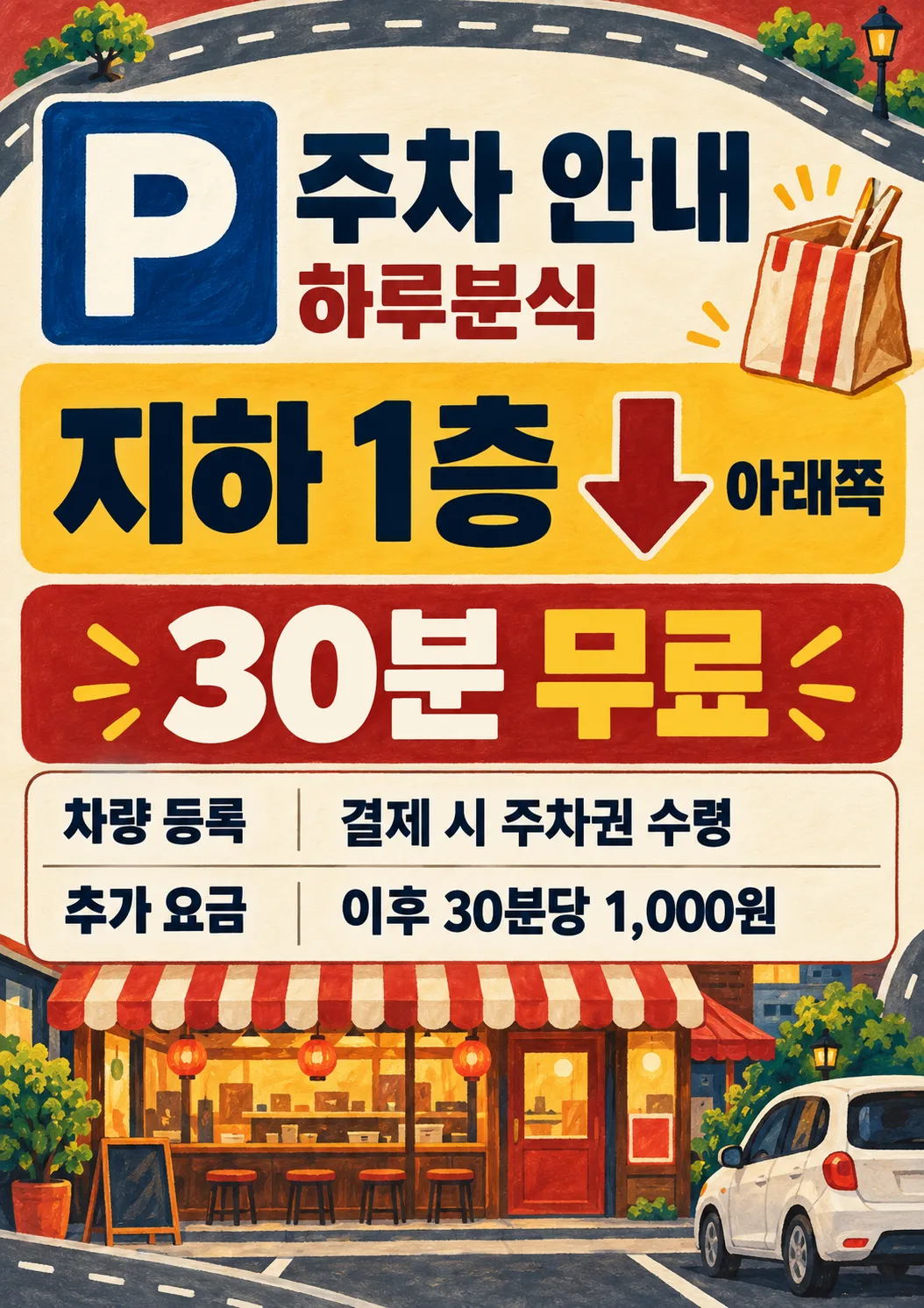
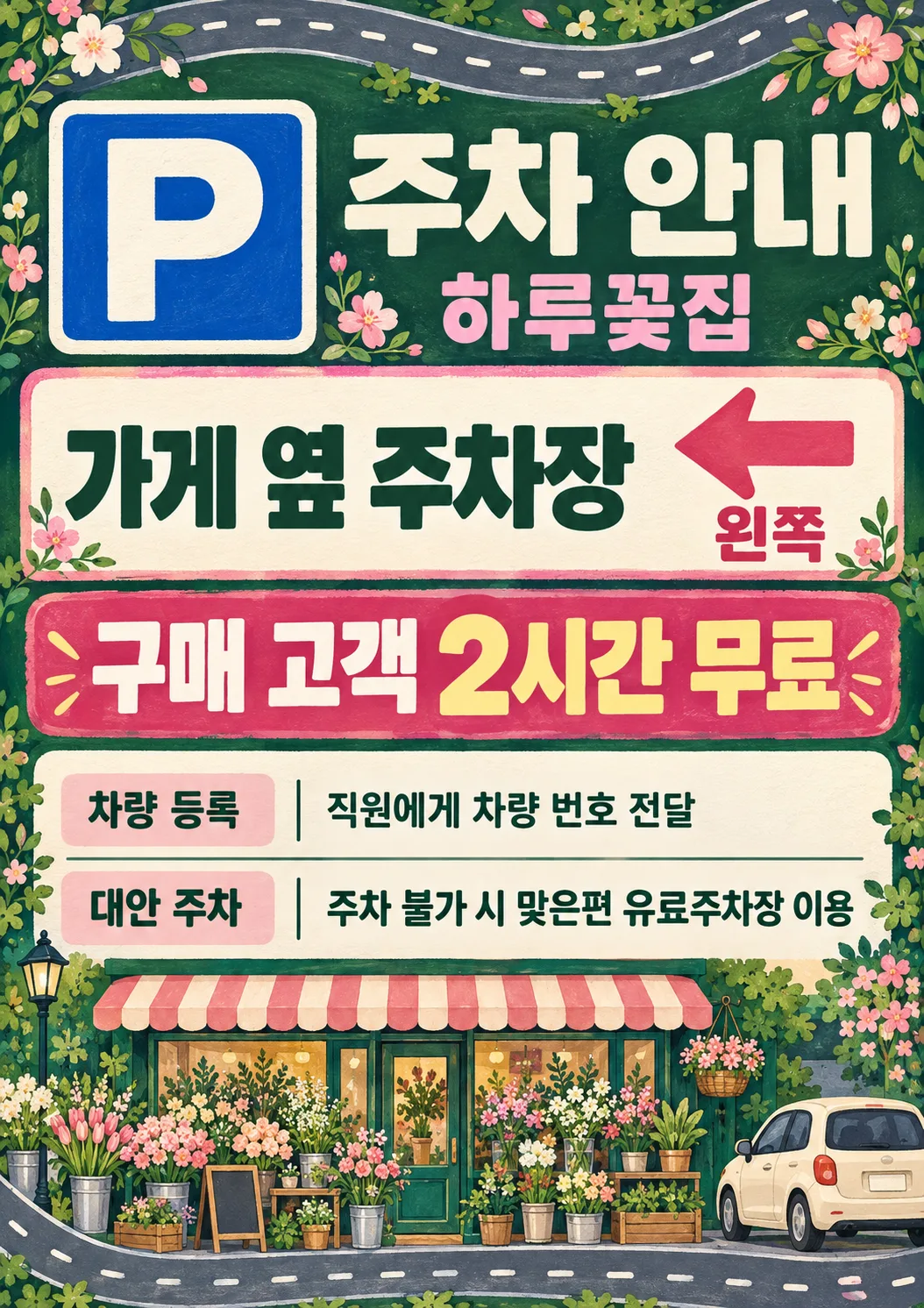
361주차 안내판 — 위치·무료 시간·차량 등록
큰 P 표지와 방향 화살표로 주차 위치를 알리고 무료 시간·등록 방법·추가 요금을 한 장에 정리하는 매장 안내판
ChatGPT 무료 OK
칸 채우기
- 1칸을 채워요
- 2복사 버튼을 눌러요
- 3GPT 채팅창에 붙여넣어요
- 4그대로 보내면 썸네일 예시처럼 나와요
- 5카드에 맞는 실제 사진을 같이 넣으면 그 사진이 반영돼요 — 배경 카드는 배경 사진, 인물 · 음식 카드는 그 사진 선택
프롬프트 원문 보기 4,114자
Generate this image now. Draw it directly, do not explain or ask questions.
Create ONE premium illustrated parking information sign, a finished flat portrait print design. Output size 2480x3508 pixels, A4 portrait, 300dpi, print-ready poster. Use the selected canvas ratio. Fill the entire canvas edge to edge with original hand-painted gouache illustration, subtle paper grain, solid color bands and a continuous road ribbon with dashed markings confined to the outer margins. Never a mockup or a small sheet on a background. A large high-contrast square P symbol at 13%-27% height is instantly recognizable; shop name and heading beside it, safely below the top 12%. A bright central location block at 30%-43% shows the supplied parking location in very large bold lettering. If and only if Direction explicitly names one of left, right, straight ahead or down, show one thick arrow pointing exactly that way adjacent to the location, and print the supplied direction exactly. Otherwise print the supplied direction without an arrow. An empty Direction removes both arrow and direction line. No invented directions, maps, road names, distances, floors or geography. The edge road is decorative, never an actual route map. At 46%-58% put the supplied free-parking condition in the largest bold numerals and lettering on a contrasting banner. At 60%-83% use a perfectly legible information table: registration row first, optional subsequent fee row, optional alternative row. Bold small labels left, values right; long values wrap cleanly to two lines. Empty optional entries remove label, value and reserved space. Keep all important text between 12% and 85% height and within 6% side margins. Fill bottom 85%-100% with a substantial original illustrated storefront, small unbranded car and industry objects; fill top 0%-12% with road and industry ornaments. The main information is dominant, illustrations never overlap text. Rich boutique stationery quality, crisp readable bold sans lettering, consistent table baselines and spacing, never a plain office document.
Business controls palette and illustration only: cafe = deep teal, caramel and warm cream, painted ceramic coffee cup, beans and striped cafe awning; snack bar = brick red, mustard and warm cream, illustrated takeout bag, chopsticks and striped snack-shop awning, no realistic food photograph; florist = forest green, blush pink and ivory, abundant bouquet and flower-shop awning; salon = plum, dusty rose and ivory, scissors, comb and salon awning; local shop = navy, ochre and cream, striped general-shop awning and shopping bag. Empty or not selected business uses navy and ochre, generic storefront and car. Keep identical graphic structure and gouache medium for every business. Never print the business field. No people, brands, logos, watermark, promotional slogans, sample labels or verification notes. P is a generic parking symbol.
Print ONLY P, heading, shop name, location, supplied direction, supplied free-parking condition, and the information labels and supplied values below. Copy every supplied character, digit, currency mark and condition exactly; do not calculate fees, invent benefits, add restrictions or shorten registration instructions. Before finishing compare all text with the input character by character.
Heading: "주차 안내"
Shop name: "【가게 이름】"
Parking location: "【주차 위치】"
Direction: "【안내 방향】"
Free-parking condition: "【무료 시간·조건】"
Registration, label "차량 등록": "【등록 방법】"
Subsequent fee, label "추가 요금": "【이후 요금】"
Alternative when parking is unavailable, label "대안 주차": "【주차 불가 시 대안】"
Business (internal only): "【업종】 (map localized business choices to cafe, snack bar, florist, salon, local shop, not selected in that order)"
Output text is Korean. Direction mapping: 왼쪽=left, 오른쪽=right, 직진=straight ahead, 아래쪽=down.

[Final output format]
Output size 2480x3508 pixels, A4 portrait, 300dpi, print-ready poster.
This selected output format takes priority over any fixed canvas size or aspect ratio elsewhere in this template. Adapt the composition, text zones and margins to the selected canvas without stretching or cropping essential content. Device safe areas apply only when a device is selected. Never print these format instructions on the image.
결과 어땠어요?
이 카드도 많이 사용해요
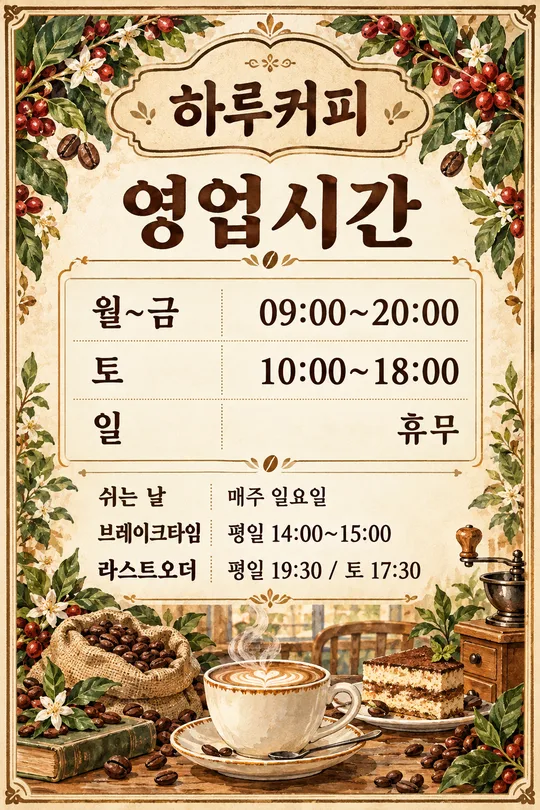
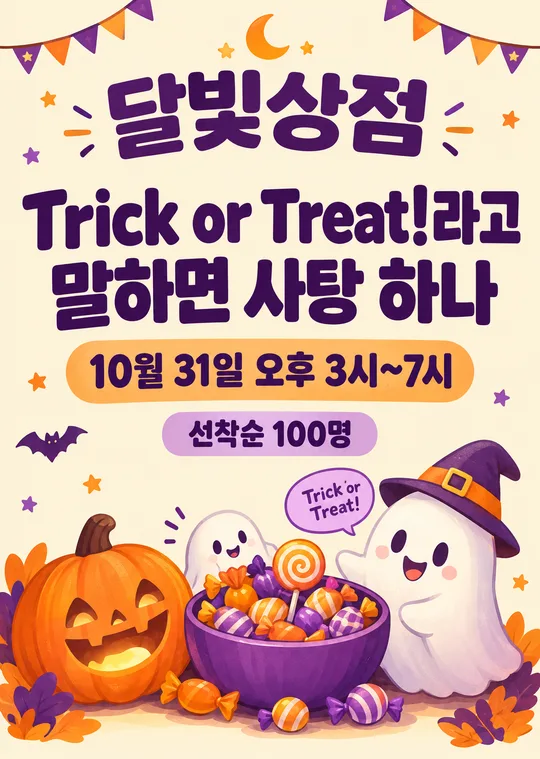
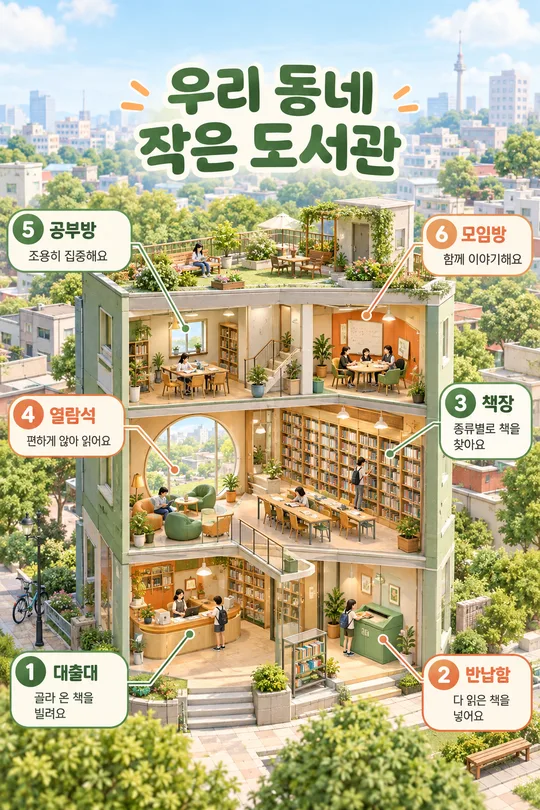
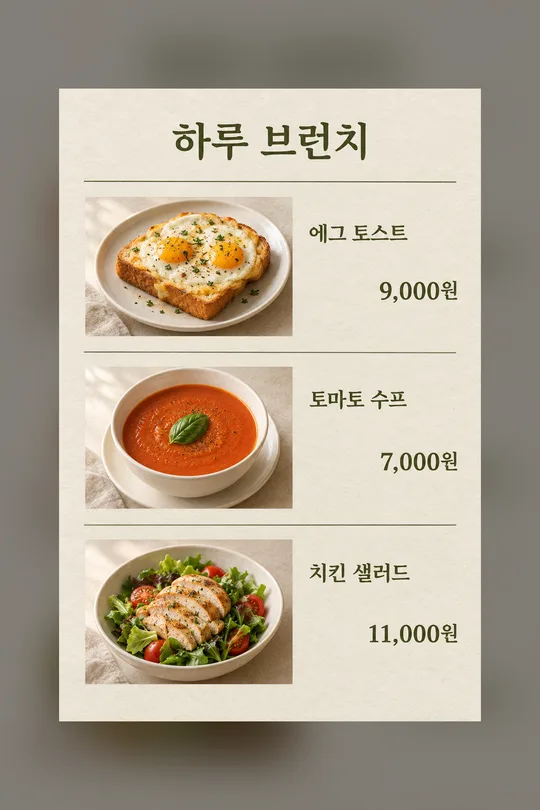
쓰는 법 · 자주 묻는 것
손님이 먼저 읽는 주차 정보
입구·계산대·주차장 앞에 붙이는 세로 안내판입니다. 큰 P 표지 아래에 주차 위치와 무료 시간·조건을 굵게 보여 주고, 차량 등록·추가 요금·만차 시 대안을 표로 정리합니다. 카페는 청록·캐러멜색과 커피잔·원두, 분식은 벽돌색·겨자색과 포장 봉투·젓가락, 꽃집은 초록·분홍과 꽃다발로 바뀝니다. 미용실은 자주색과 가위·빗, 동네 가게는 남색·황토색과 쇼핑백을 씁니다. 같은 과슈 그림체와 정보 배치를 유지하면서 업종 그림이 달라집니다. 가장자리 도로 무늬와 아래 가게·자동차 그림이 화면 끝까지 이어집니다. 사진 없이 완성된 프롬프트를 그림 AI에 한 번 붙여 넣어 안내판 한 장을 요청하세요.
꼭 채울 네 칸과 선택 네 칸
꼭 칸은 가게 이름·주차 위치·무료 시간·조건·등록 방법, 4개입니다. ‘무료 시간·조건’은 한 칸입니다. 가게 이름에는 간판 이름을, 주차 위치에는 `건물 뒤 주차장`이나 `지하 1층`처럼 실제 장소를 적습니다. 무료 시간·조건에는 `구매 고객 2시간 무료`처럼 대상과 시간을 함께 쓰세요. 무료 혜택이 없으면 `무료 주차 없음`처럼 실제 조건을 적습니다. 등록 방법에는 `계산대에서 차량 번호 등록`을 넣고 등록이 필요 없다면 `등록 없이 이용`처럼 사실에 맞게 적으세요.
안내 방향은 붙일 위치에서 바라본 방향을 고릅니다. 오른쪽이면 오른쪽 화살표, 아래쪽이면 아래 화살표가 나옵니다. 왼쪽·오른쪽·직진·아래쪽 이외의 직접 쓴 설명은 글자로만 보여 주며 화살표를 추측하지 않습니다. 비우면 방향 문구와 화살표가 함께 빠집니다. 이후 요금은 `이후 10분당 500원`처럼 단위까지, 대안은 `만차 시 근처 공영주차장 이용`처럼 실제로 이용할 수 있는 곳을 적으세요. 두 칸을 비우면 해당 표 행과 공간이 사라집니다. 대안 주차장의 무료 혜택이나 거리는 자동으로 추가하지 않습니다. 업종을 비우거나 고르지 않음을 누르면 남색·황토색의 일반 가게·자동차 그림을 씁니다. 업종명은 안내판에 찍지 않습니다.
부착 전에 확인할 것
공통 비율 선택에서 A4를 고르면 세로 인쇄용 비율로 요청합니다. 목록 표지는 2:3이라 A4와 다릅니다. 이미지를 늘이거나 자르지 말고 비율 유지로 인쇄하고, 시험 출력에서 멀리서 위치와 무료 조건이 읽히는지 보세요. 주차 위치의 층수, 화살표가 가리키는 실제 방향, 무료 적용 대상과 시간, 등록 장소, 추가 요금의 금액과 분 단위를 입력과 한 글자씩 대조하세요. 아래 길 그림은 장식이며 실제 약도가 아닙니다. 주차 규정이 바뀌면 해당 칸을 바꿔 다시 생성합니다. 표가 길어지면 등록 문장을 사실을 유지한 채 짧게 고치세요.
자주 묻는 것
- 무료 주차가 없으면? 무료 시간·조건에 무료 주차 없음을 적고 실제 유료 조건을 이후 요금에 넣으세요.
- 만차 시 갈 곳을 모르겠으면? 대안을 비우세요. 존재하지 않는 주차장은 만들지 않습니다.
- 화살표가 반대면? 부착 위치 기준으로 방향 칸을 고쳐 다시 생성하세요. 정답을 확인한 결과만 게시하세요.
- 영어·일본어는? 같은 여덟 칸·네 가지 방향·여섯 업종 선택과 빈칸 동작을 유지합니다. 갤러리는 한국어 입력으로 생성한 결과이며 요금 예시는 각 언어에 맞춘 별도 값입니다.