
전체 · 유튜브/썸네일 · 쇼츠·릴스 표지
419브이로그 쇼츠 · 릴스 표지 — 내 장면에 큰 제목
사진 속 사람과 장소를 살리고 중앙에 큰 제목을 넣는 9:16 브이로그 표지
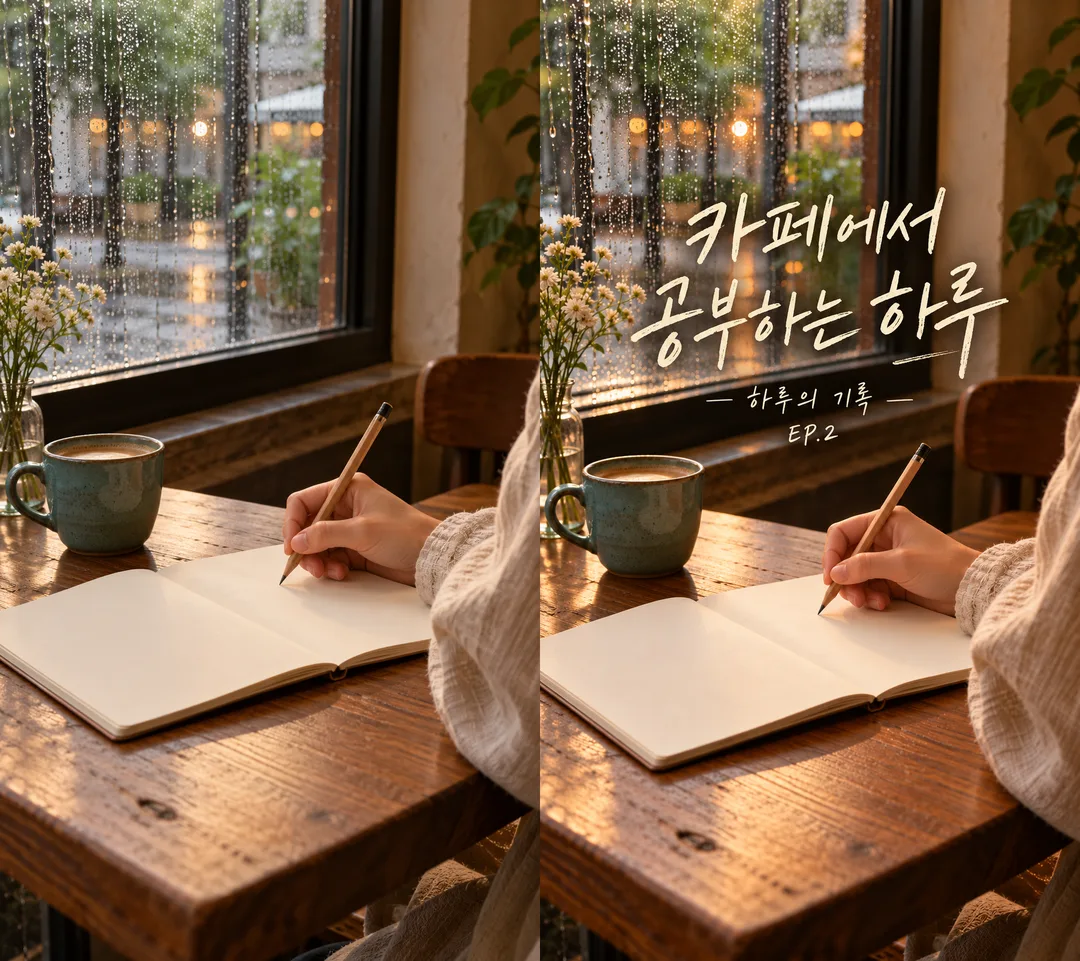
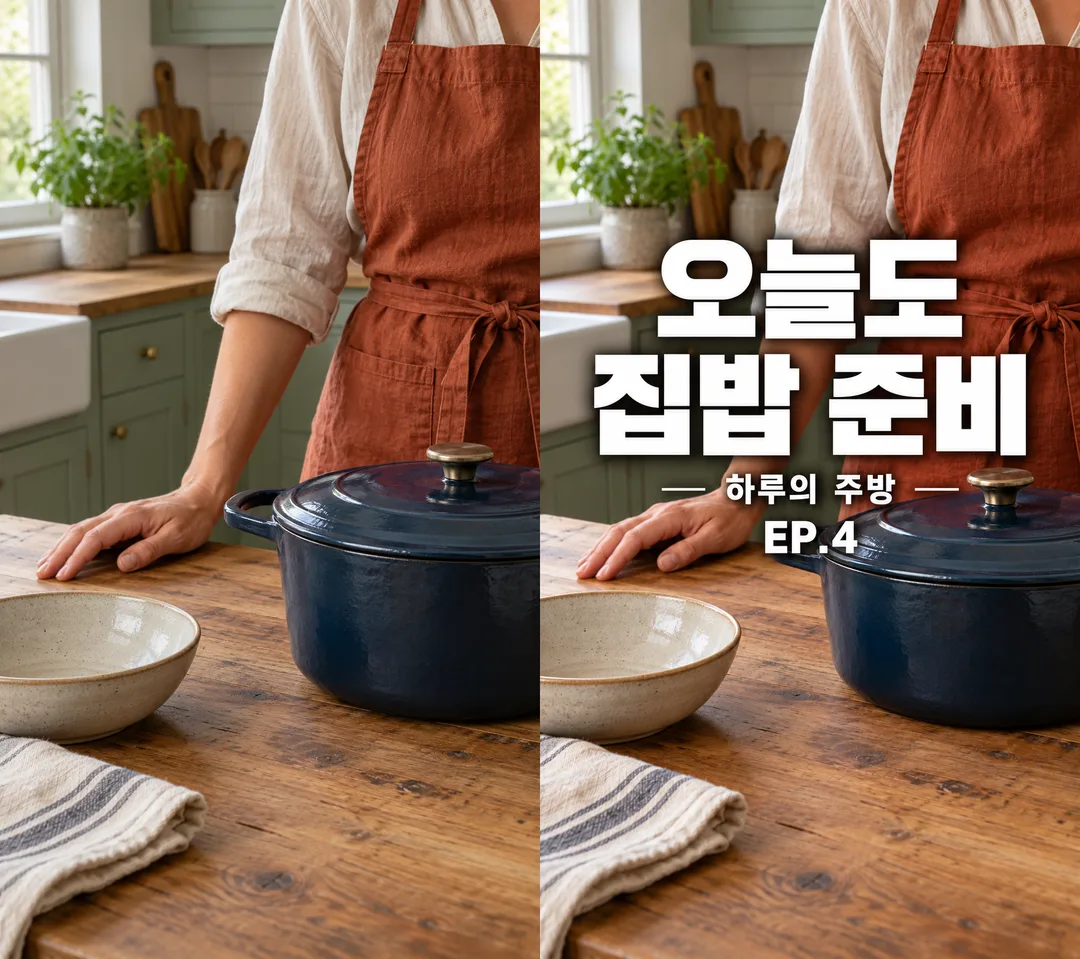
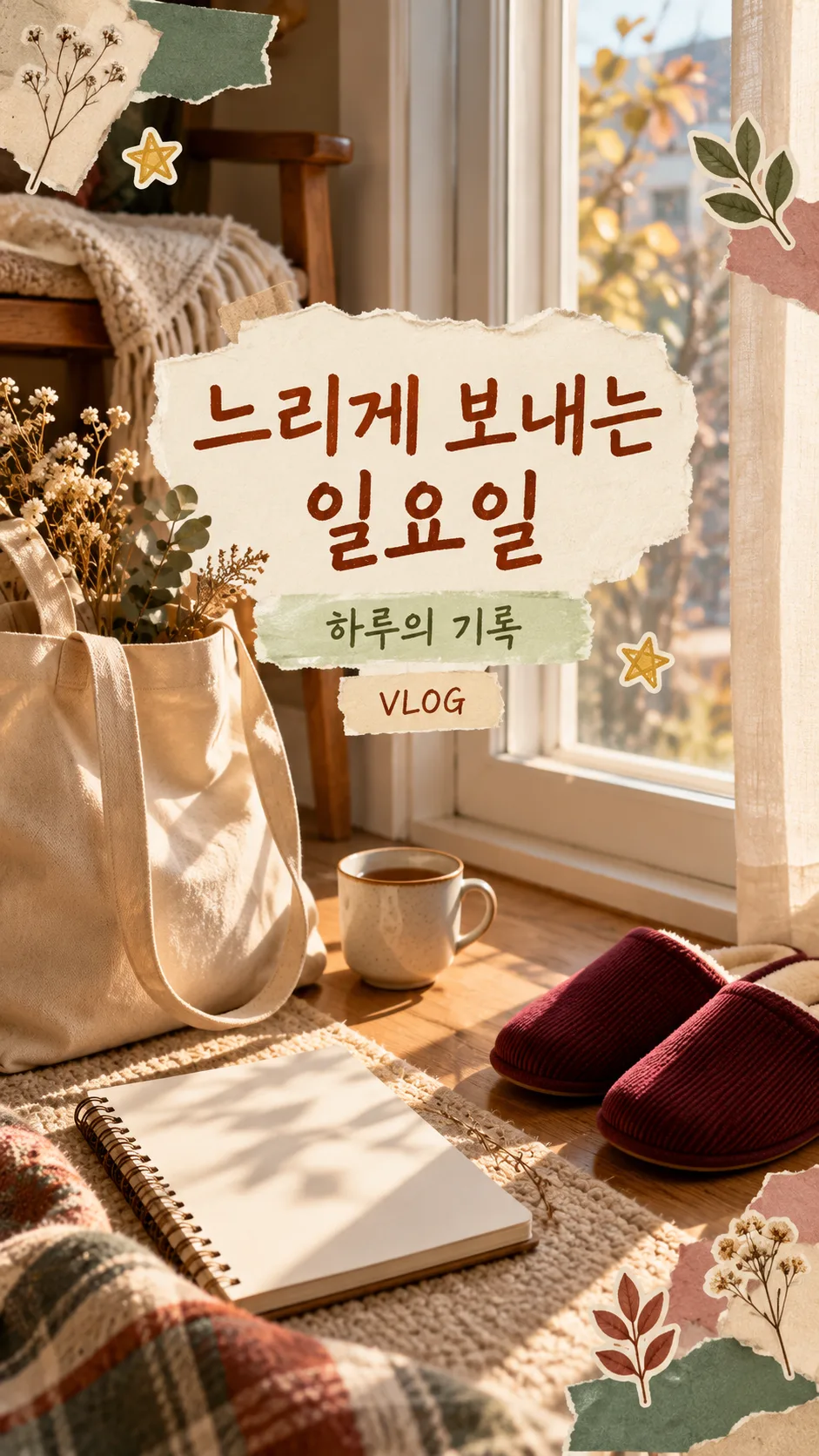
칸 채우기
- 1칸을 채워요
- 2복사 버튼을 눌러요
- 3GPT 채팅창에 붙여넣어요
- 4그대로 보내면 썸네일 예시처럼 나와요
- 5영상 캡처나 사진 한 장을 복사한 프롬프트와 같은 메시지에 첨부하세요. 없으면 얼굴 없는 가상 일상 장면을 만들어요.을 같이 넣으면 그 사진이 반영돼요 선택
프롬프트 원문 보기 4,161자
Generate this image now. Draw it directly - do not describe it, explain it, or ask questions.
Output size 1080x1920 pixels, 9:16 portrait story. Keep all text inside the central 80% of the height: compress every zone percentage below into the 10-90% range.
Create ONE finished full-bleed daily vlog short-form video cover, normally 9:16. No mockup, contact sheet, before-after or multiple output images.

[Inputs]
Photo/context: "【사진】". This describes an attached photo or guides a fictional scene; never print it. With a photo, preserve the same person, pose, clothing, objects, room and spatial layout. Do not beautify the face, replace the location, invent objects or turn the photo into an illustration. Only add typography and the selected mood treatments without obscuring key identity details. If no photo is attached, create a photorealistic face-free everyday scene from the context (hands, back view or objects); if context is blank, use an evening desk with an open blank journal. All invented people must be original and resemble nobody recognizable. Invented products must use generic original shapes, colors and designs, without recognizable branded packaging.
Title: "【제목】". Define TITLE once: use the supplied title verbatim, at most two lines. If blank or exactly "알아서 골라줘", choose a short Korean title from the visible scene, without invented facts; never print the automatic-choice instruction. Prefer a short title of around 12 Korean syllables; do not alter a longer supplied title, instead wrap at natural word boundaries and reduce type size while retaining readability.
Subtitle: "【부제】". Use exactly if supplied; if blank, omit the entire subtitle and its reserved space.
Episode: "【회차】". Use exactly if supplied; if blank, omit it entirely. Never invent episode numbers.
Mood: "【분위기】". Never print this value. If blank, use "깔끔한 굵은 고딕".

[Mood treatments]
"필름 감성 손글씨": warm restrained film atmosphere, legible expressive handwritten type, cream lettering and subtle dark contrast shadow. Preserve photo contents.
"깔끔한 굵은 고딕": clean very bold geometric sans-serif Gothic lettering with uniform strokes and square terminals, absolutely no serifs or calligraphic strokes; white or dark text with a restrained contrasting backing when needed.
"다꾸 스티커 콜라주": original diary sticker collage with a few torn-paper fragments and small star or leaf stickers around free edges. Leave visible background gaps between every sticker's outer white border. Keep the photographic subject visible; never cover identity details or title with decorations.

[Composition and type]
The photo fills the entire canvas edge to edge. TITLE is the dominant element, at most two large horizontal lines, followed by a clearly readable small subtitle and episode if supplied. Match text language to Korean. At 9:16, keep ALL text inside x=10%-90% and y=28%-68%. The centered 3:4 crop retains y=12.5%-87.5%: no title letter may fall outside it. Do not draw crop guides. Keep a quiet contrasting region behind text; avoid hands, faces and primary objects. For other allowed canvas ratios, keep the text centered with at least 10% side margins and 15% top/bottom margins. No letter may be clipped. Check the title at mobile feed size and inspect each subtitle character, digit and punctuation before finishing.

[Text and rights]
Render only TITLE, supplied subtitle and supplied episode once, preserving every character, space and punctuation. Never add view counts, subscriber counts, rankings, engagement claims, platform logos, app interfaces, brand marks, celebrities, signatures, watermarks or verification notes. Do not imitate an existing channel's identity. Do not add unsupported claims. Remove unrelated visible brand marks from input photos without changing the underlying scene. No extra labels or invented facts. No border, phone mockup, empty bars or small card placed on a sheet. Deliver exactly one usable finished cover with no explanation.

[Final output format]
Output size 1080x1920 pixels, 9:16 portrait story. Keep all text inside the central 80% of the height: compress every zone percentage below into the 10-90% range.
This selected output format takes priority over any fixed canvas size or aspect ratio elsewhere in this template. Adapt the composition, text zones and margins to the selected canvas without stretching or cropping essential content. Device safe areas apply only when a device is selected. Never print these format instructions on the image.
결과 어땠어요?
이 카드도 많이 사용해요
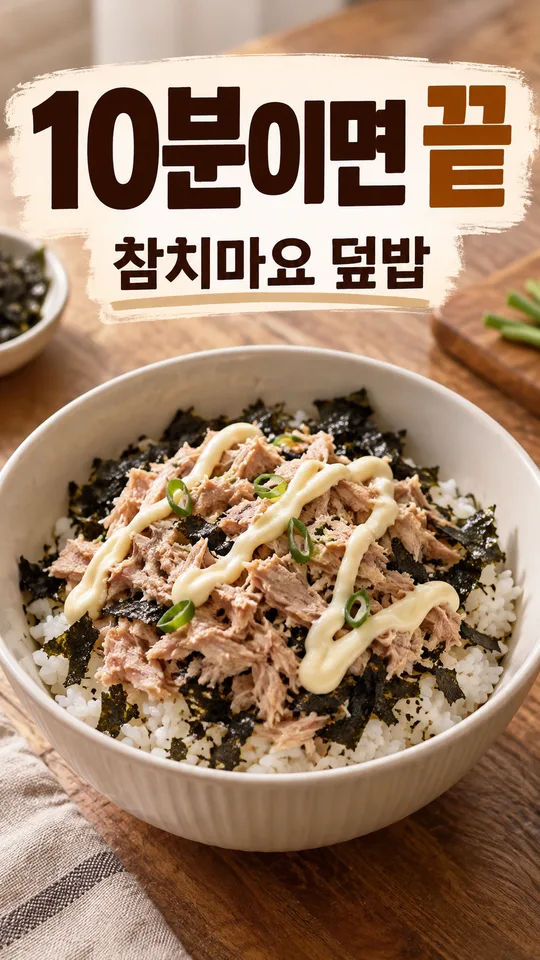
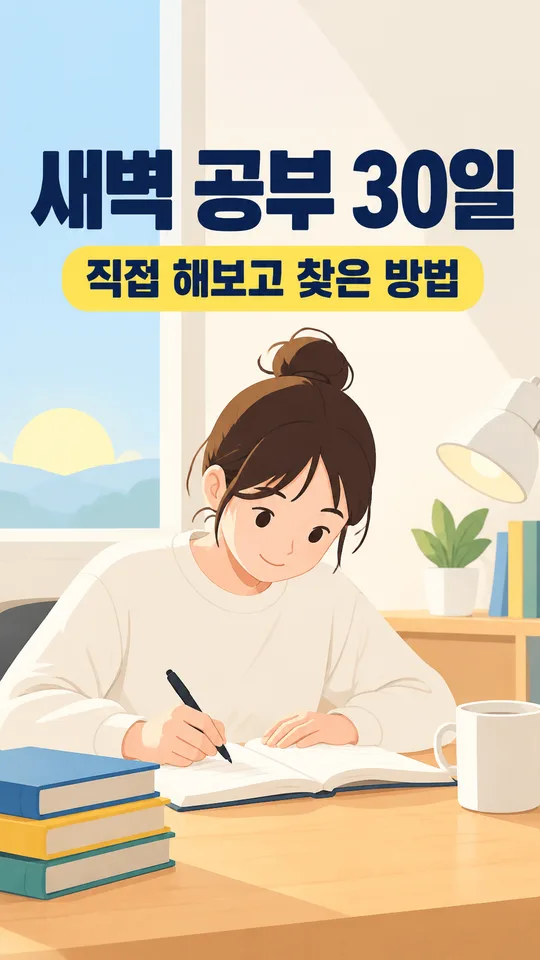
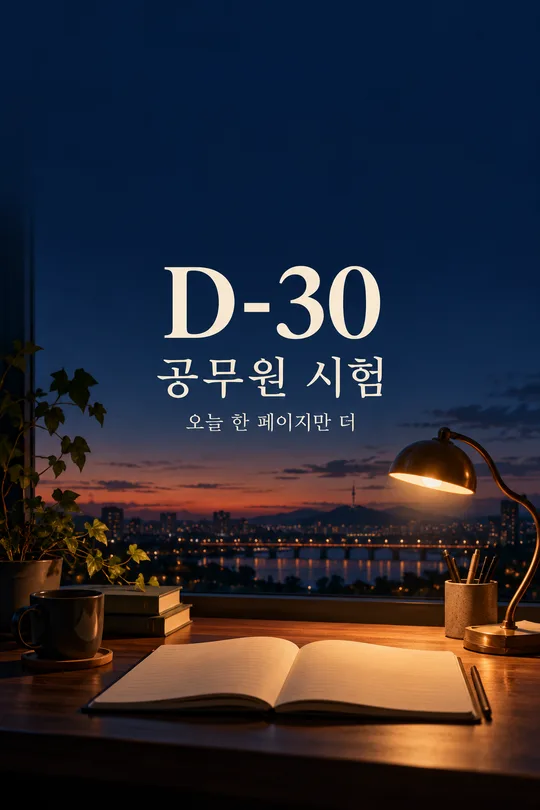
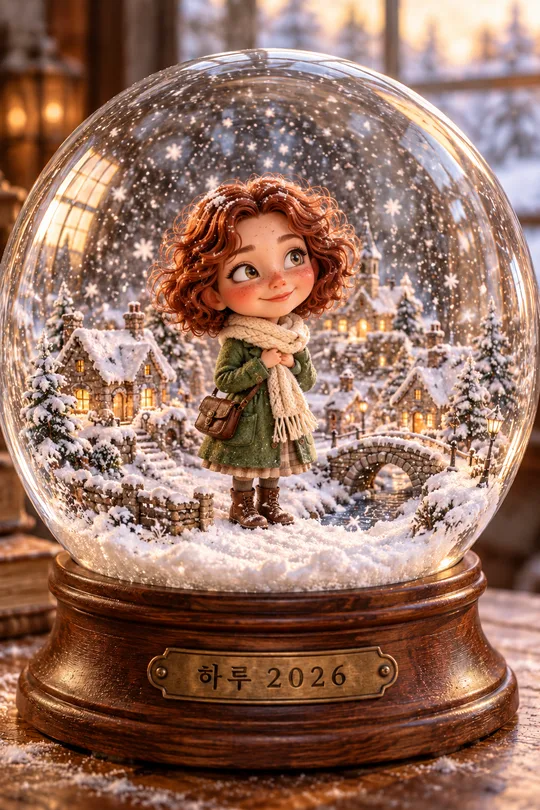
쓰는 법 · 자주 묻는 것
내 영상의 첫 화면을 정리해요
카페에서 공부한 날, 집에서 저녁을 준비한 날처럼 일상 영상의 장면을 한 장의 세로 표지로 만들어요. 사진은 화면 끝까지 채우고 큰 제목은 두 줄 이내로 놓아요. 인스타 피드 격자에서 위아래가 3:4로 잘려도 제목이 남도록 중앙에 모아요. 플랫폼 화면이나 재생 버튼은 그리지 않아요.
칸 채우는 법
꼭 채울 칸은 2개, 제목과 분위기예요. 사진 칸에는 사진에 보이는 장면을 짧게 적어요. 실제 사진 파일은 프롬프트와 함께 첨부해야 해요. 첨부 없이 장면만 적으면 가상 장면이 나와요. 제목은 「퇴근 후 나의 시간」「카페에서 공부하는 하루」「오늘도 집밥 준비」처럼 짧게 적거나 「알아서 골라줘」를 누르세요. 빈 제목도 장면을 보고 정해요. 부제는 「하루의 기록」처럼 짧게, 회차는 「EP.3」나 「VLOG」를 넣어요. 부제와 회차를 비우면 해당 줄과 빈 공간이 빠져요. 회차 숫자를 임의로 만들지 않아요.
분위기는 필름 감성 손글씨, 깔끔한 굵은 고딕, 다꾸 스티커 콜라주 중에서 골라요. 선택마다 글꼴과 장식이 달라지지만 결과는 언제나 브이로그 표지 한 장이에요. 빈 분위기는 굵은 고딕으로 처리해요. 사진이 없으면 얼굴이 안 보이는 손이나 물건 장면을 만들고, 장면도 비우면 창가 책상과 일기장을 사용해요.
사진을 함께 보내는 순서
권한이 있는 캡처나 사진 한 장을 그림 AI의 입력창에 올리고, 아직 보내지 않은 상태에서 복사한 프롬프트를 같은 메시지에 붙여 넣어요. 둘 다 들어간 것을 확인한 뒤 한 번 보내세요. 사람의 옷과 자세, 컵과 노트, 창문과 주방 배치가 남도록 지시해요. 공개할 사람의 동의와 사진 사용 권한도 확인하세요. 외부 도구의 요금과 이용 조건은 해당 서비스에서 확인하세요.
확인하고 고치기
큰 제목을 휴대폰 너비로 줄여 읽고, 부제와 EP 숫자는 확대해서 한 글자씩 대조하세요. 중앙 3:4 영역 안에 제목이 모두 있는지 확인하고, 입력 사진과 사람·장소·물건 배치를 비교하세요. 글자가 틀리면 같은 사진에 정확한 문구를 다시 주고 다른 부분을 유지하도록 요청하세요. 스티커가 붙어 있으면 개수를 줄이고 테두리 사이에 틈을 남기도록 요청하세요.
자주 묻는 질문
사진이 꼭 필요한가요? 없어도 가상 일상 장면이 나와요. 긴 제목도 되나요? 두 줄에 들어가도록 글자가 작아지므로 짧게 적는 편이 좋아요. 이 카드가 영상을 편집하나요? 표지 이미지 한 장을 만들기 위한 프롬프트이며 영상 편집은 포함하지 않아요.