
All · Video thumbnails · Short video covers
419Daily Vlog Shorts & Reels Cover
Keep your scene and add a large central title to one vertical daily vlog cover.
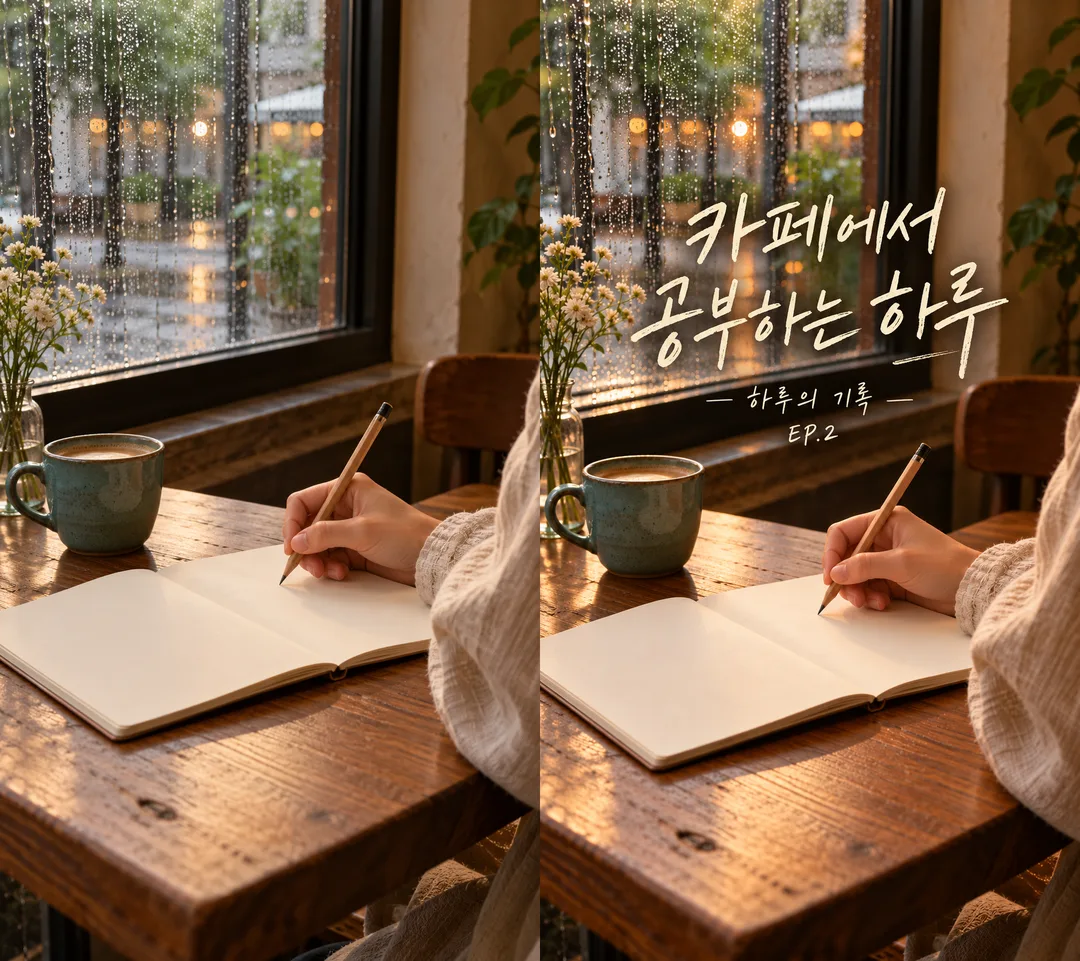
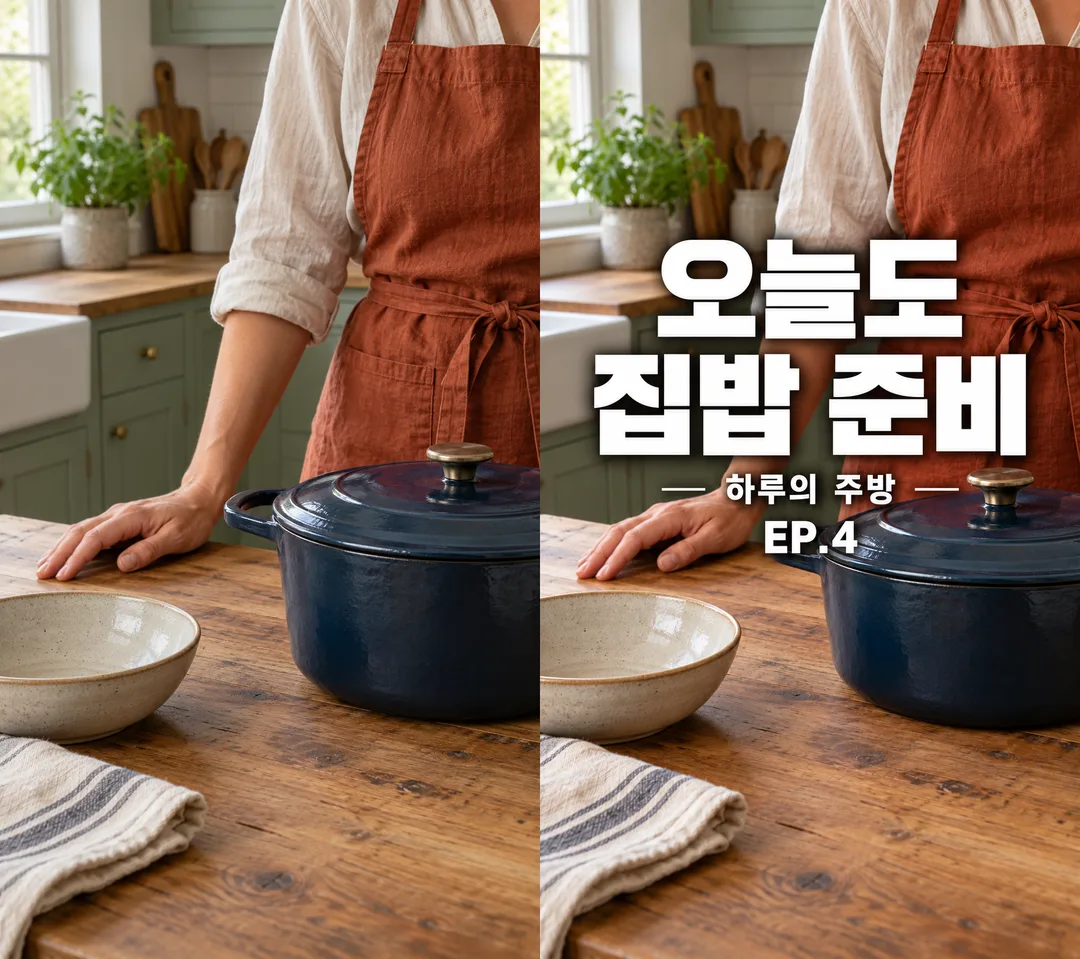
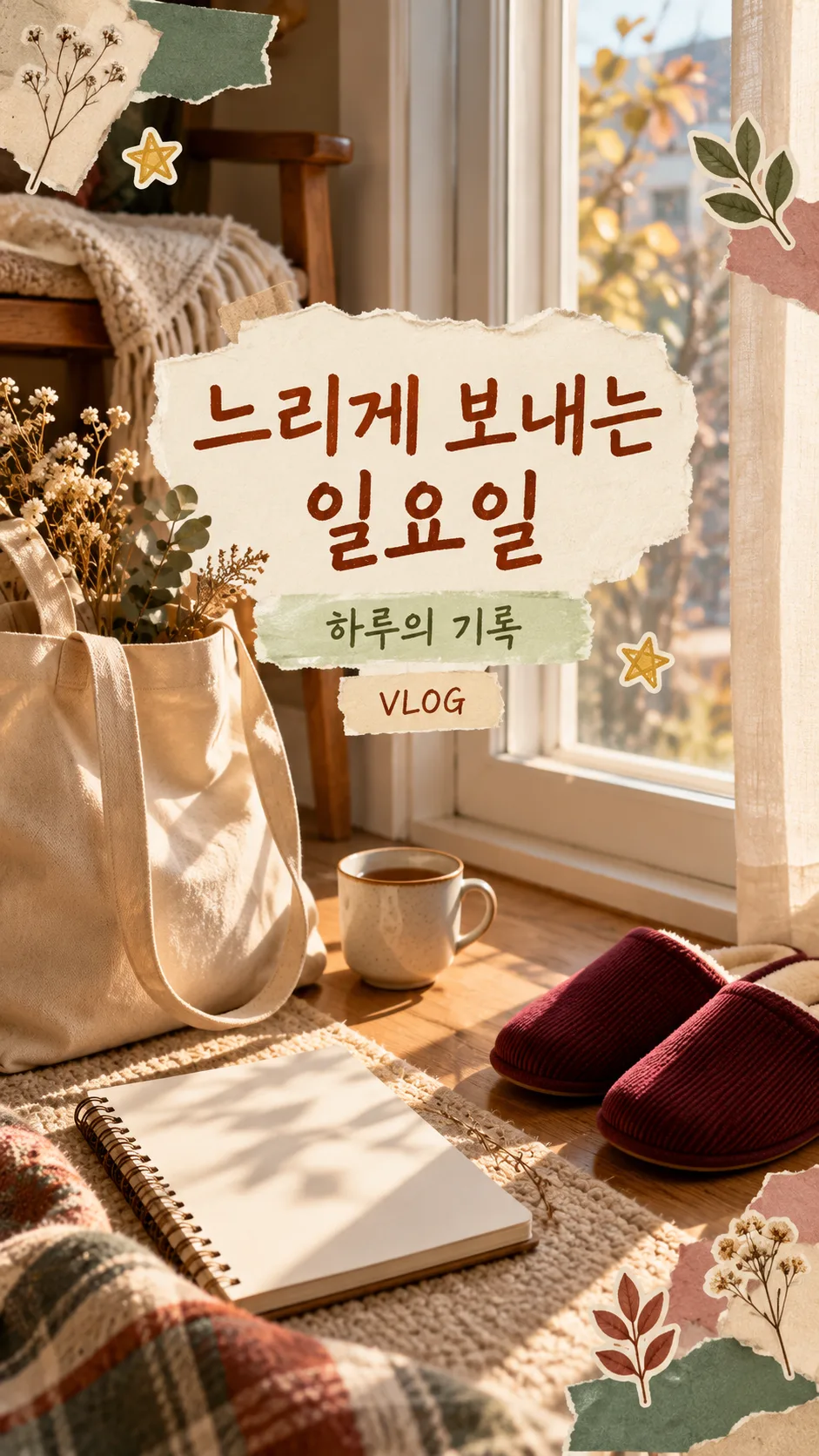
Fill in the fields
- 1Fill in the fields
- 2Copy the prompt
- 3Paste it into a GPT chat
- 4Send it as is and you get an image like the thumbnail example
- 5Attach Attach one video still or photo in the same message as the copied prompt. Without a photo, create a fictional everyday scene without a visible face. with the prompt and your photo is used in the result Optional
Full prompt 4,234 characters
Generate this image now. Draw it directly - do not describe it, explain it, or ask questions.
Output size 1080x1920 pixels, 9:16 portrait story. Keep all text inside the central 80% of the height.
Create ONE finished full-bleed daily vlog short-form video cover, normally 9:16. No mockup, contact sheet, before-after or multiple output images.

[Inputs]
Photo/context: "【Photo】". This describes an attached photo or guides a fictional scene; never print it. With a photo, preserve the same person, pose, clothing, objects, room and spatial layout. Do not beautify the face, replace the location, invent objects or turn the photo into an illustration. Only add typography and the selected mood treatments without obscuring key identity details. If no photo is attached, create a photorealistic face-free everyday scene from the context (hands, back view or objects); if context is blank, use an evening desk with an open blank journal. All invented people must be original and resemble nobody recognizable. Invented products must use generic original shapes, colors and designs, without recognizable branded packaging.
Title: "【Title】". Define TITLE once: use the supplied title verbatim, at most two lines. If blank or exactly "Choose for me", choose a short English title from the visible scene, without invented facts; never print the automatic-choice instruction. Prefer a short title of around 6 English words; do not alter a longer supplied title, instead wrap at natural word boundaries and reduce type size while retaining readability.
Subtitle: "【Subtitle】". Use exactly if supplied; if blank, omit the entire subtitle and its reserved space.
Episode: "【Episode】". Use exactly if supplied; if blank, omit it entirely. Never invent episode numbers.
Mood: "【Mood】". Never print this value. If blank, use "Clean bold sans-serif".

[Mood treatments]
"Film mood handwriting": warm restrained film atmosphere, legible expressive handwritten type, cream lettering and subtle dark contrast shadow. Preserve photo contents.
"Clean bold sans-serif": clean very bold geometric sans-serif Gothic lettering with uniform strokes and square terminals, absolutely no serifs or calligraphic strokes; white or dark text with a restrained contrasting backing when needed.
"Diary sticker collage": original diary sticker collage with a few torn-paper fragments and small star or leaf stickers around free edges. Leave visible background gaps between every sticker's outer white border. Keep the photographic subject visible; never cover identity details or title with decorations.

[Composition and type]
The photo fills the entire canvas edge to edge. TITLE is the dominant element, at most two large horizontal lines, followed by a clearly readable small subtitle and episode if supplied. Match text language to English. At 9:16, keep ALL text inside x=10%-90% and y=28%-68%. The centered 3:4 crop retains y=12.5%-87.5%: no title letter may fall outside it. Do not draw crop guides. Keep a quiet contrasting region behind text; avoid hands, faces and primary objects. For other allowed canvas ratios, keep the text centered with at least 10% side margins and 15% top/bottom margins. No letter may be clipped. Check the title at mobile feed size and inspect each subtitle character, digit and punctuation before finishing.

[Text and rights]
Render only TITLE, supplied subtitle and supplied episode once, preserving every character, space and punctuation. Never add view counts, subscriber counts, rankings, engagement claims, platform logos, app interfaces, brand marks, celebrities, signatures, watermarks or verification notes. Do not imitate an existing channel's identity. Do not add unsupported claims. Remove unrelated visible brand marks from input photos without changing the underlying scene. No extra labels or invented facts. No border, phone mockup, empty bars or small card placed on a sheet. Deliver exactly one usable finished cover with no explanation.

[Final output format]
Output size 1080x1920 pixels, 9:16 portrait story. Keep all text inside the central 80% of the height.
This selected output format takes priority over any fixed canvas size or aspect ratio elsewhere in this template. Adapt the composition, text zones and margins to the selected canvas without stretching or cropping essential content. Device safe areas apply only when a device is selected. Never print these format instructions on the image.
How did it turn out?
You may also like
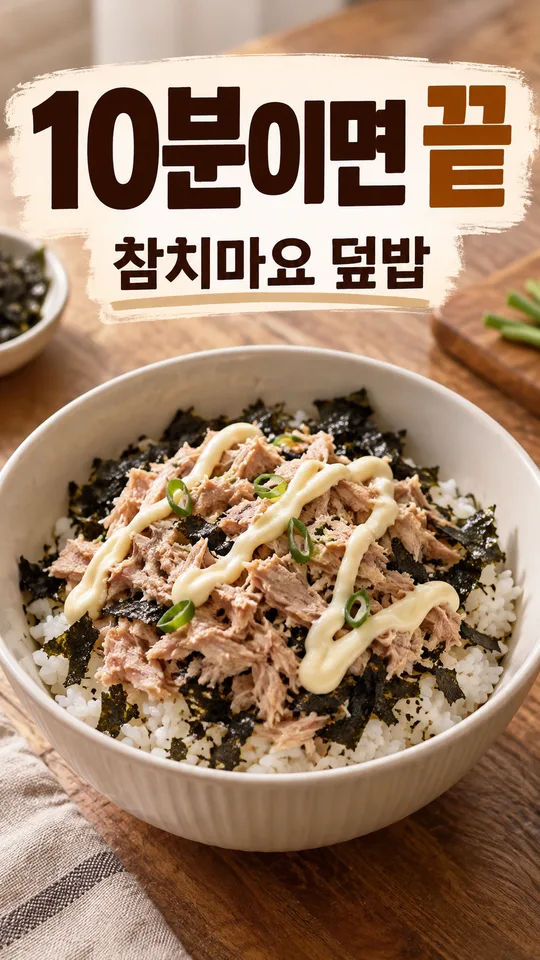
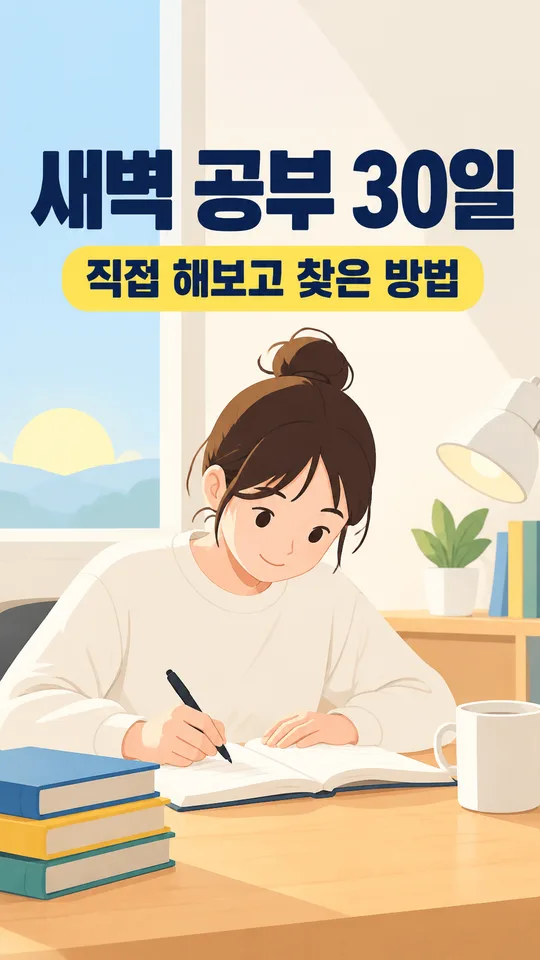
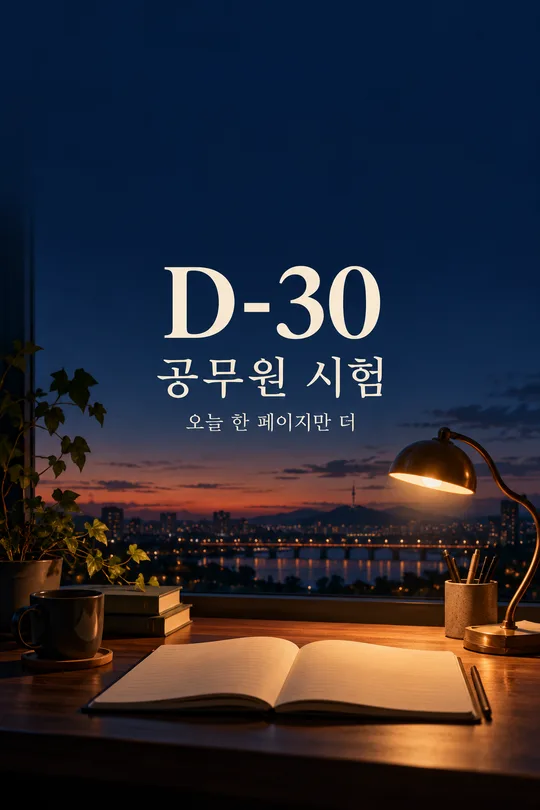
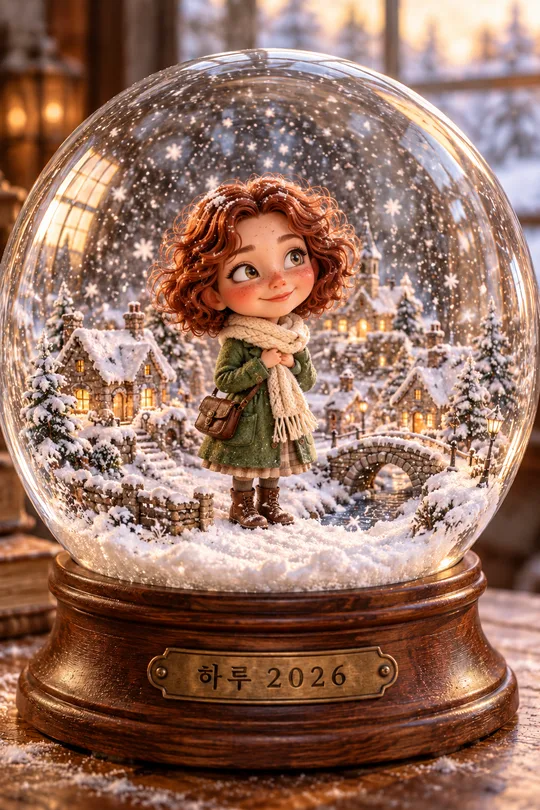
How to use it · FAQ
A first frame for an everyday story
Make one vertical cover for studying at a café, preparing dinner or winding down after work. The photograph fills the canvas and the main title occupies no more than two lines. Every text line stays in the center so the title survives a centered 3:4 feed crop. No platform interface or play button is added.
Fill the fields
The two required fields are Title and Mood. Photo describes the visible scene; attach the actual file with the prompt to use it. A description alone creates a fictional scene. Try “After Work, My Time”, “A Café Study Day” or “Getting Dinner Ready”. Choose “Choose for me”, or leave Title blank, to get a short scene-based title without invented facts. Subtitle can be “Haru’s Journal”; Episode can be “EP.3” or “VLOG”. Empty Subtitle and Episode fields remove those lines and their reserved space. Episode numbers are never invented.
Film mood handwriting, Clean bold sans-serif and Diary sticker collage change lettering and accents while keeping the output to one vlog cover. A blank Mood uses bold sans-serif. Without a photo, the prompt creates hands, a back view or objects with no visible face. A blank scene description uses an evening desk and open journal. Invented people and objects have original unbranded designs.
Send a photo and prompt together
Use a photo or video still you have permission to use. Attach one image, paste the copied prompt into the same message, then send both together. The person’s pose and clothing and the arrangement of the room and objects should remain recognizable. Obtain permission from any person you will show publicly. Check the external image tool’s prices and terms directly with that service.
Review your cover
Read the title at mobile feed size and zoom in to compare every subtitle character, episode digit and punctuation mark. Check that all text fits within the central 3:4 crop, then compare the person and room with the source photo. For incorrect text, resend the photo with the exact wording and ask to retain the rest. If stickers touch, ask for fewer stickers and visible gaps between their borders.
Questions
Is a photo required? No; a fictional everyday scene works too. Can the title be long? It must fit two lines, so a shorter title stays larger. Does this edit the video? This is a prompt for a single cover image, not a video editor.