
すべて · SNS投稿 · 情報・ヒント · 共感ネタ
185番号付きリストカード
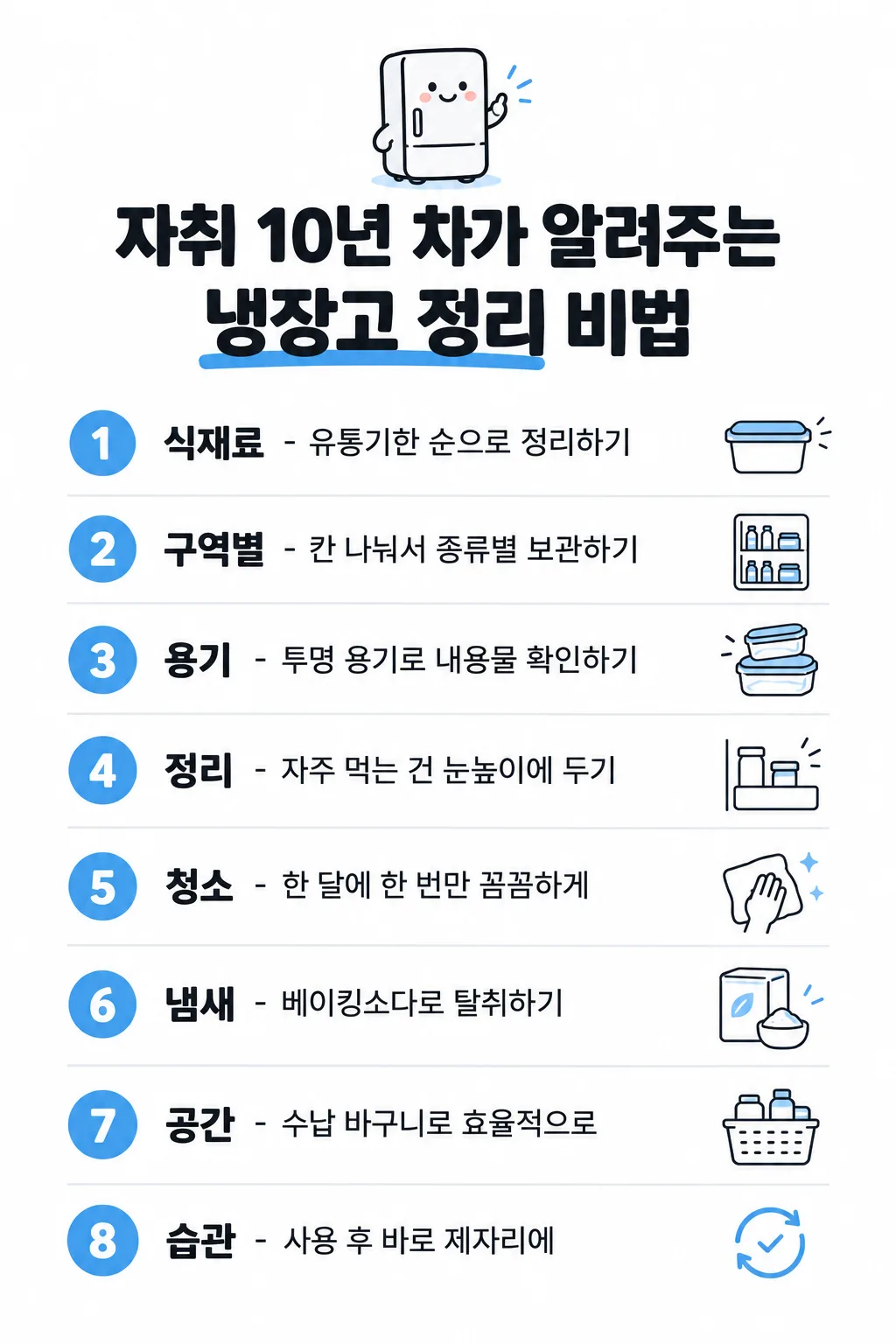
タイトルを1つ選ぶだけで、内容・マスコット・アイコンまで自動で整う番号付きリスト画像を1枚作れます。
項目を入力
- 1項目を入力します
- 2コピーを押します
- 3GPTのチャットに貼り付けます
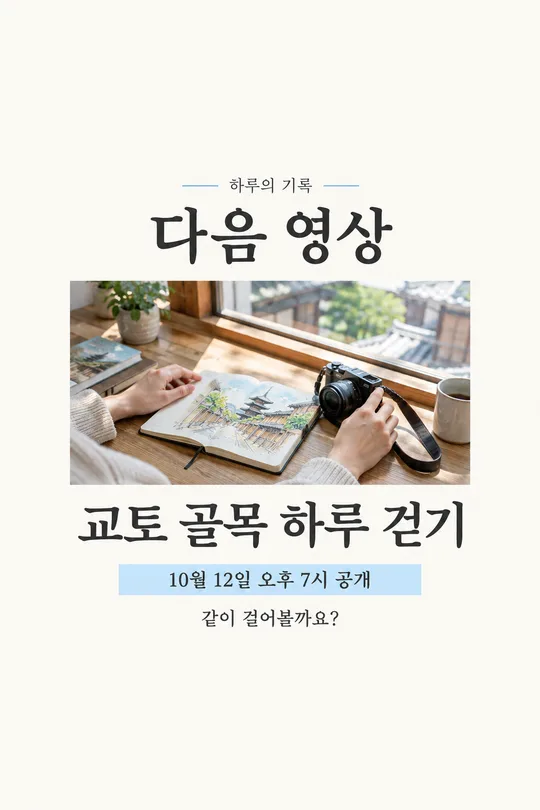
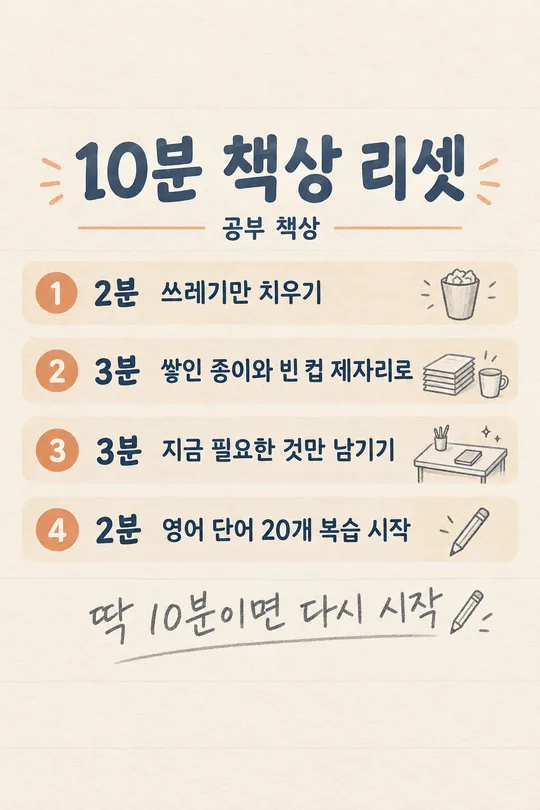
- 4そのまま送ると、サムネイルの例のような画像になります
- 5カードに合う実際の写真を一緒に入れると反映されます。背景カードなら背景の写真、人物・料理カードならその写真 任意
プロンプト全文を見る 5,550文字
Generate this image now. Draw it directly - do not describe it, explain it, or ask questions.
出力サイズは1080×1920ピクセル、9:16の縦型にしてください。文字は中央の安全な範囲に収めてください。

[Input]
Exact Japanese title: "【タイトル】"
Requested number of rows: 【行数】
Chosen accent color: "【色】"
User-written rows, separated by line breaks: "【自分で内容を書く】"

[Automatic decisions]
Create exactly ONE finished numbered-list image for Threads or Instagram. The title alone is enough: silently choose every row's wording, the row format, one small cute mascot, one thin-line icon per row, and a suitable accent color. Never ask the user for row content, a mascot, icons or a design. If the row-count input is absent, use 8; supported choices are 5, 6, 8 and 10. If the color input is absent, choose red, orange, green, blue or brown to suit the title. Use one consistent accent throughout. Keep the entire list on this single canvas.

[Content priority]
If the user-written rows input is absent or whitespace only, generate exactly the requested number of distinct, relevant rows from the title. For practical tips, use ordinary, accurate, actionable knowledge. Do not invent credentials, secret insider evidence, statistics, quotes, guarantees, or medical claims. Treat an expert-themed title as the user's headline, not proof that an expert endorsed the content. For empathy or advice, use gentle everyday observations rather than declaring a universal truth. A diet-themed title may use ordinary habits without claiming weight loss, treatment, prevention, a guaranteed effect or a prescribed intake.
If user-written rows are present, each nonblank input line is one complete row, in the same order. Copy every character of each line verbatim, including spaces, spelling and punctuation; do not correct, summarize, translate, replace or add to it. Blank lines only separate rows. The number of supplied rows takes precedence over the requested count: never drop supplied rows or invent missing rows to reach a button value. Keep all supplied rows on one image. The short-writing rules below apply only to automatically written rows.

[Choose one row format from the title]
For a tips, methods or practical know-how title: one line per row, with a bold Japanese keyword of 2-6 characters, then " - ", then a short practical method of at most 15 characters. Choose compact wording that is useful without an unsupported claim.
For an empathy, reflection or life-advice title: two lines per row, with a bold main statement above and a smaller line beginning "- " below. Keep the main statement compact and the small remark within 15 characters. Prefer a 2-6-character key phrase when it reads naturally. This is a visual line break, not a printed slash. Choose the best format silently and use it consistently; never make separate cards for the two formats.
For supplied rows, preserve their exact text regardless of format. Emphasize an existing key phrase and wrap at natural word boundaries only; do not add a method, dash, subtitle or commentary to a supplied line. A visual line wrap must not change its text.

[Design]
Clean pure white background, dark near-black Japanese sans-serif, generous readable spacing, flat polished editorial illustration. Place exactly one small original cute mascot at the top, naturally connected to the title: for example a smiling fridge for fridge organization or a quiet friendly character for life advice. Keep the mascot small enough that the list is the main subject. Below it, render the exact supplied title in very bold type across two balanced lines. Wrap the existing title naturally without rewriting it. Mark one existing key phrase with a thick accent-colored marker underline below the letters, keeping the strokes unobscured.
Below the title, create evenly spaced numbered rows. At the left of each row, use a solid accent-colored circle with its white Arabic number, from 1 through the actual row count, each exactly once. Keep the row text left-aligned next to the circles. At the far right, place one small delicate thin-line icon specific to that row's content; do not repeat a generic icon for all rows. Separate neighboring rows with fine light-gray horizontal rules. Tip rows use one text line; empathy rows use the two-level main statement and small remark. Keep all numbers, text and icons fully visible, with clean consistent alignment and enough bottom breathing room. Adapt spacing and type size to the selected aspect ratio and row count before drawing. The last row must be as readable as the first. Do not crop, split into pages, create a carousel, use a phone mockup, add a colored background, or add badges, branding, sources, a footer slogan or watermark.

[Text fidelity and output]
Every Japanese character exactly as written, nothing added.
The user's title and supplied rows are immutable. Automatically generated rows are allowed only when no user rows were provided: decide their exact wording before drawing and render it faithfully. Render only the exact title, the row wording and the numbered circles; no form labels, placeholder braces or extra captions. Return one complete image directly.
Render the title and every row in Japanese. Do not include Korean text or translate user-supplied Japanese text.

[Final output format]
出力サイズは1080×1920ピクセル、9:16の縦型にしてください。文字は中央の安全な範囲に収めてください。
This selected output format takes priority over any fixed canvas size or aspect ratio elsewhere in this template. Adapt the composition, text zones and margins to the selected canvas without stretching or cropping essential content. Device safe areas apply only when a device is selected. Never print these format instructions on the image.
結果はどうでしたか?
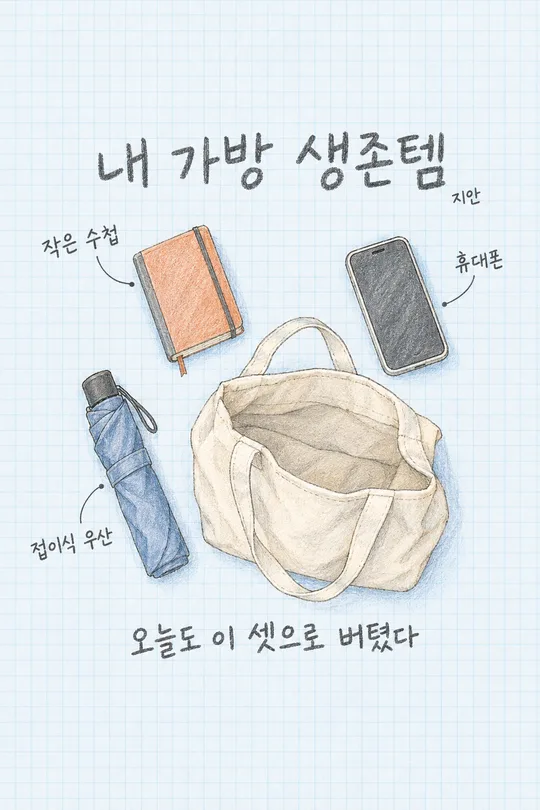
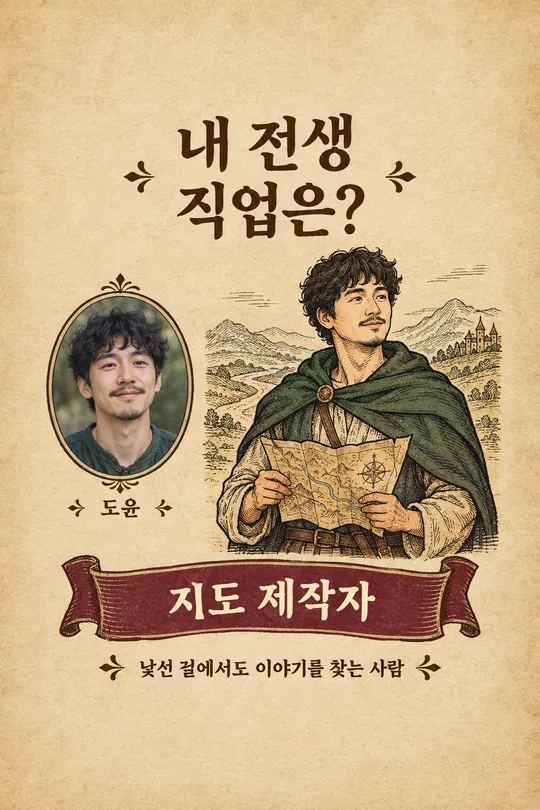
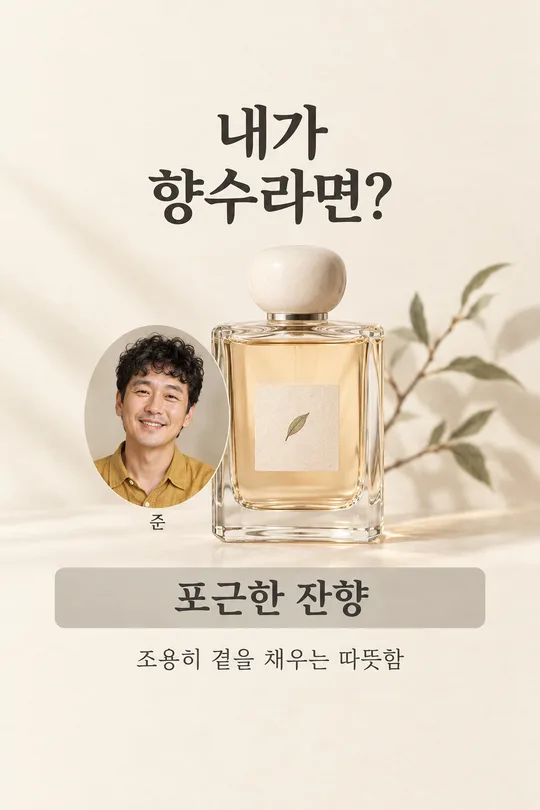
こちらのカードも人気です
使い方・よくある質問
タイトル1つで1枚作れます
タイトルを1つ選ぶだけで、内容・マスコット・アイコンまで自動で埋まる番号付きリストカードをスレッドやインスタに作成できます。行ごとに考えたりアイコンを選ぶ手間はありません。結果は白い背景に大きなタイトル、色付きの丸数字、短い内容と細い線画アイコンが入った完成画像1枚です。
4つの項目だけを使います
- タイトル: 必須項目です。20個の候補から選ぶか、お好みのタイトルを直接入力してください。ホームカフェ・片付け・料理・旅行・店舗運営などのノウハウ系と、人間関係・後悔・癒やしなどの共感系を揃えています。自分で書いたタイトルも文字を変えずにそのまま使用し、長い場合は自然に2行に分けて配置します。
- 行数: 5・6・8・10から選べます。初期値は8です。手早く要点を伝えたいなら5や6、詳しくまとめたいなら8や10を選んでください。
- 色: 赤・オレンジ・緑・青・茶色のボタンです。未選択の場合は、タイトルに似合う色をAIが選びます。背景は白を維持します。
- 自分で内容を書く: 任意項目です。1行に1項目ずつ記入し、改行して次の項目を入力してください。空欄にするとすべての行を自動作成します。内容を入力した場合は、入力された行を順番通りにそのまま使用し、省略したり勝手に追加したりしません。直接入力した項目の数が「行数」ボタンの設定と異なる場合は、直接入力の数を優先します。
タイトルに応じて行のレイアウトも自動で変わります
コツやノウハウ系のタイトルは、太字のキーワードと短い方法を1行に並べます。共感やアドバイス系のタイトルは、太字の大きめな文の下に小さめの「- 一言」を配置します。このレイアウトを手動で選ぶ必要はありません。マスコットと各アイコンはタイトルや内容に合わせて自動で決定されます。
一度に受け取る方法
タイトルを選び、必要に応じて行数や色を変更したら、プロンプトをコピーしてGPTに貼り付けてください。画像を追加する必要はありません。推奨サイズはスマートフォンで縦に読みやすい「9:16」です。10行の場合でも最後の項目まで1枚の画像に収まるよう、間隔と文字サイズを自動調整します。
投稿する前にご確認ください
AIが作成した情報が正しい事実であるか確認してから投稿してください。 ノウハウ風のタイトルであっても、特定の専門家が保証した内容ではありません。生活のヒントが実際の状況に合っているか確かめ、ダイエットや健康をテーマにしたものは治療や効果を断定する表現になっていないか確認してください。タイトルや直接入力した行は、スペースや句読点まで入力値と照らし合わせ、番号が順番通りに並んでいるか、最後の行やアイコンが切れていないか確認してから保存・公開してください。
ノウハウ系の行は「太字のキーワード - 短い方法」を1行に配置します。自分で入力した内容には説明を追加せず、既存の言葉を強調したり、自然な位置で折り返したりします。入力する1行を短くすると、小さな画面でも読みやすくなります。共感の言葉は誰にでも当てはまる事実ではなく、分かち合う考えとして読んでください。