
All · Infographics & guides · Store notices
359Weekly Opening Hours Sign
A clear weekday-and-hours table with closed days and optional break and last-order times for a shop door or counter.
ChatGPT Free OK
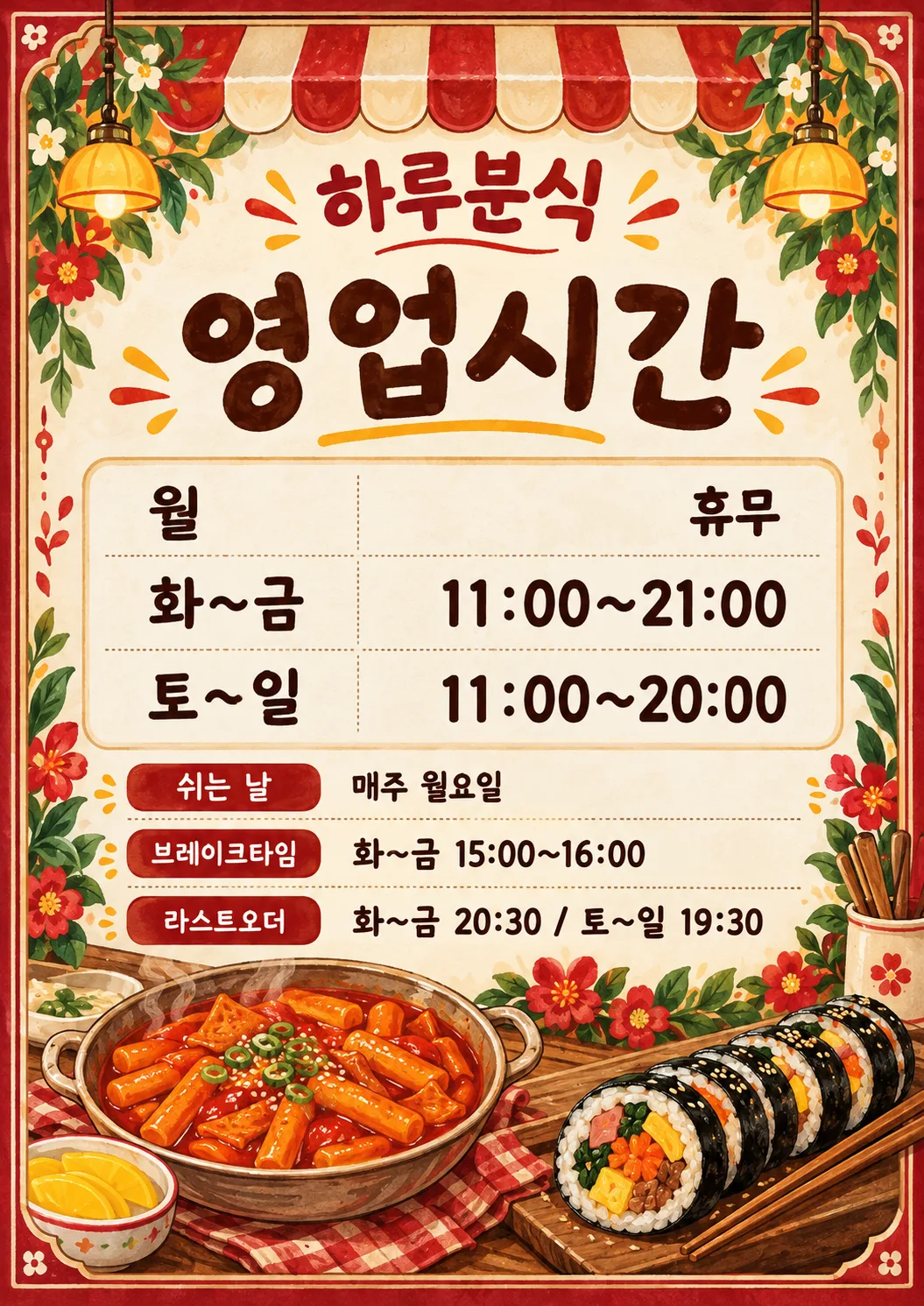
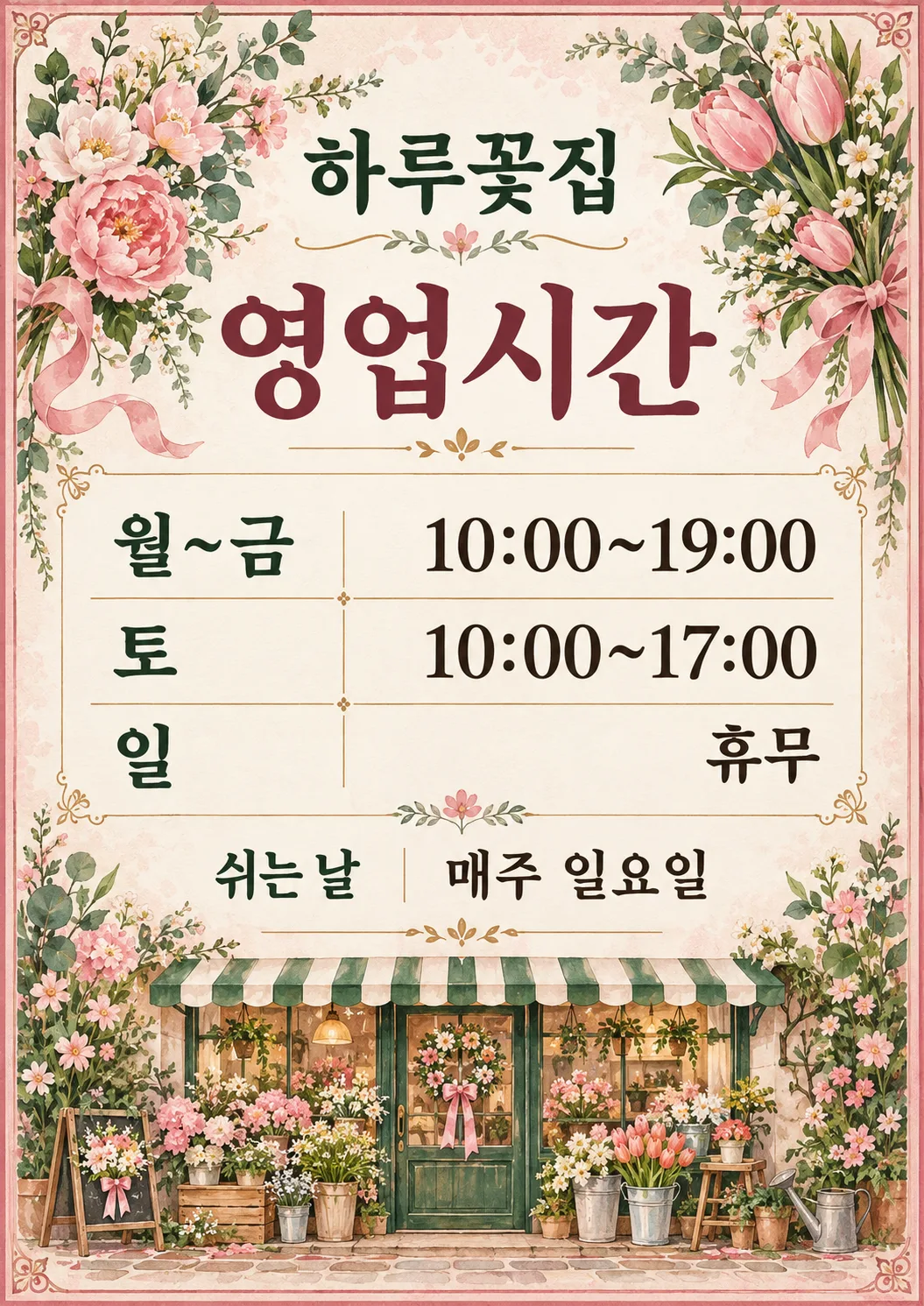
Fill in the fields
- 1Fill in the fields
- 2Copy the prompt
- 3Paste it into a GPT chat
- 4Send it as is and you get an image like the thumbnail example
- 5Attach a real photo that fits the card and it is used in the result: a background photo for background cards, a person or food photo for those cards Optional
Full prompt 3,465 characters
Generate this image now. Draw it directly - do not describe it, explain it, or ask questions.
Create a beautiful premium illustrated shop-door opening-hours sign, a finished flat print design. Output size 2480x3508 pixels, A4 portrait, 300dpi, print-ready poster. Use the selected canvas ratio. Fill the entire portrait canvas with a crafted decorative double border, subtle patterned paper and generous original hand-painted illustrations at the top corners and along the bottom, never a blank top or bottom third. Keep a clean light central panel for the schedule. This must feel like a charming boutique poster customers would photograph, with rich restrained ink colors and tactile illustration, never an office document. Shop name is large and bold near 8% height, heading very large near 18%, both readable at thumbnail size; reserve about 28%-65% for the table, 68%-83% for supplemental lines and 85%-97% for a substantial illustrated vignette. Adapt these regions to row count without crowding. All text safely inside 6% side margins. Decorations must never touch letters, numerals or table rules. Select the entire palette and substantial illustrations by Business: Cafe/カフェ = warm coffee brown, caramel and cream, steaming ceramic coffee cup, coffee beans and coffee sprigs; Snack bar/軽食店 = vivid tomato red, golden yellow and warm cream, appetizing tteokbokki in a bowl and sliced gimbap with chopsticks; Florist/花屋 = blush pink, leafy green and ivory, lush painted flowers and leafy stems around the corners and a bouquet at the bottom; Salon/美容室 = plum, dusty rose and ivory, elegant scissors, comb and flowing ribbon; Local shop/地域のお店 = forest green, ochre and cream, striped storefront awning above and charming shopfront illustration below. If Business is empty or not selected, use tasteful ochre geometric botanical ornaments without an industry motif. Business names are internal only and must not be printed. No mockup, external frame, photograph, logo, watermark or extra text.
Schedule is a very clear two-column table with weekday labels left aligned and every value including the closed-day word right aligned to one identical right edge, identical baselines and tabular numerals. Each semicolon-separated input entry becomes one row, in supplied order, split on the first colon followed by space, never split time colons. Do not add table column headings. Table dominates center. Under it show supplied closed-days line and optional break and last-order lines, with small bold labels, all fully readable. Empty optional values remove both label and reserved space. Never invent hours, days or conditions; never convert time notation or expand grouped days. Copy every supplied character, digit, colon, tilde and space exactly. Before finishing compare each rendered row with the source. Render ONLY the heading, shop name, schedule rows, and supplied supplementary labels and values.
Heading: "Opening Hours"
Shop name: "【Shop name】"
Schedule: "【Weekly hours】"
Closed days, label "Closed days": "【Closed days】"
Break, label "Break time": "【Break time】"
Last order, label "Last order": "【Last order】"
Business (internal): "【Business】"

[Final output format]
Output size 2480x3508 pixels, A4 portrait, 300dpi, print-ready poster.
This selected output format takes priority over any fixed canvas size or aspect ratio elsewhere in this template. Adapt the composition, text zones and margins to the selected canvas without stretching or cropping essential content. Device safe areas apply only when a device is selected. Never print these format instructions on the image.
How did it turn out?
You may also like


How to use it · FAQ
A regular schedule for the shop door
This sign shows your usual weekly hours rather than a holiday closure. It suits cafe entrances, restaurant counters, florists and salons. Weekday labels align left and hours align right on matching baselines. Business changes the whole palette and painted decorations: brown coffee cups and beans, red and yellow tteokbokki and gimbap, pink and green flowers, salon scissors and comb, or a striped shop awning. Border and patterned paper fill the page while the central table stays clear. No photo is required. Paste the completed prompt once into an image AI to request one sign.
Fill the six fields
There are three required fields: Shop name, Weekly hours and Closed days. Copy the storefront name. Write schedule entries as “day: hours” and separate them with semicolons. “Mon~Fri: 09:00~20:00; Sat: 10:00~18:00; Sun: Closed” produces three table rows. For different daily hours, write each of the seven days separately. Group only days with identical hours. Split each entry at the first colon followed by a space; retain all colons inside times. The model must not expand day groups or reorder rows.
Write a real closure condition such as “Every Sunday”, or “Open every day” for a shop without a regular closed day. Make this field agree with the table. Break time and Last order are optional: leaving a value empty removes its label, value and reserved space. Include applicable days, for example “Weekdays 14:00~15:00” or “Weekdays 19:30 / Sat 17:30”. Business controls substantial illustrations and colors and is never printed as a caption. Empty or Not selected uses ochre geometric botanical ornaments.
Printing and checking
Use the shared ratio control. A4 suits a door and A5 paper suits a counter. If A5 is unavailable, generate at A4 and print proportionally on A5 paper. The catalog cover is 2:3 and differs from A-series paper: preserve the ratio and allow margins instead of stretching or cropping. Test-print to check resolution and readable letter size.
Compare every weekday, start and end time, closed day, break condition and last-order time against your values. Check that each day and time share a baseline. Watch for 09 becoming 19 or 18 becoming 16. The prompt does not calculate hours or add public holidays. For overnight hours use explicit wording such as “Fri~Sat: 18:00~02:00 next day”.
Questions
No regular closure? Write Open every day and provide consistent rows. No break or last order? Clear both optional fields and their labels disappear. Wrong character? Check the source field and regenerate with the original prompt; post only a fully checked result. The gallery shows Korean sample outputs. The English version requests English labels with the same six fields and layout.