
すべて · 図解・案内 · 店舗案内
390店舗移転のお知らせ — 新住所と位置関係を一枚に
扉や窓に貼る移転案内。大きな一言、新住所、位置関係の図、移転日と任意の休業期間を一枚にまとめます。
ChatGPT 無料 OK
項目を入力
- 1項目を入力します
- 2コピーを押します
- 3GPTのチャットに貼り付けます
- 4そのまま送ると、サムネイルの例のような画像になります
- 5カードに合う実際の写真を一緒に入れると反映されます。背景カードなら背景の写真、人物・料理カードならその写真 任意
プロンプト全文を見る 3,447文字
Generate this image now. Draw directly and return one finished image only.
完成した2:3の縦型画像を1枚、1024×1536ピクセルで出力してください。重要な文字は上12%と下15%に置かないでください。
Create a flat full-bleed printable relocation notice for a shop door or window. One fixed hierarchy: shop, largest headline, new address, one simple symbolic diagram, opening date, optional closure, optional thanks. No frame, paper mockup, collage or photograph upload. Use Japanese for generated lettering.
SHOP: "【店名】"
HEADLINE: "【大きな一言】"
ADDRESS: "【新住所】"
LANDMARKS: "【目印】"
DATE: "【移転日】"
CLOSURE: "【休業期間】"
THANKS: "【感謝の一言】"
MOOD: "【雰囲気】"

Resolve each string once. If HEADLINE is "おまかせ", derive a concise Japanese equivalent of "Meet us at our new location from [month and day]" using DATE, without inventing a date. If THANKS is "おまかせ", use "いつもありがとうございます". Otherwise preserve display strings exactly, including address digits. Before drawing, verify any weekday against the actual calendar; use web verification when available. Correct a supplied wrong weekday to the verified weekday, or omit the weekday if verification is unavailable. Do not invent dates. Headline and DATE must refer to the same opening date. Do not fabricate or extend the supplied closure period.

Use shop at 14%-20%, headline at 22%-34%, address at 36%-44%, diagram at 46%-65%, date and closure at 67%-77%, thanks at 80%-84%. Keep all important text outside top 12% and bottom 15%, with generous side safety margins. Make the headline a single large continuous line using condensed bold intact lettering; never crop characters. Fill every edge with the background. Adapt these zones to the selected ratio while preserving readable type.

Three atmosphere values change palette and illustration treatment only:
"温かなイラスト": cream ground, forest-green lettering, coral accent and warm hand-painted generic icons.
"すっきりした案内": pale blue ground, navy bold sans-serif lettering, orange accent and simple flat icons.
"レトロ": pale peach ground, burgundy bold retro lettering, teal accent and original painted icons.
Never print MOOD or mix styles.

Diagram: draw only generic named facilities and supplied spatial relationships; a few simple road strokes, a shop icon labelled SHOP and generic landmark icons. "Next to" means neighbouring icons; "in front/across from" means across a road. Do not infer route distances, compass directions, street names, transit numbers or walking times. LANDMARKS blank: omit the entire diagram and enlarge ADDRESS. CLOSURE blank: omit its entire row and badge. THANKS blank: omit its entire row. Rebalance remaining elements without blank placeholders. Address, opening date and closure may have concise Japanese labels but no added claims.

No actual map-service screen, map tiles, map UI, real brand logo, recognisable trade dress, protected character, person, product, watermark or signature. Generic facilities must use original unbranded designs. No extra text, explanatory notes or verification labels in the image. Proof every character, numeral and punctuation against the resolved inputs. One paste produces one complete image; no code, compositing, cropping or retouching workflow.

[Final output format]
完成した2:3の縦型画像を1枚、1024×1536ピクセルで出力してください。重要な文字は上12%と下15%に置かないでください。
This selected output format takes priority over any fixed canvas size or aspect ratio elsewhere in this template. Adapt the composition, text zones and margins to the selected canvas without stretching or cropping essential content. Device safe areas apply only when a device is selected. Never print these format instructions on the image.
結果はどうでしたか?
こちらのカードも人気です
使い方・よくある質問
店の扉に貼る移転のお知らせ
大きな見出し、新住所、簡単な位置関係の図、移転日、任意の休業期間と感謝の一言を一枚にまとめます。完成したプロンプトを画像AIに一度貼り付けてください。写真の添付や文字の後付けは不要です。図は入力された位置関係を示すイラストで、実際の地図ではありません。
入力する内容
必須項目は五つです。店名、大きな一言、新住所、移転日、雰囲気を入力します。日付は年まで、住所は番地まで書いてください。目印には「コンビニの隣 / バス停の向かい」のように一般的な施設と位置関係を入れます。目印が空欄なら図をなくして住所を大きくします。休業期間と感謝の一言は、それぞれ空欄なら該当する行全体を省きます。
大きな一言の「おまかせ」は移転日から月日を取り、「○月○日から新しい場所でお会いしましょう」とします。感謝の一言では「いつもありがとうございます」に決めます。その他の入力文はそのまま表示します。営業時間、割引、駐車場や施設を勝手に追加しません。
三つの雰囲気と作例
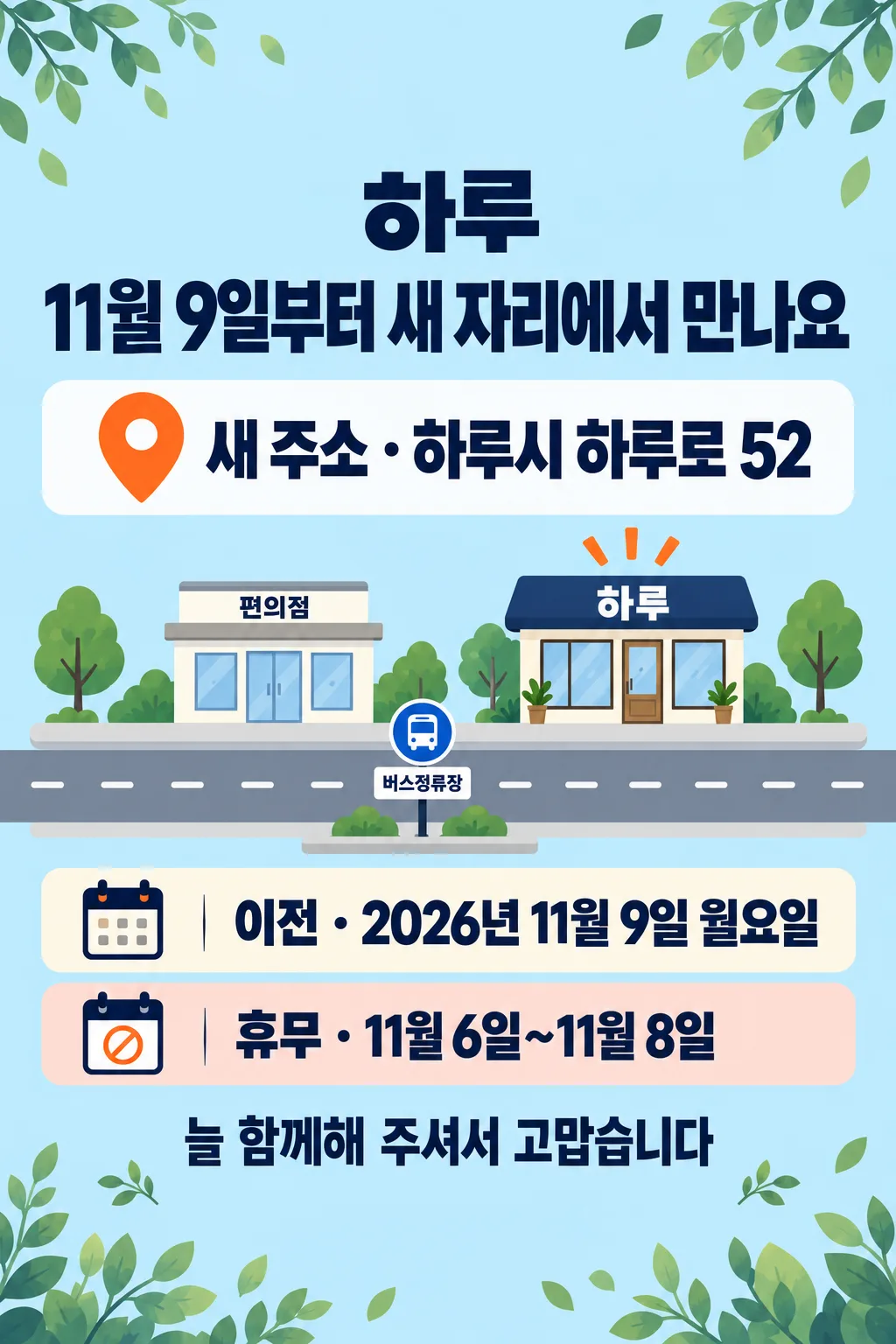
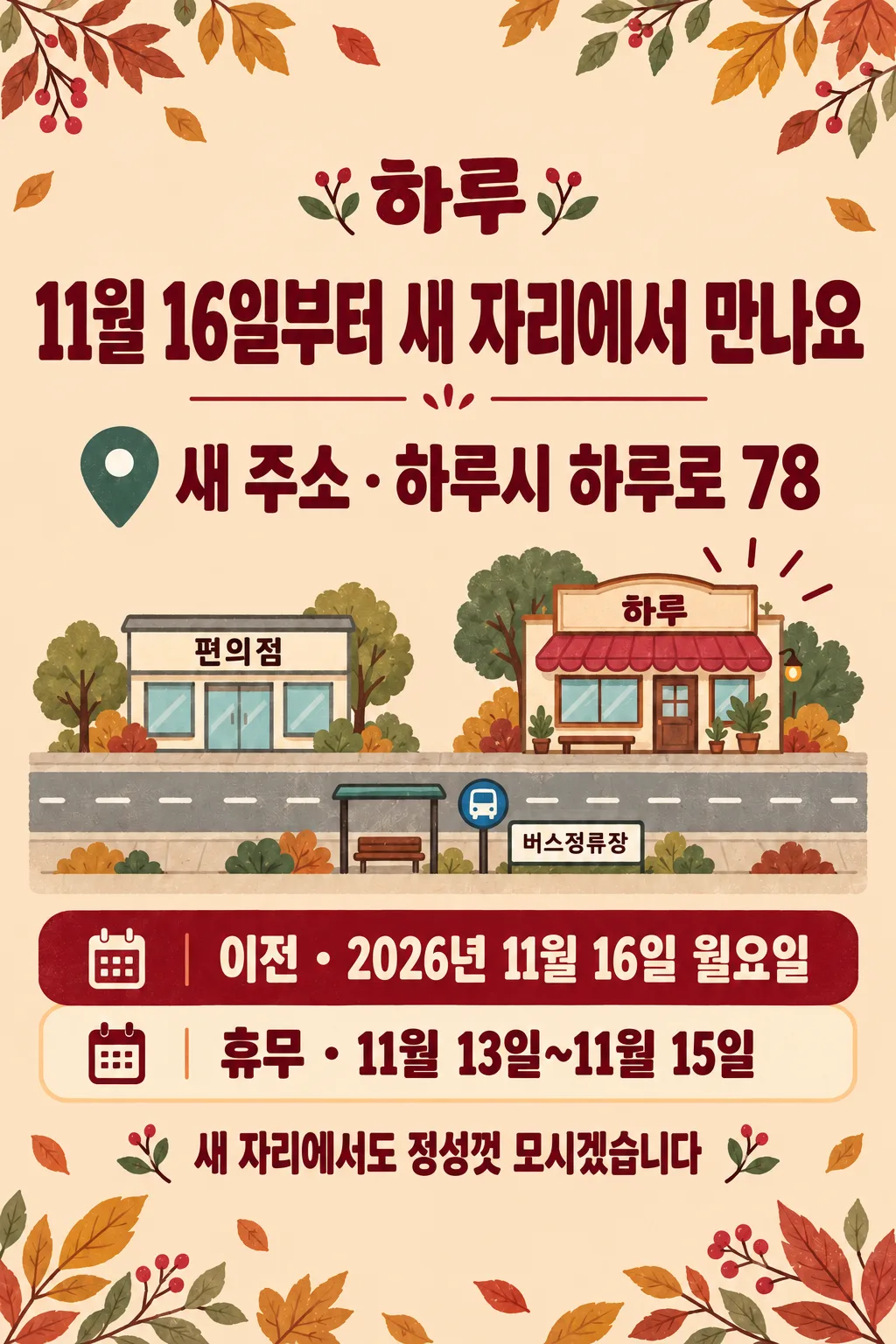
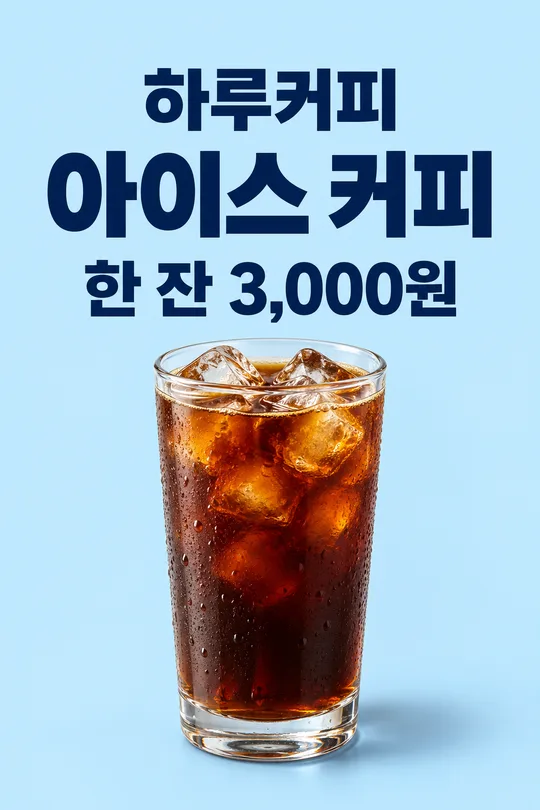
温かなイラストはクリーム色と深緑、すっきりした案内は淡い青と紺色の簡潔なアイコン、レトロは淡い桃色とバーガンディ、青緑を使います。どれも同じ移転案内の構成です。掲載画像は韓国語の作例です。表紙の架空住所はハル通り34、移転日は2026年11月2日月曜日、休業は10月30日〜11月1日です。一枚目は番地52と11月9日月曜日、休業11月6日〜8日。二枚目は番地78と11月16日月曜日、休業11月13日〜15日です。この日本語版は日本語の文字と同じ空欄の動作を指定します。
印刷する前に
店名の文字、番地の数字、見出しと移転日、曜日、休業期間を入力と一文字ずつ照合してください。曜日は実際のカレンダーで確認し、休業の終了が移転後の営業開始と重ならないか確かめます。確認できない曜日は省きます。位置関係の図を実際の道案内として使う前に、現地と照合してください。長い住所が小さくなる場合は番地を残して不要な補足を減らし、再生成します。基本比率は2:3です。用紙の寸法と解像度を確認し、扉や窓に貼る実寸で試し刷りしてください。コード、切り抜き、補正を必要とせず、一度の貼り付けで一枚を作ります。利用する画像サービスの料金と利用条件は、そのサービスで確認してください。