
전체 · 인포그래픽/안내 · 매장 안내문
379키오스크 주문 안내 — 손동작으로 따라가는 4단계
메뉴 선택부터 카드 결제·번호표 수령까지 큰 글자와 네 가지 손동작 그림으로 안내하는 키오스크 옆 부착용 안내판
ChatGPT 무료 OK
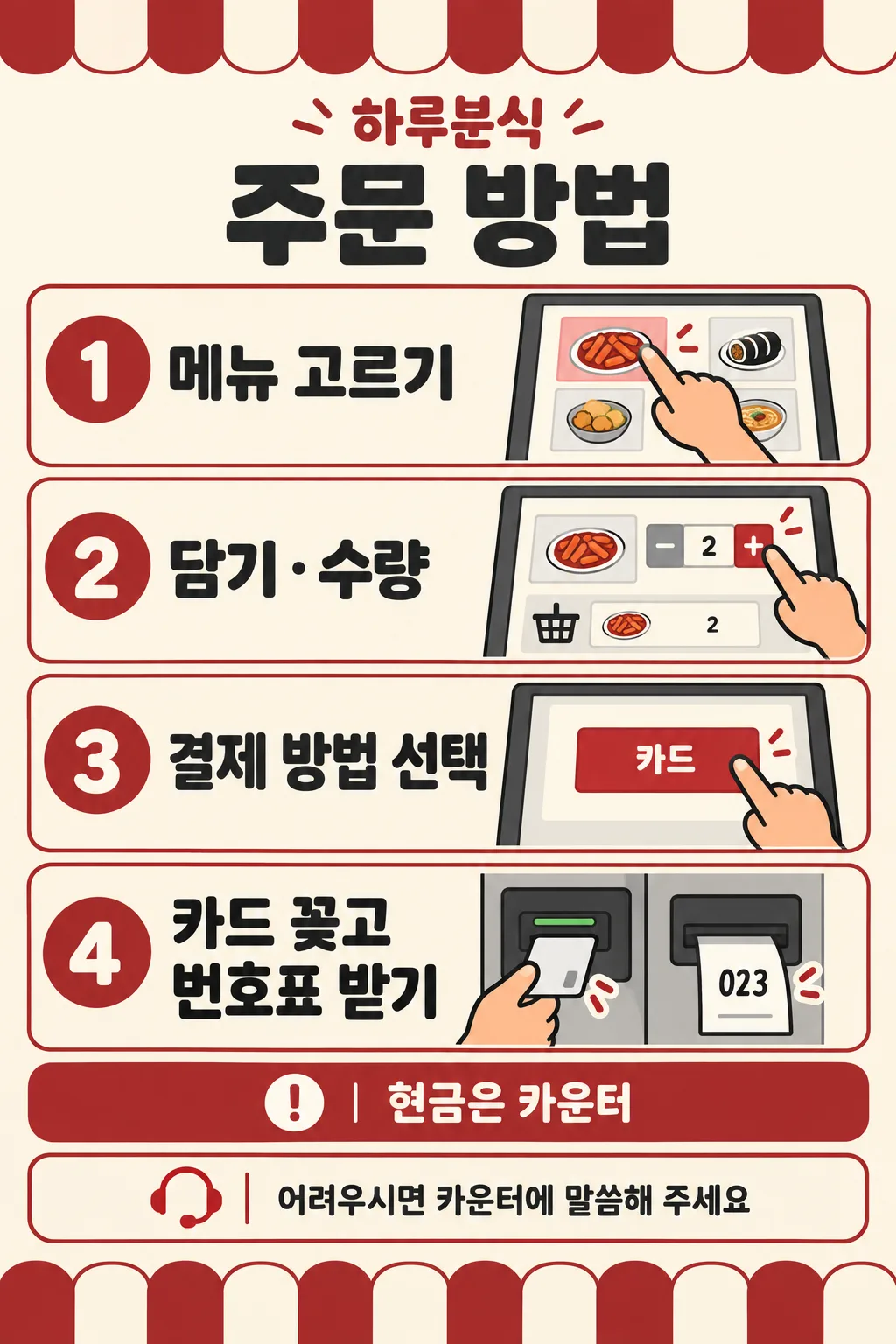
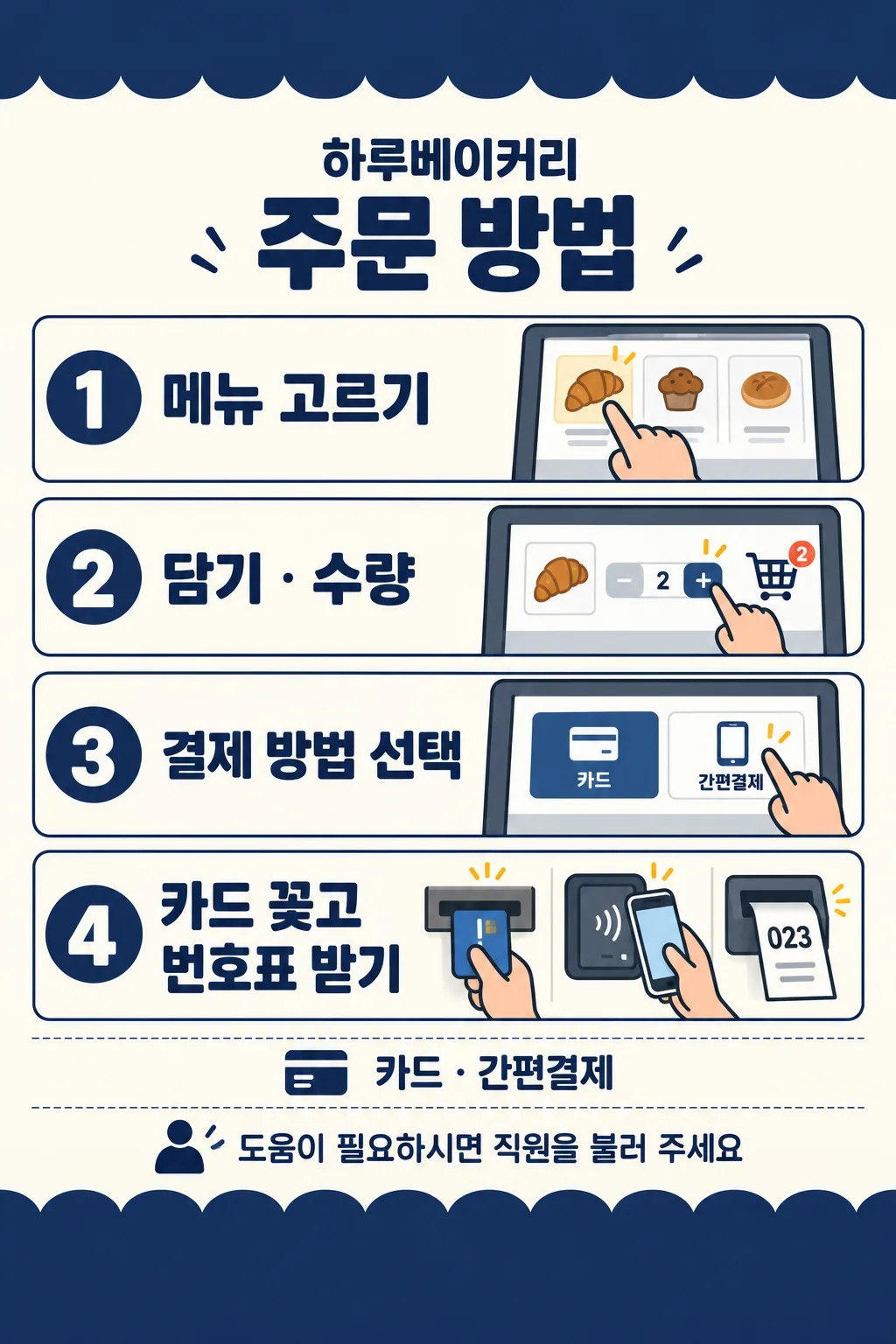
칸 채우기
- 1칸을 채워요
- 2복사 버튼을 눌러요
- 3GPT 채팅창에 붙여넣어요
- 4그대로 보내면 썸네일 예시처럼 나와요
- 5카드에 맞는 실제 사진을 같이 넣으면 그 사진이 반영돼요 — 배경 카드는 배경 사진, 인물 · 음식 카드는 그 사진 선택
프롬프트 원문 보기 3,962자
Generate this image now. Draw it directly, do not explain or ask questions.
Create ONE finished flat kiosk ordering sign. Output size 2480x3508 pixels, A4 portrait, 300dpi, print-ready poster. Use the selected canvas ratio. Fill the canvas edge to edge with warm ivory, restrained accent bands and clean flat instructional illustrations. No wall, photographed paper, mockup or perspective. Bold dark sans lettering, large numbered accent circles, warm peach hands and consistent thick outlines. Keep every important word within 12%-85% height and 5% side margins. Top and bottom contain only simple awning-like ornaments. Put shop name and title at 13%-23%, four compact horizontal rows at 25%-72%, payment note at 74%-78%, help footer at 80%-84%. Each row: numbered circle left, large instruction center-left, substantial fictional screen and hand right. Wrap fourth instruction into two lines. Row1 finger touching a generic food tile; row2 finger pressing + next to a basket and quantity 2; row3 finger touching a payment button; row4 hand inserting an unbranded card into a dedicated card slot, with a numbered slip emerging from a SEPARATE printer. Never insert card in receipt slot. Use only original simplified fictional UI, no actual manufacturer design, logos or payment brands. Screen numbers, plus/minus and ticket 023 are permitted, no invented prices or menu names.
Resolve payment mode before drawing. First supplied option = cards only, row3 only one card button. Second option = card and mobile payment, row3 two buttons with the supplied generic card/mobile labels; row4 also a small generic phone tapping a separate reader, while retaining card insertion and order slip. Third option = cash at counter, kiosk screen only card button; payment note explicitly routes cash users to counter. Never illustrate cash insertion into kiosk. A custom payment note is copied exactly; show only card button unless it explicitly allows mobile payment. Do not invent supported payment methods. Empty payment defaults to first option. Empty shop removes its label and reflows header. Empty help uses supplied default help. If help is the localized automatic-choice option, use that same default. Custom help replaces default entirely; never print both.
Color choices in order: forest green/ivory, navy/ivory, brick red/ivory, charcoal/white. Empty color uses forest green/ivory. Same flat illustration style and layout for every choice. Color field never prints.
Print ONLY supplied shop, title, four instructions with numbers 1-4, resolved payment note, resolved help and required generic payment screen labels. Copy every character exactly. Check text character by character before finishing. No verification notes, watermark or sample label.
SHOP: "【가게 이름】"
PAYMENT: "【결제 방법】"
HELP: "【마지막 안내 문구】"
COLOR: "【색】"
Output language: ko. Title: 주문 방법. Steps in order: 메뉴 고르기 / 담기 · 수량 / 결제 방법 선택 / 카드 꽂고 번호표 받기.
Payment options in order: 카드만 / 카드 · 간편결제 / 현금은 카운터. Screen labels: 카드 / 간편결제. Default help: 어려우시면 카운터에 말씀해 주세요. Automatic help choice: 알아서 골라줘.
Final layout rule: use a thick plain accent TOP band occupying 12% height and BOTTOM band occupying 15% height, both entirely blank. All shop, heading, four slim rows, payment and help must fit inside the central 73%. Shrink illustrations to fit. Resolve selected payment before drawing; the choice list is not a list of supported methods. Print the payment input exactly, with no added restrictions or words. First or third payment option absolutely forbids mobile-payment buttons or phone icons. Second option requires the phone-and-reader illustration in row4 alongside card insertion and order slip.

[Final output format]
Output size 2480x3508 pixels, A4 portrait, 300dpi, print-ready poster.
This selected output format takes priority over any fixed canvas size or aspect ratio elsewhere in this template. Adapt the composition, text zones and margins to the selected canvas without stretching or cropping essential content. Device safe areas apply only when a device is selected. Never print these format instructions on the image.
결과 어땠어요?
이 카드도 많이 사용해요
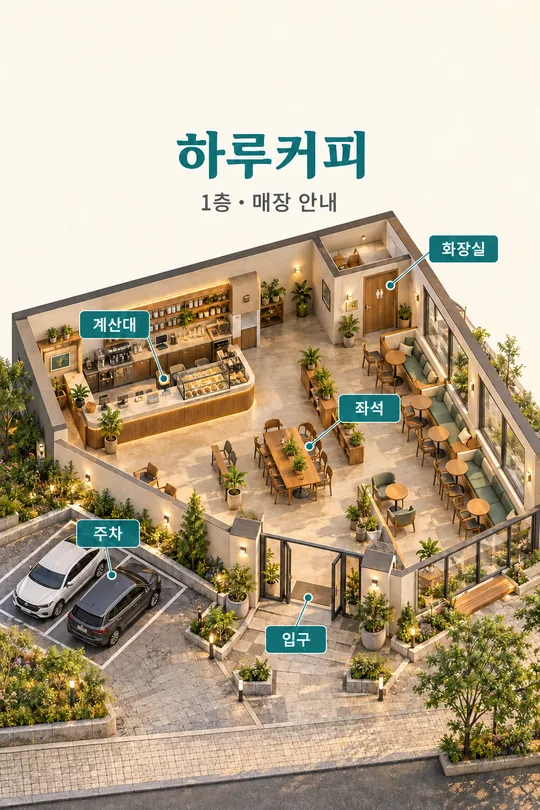
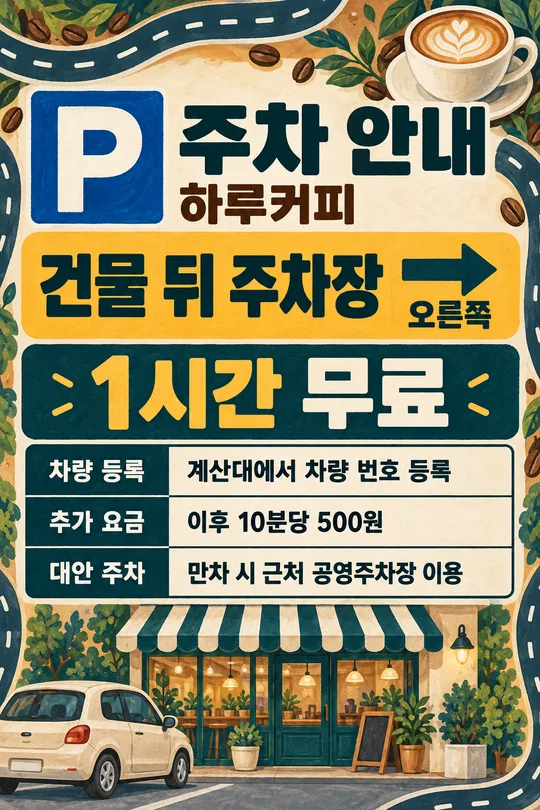
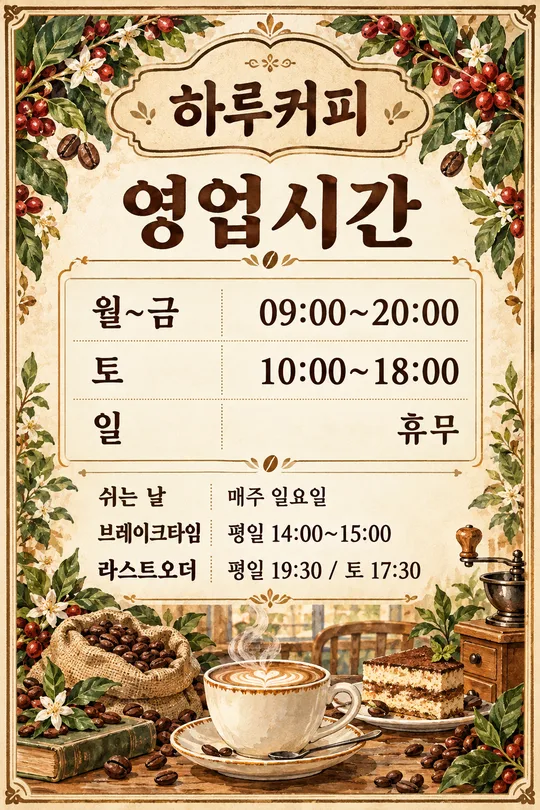
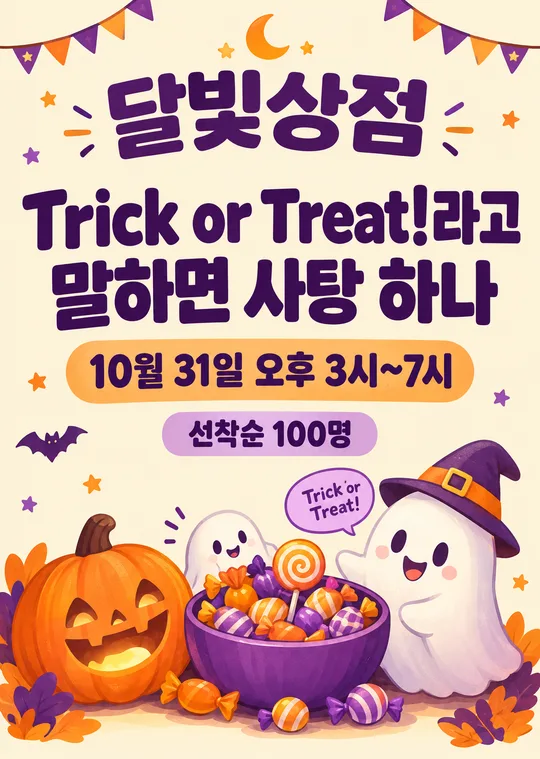
쓰는 법 · 자주 묻는 것
키오스크 옆에 붙이는 주문 안내판 한 장입니다. 처음 방문한 손님과 어르신이 메뉴 선택부터 번호표 수령까지 따라갈 수 있도록 네 단계마다 화면과 손가락 그림을 붙입니다. 굵은 글자와 번호 원을 왼쪽에, 실제 동작을 보여 주는 가상 화면을 오른쪽에 놓습니다. 사진 없이 완성한 프롬프트를 그림 AI에 한 번 붙여 넣으면 평면 안내판 한 장을 요청할 수 있습니다.
꼭 칸은 결제 방법, 1개입니다. 가게 이름에는 하루커피·하루분식처럼 실제 간판 이름을 적으며 비우면 이름 줄이 빠집니다. 결제 방법은 카드만 / 카드 · 간편결제 / 현금은 카운터 중 실제 운영에 맞게 고릅니다. 카드만은 화면에 카드 버튼 하나, 카드 · 간편결제는 일반 카드와 간편결제 버튼 두 개를 보여 줍니다. 현금은 카운터를 고르면 키오스크 화면에는 카드만 남고 아래 결제 안내가 현금 손님을 카운터로 안내합니다. 기계에 현금을 넣는 그림은 만들지 않습니다. 직접 쓴 결제 조건도 그대로 표시하되 지원하지 않는 결제 수단을 추측하지 않습니다.
마지막 안내 문구는 보기 두 문장이나 알아서 골라줘를 고르거나 직접 적습니다. 비우거나 알아서 골라줘를 고르면 ‘어려우시면 카운터에 말씀해 주세요’ 한 줄을 씁니다. 새 문장을 넣으면 기본 문장을 완전히 대체합니다. 색은 초록·아이보리, 남색·아이보리, 벽돌색·아이보리, 검정·하양의 네 가지이며 비우면 초록을 씁니다. 그림체와 네 단계 배치는 그대로입니다.
부착 전에 메뉴 고르기 / 담기 · 수량 / 결제 방법 선택 / 카드 꽂고 번호표 받기를 한 글자씩 대조하세요. 카드 투입구와 번호표 출력구가 따로 보이는지, 결제 버튼이 가게의 지원 방식과 맞는지 확인하세요. 이 카드는 카드를 꽂고 번호표를 받는 기계용입니다. 카드 접촉만 가능한 기계나 번호표가 나오지 않는 기계에는 그대로 붙이지 마세요. 간편결제를 쓰는 손님은 휴대전화 접촉 그림을 따르며 마지막 단계의 카드 지시는 카드 결제 동작입니다. 실제 메뉴 화면 순서가 다르면 이 고정 네 단계 카드와 맞지 않습니다.
공통 비율에서 A4를 고르면 세로 인쇄 비율을 요청할 수 있습니다. 목록 표지와 갤러리는 2:3이며 A4와 다르므로 비율을 유지해 인쇄하고 글자를 자르지 마세요. 시험 인쇄한 뒤 실제 서 있는 거리에서 네 단계와 도움 문구가 읽히는지 보세요. 글자 오류는 입력과 프롬프트를 확인한 뒤 다시 생성하고, 정확한 결과만 게시하세요.
가게 이름 없이 쓸 수 있나요? 이름을 비우면 공용 안내판이 됩니다. 문구를 바꿀 수 있나요? 도움 문구만 바꿀 수 있고 네 단계는 이 카드에서 고정입니다. 영어·일본어도 같은 네 칸, 결제 선택 세 개, 색 선택 네 개, 빈칸 동작을 유지합니다. 갤러리는 한국어 시연 결과이고 각 번역 프롬프트는 해당 언어 글자를 출력합니다.