
All · Infographics & guides · Store notices
389Shop Review Offer Sign
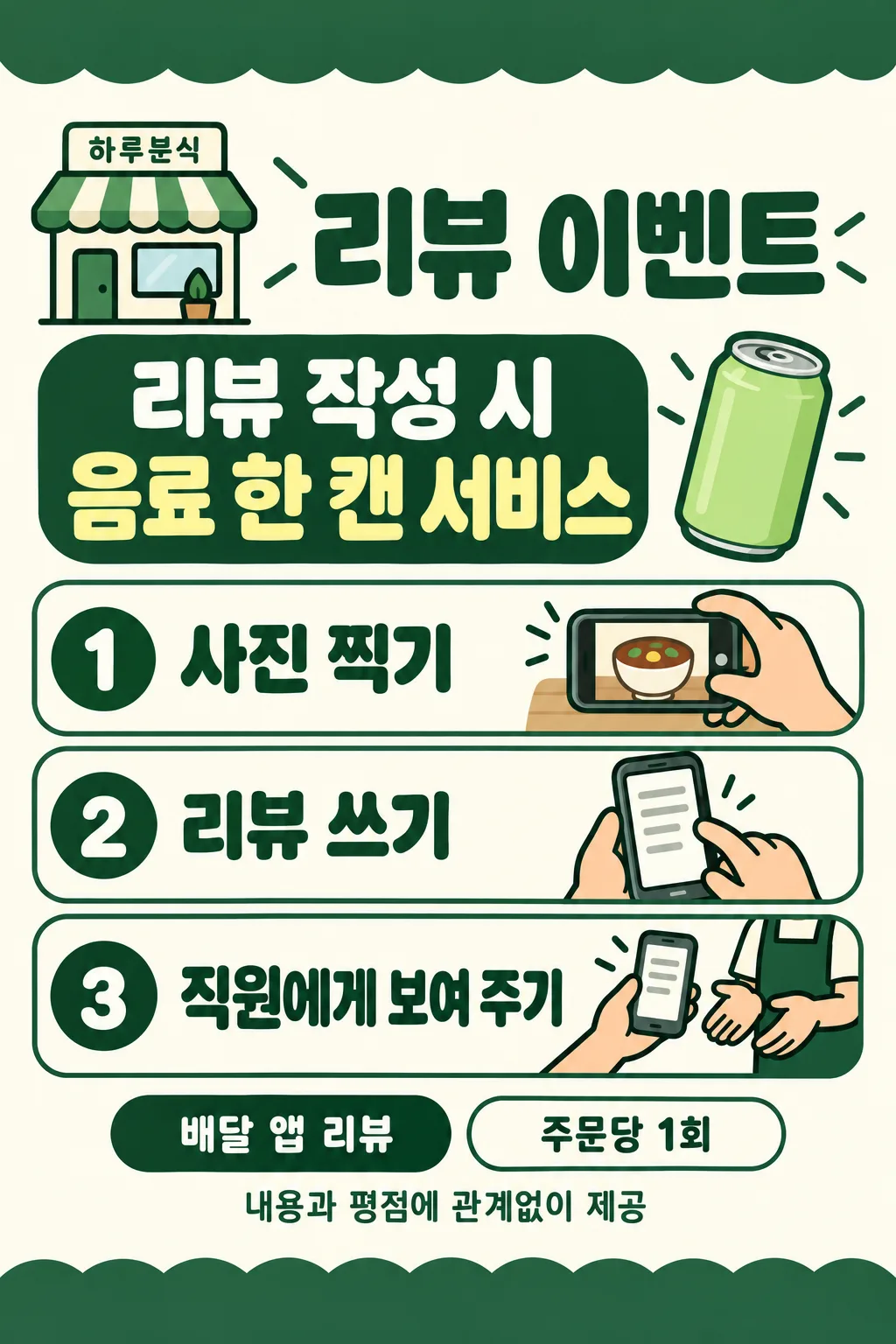
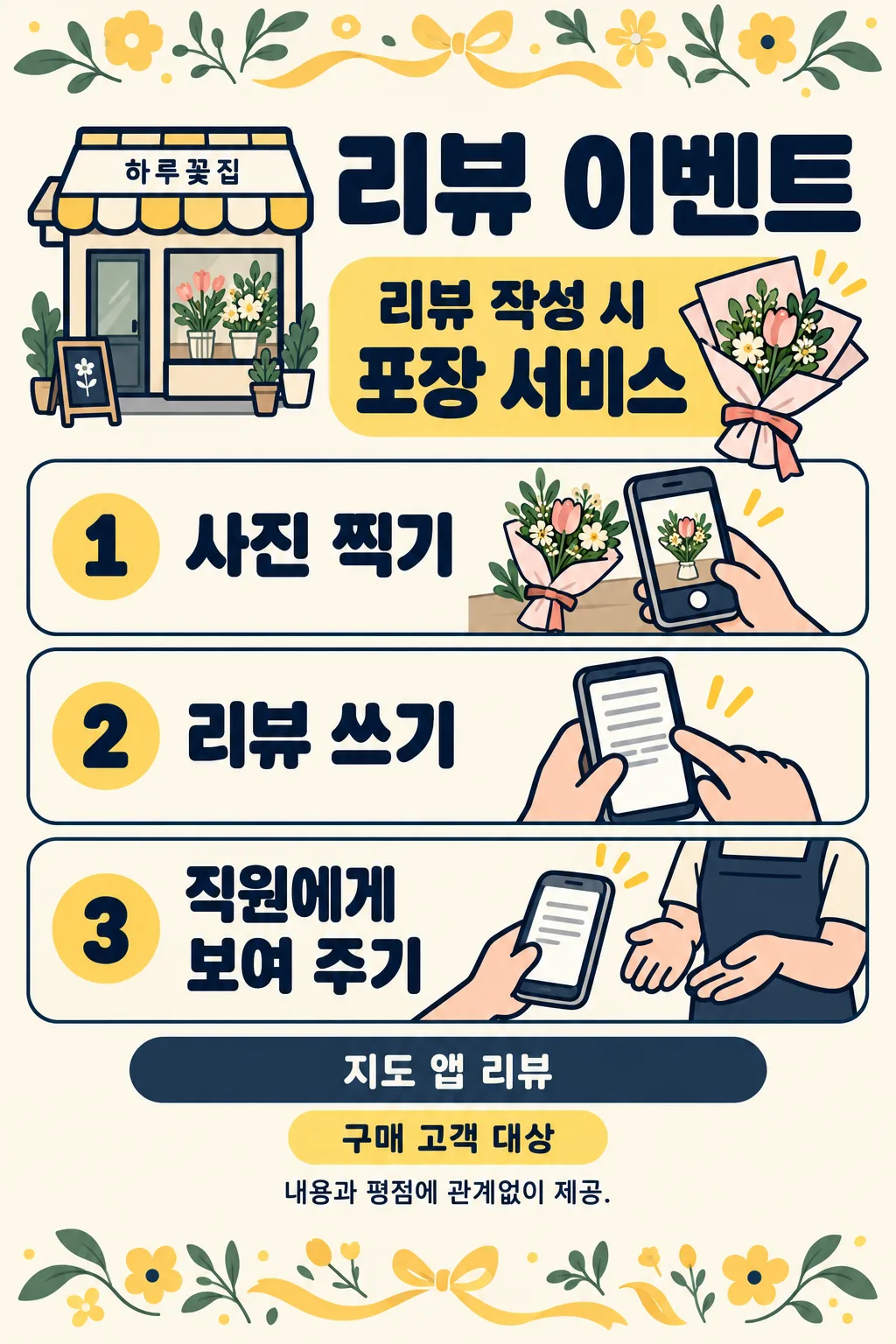
A large benefit and three illustrated actions help customers take a photo, write a review and show staff.
ChatGPT Free OK
Fill in the fields
- 1Fill in the fields
- 2Copy the prompt
- 3Paste it into a GPT chat
- 4Send it as is and you get an image like the thumbnail example
- 5Attach a real photo that fits the card and it is used in the result: a background photo for background cards, a person or food photo for those cards Optional
Full prompt 3,185 characters
Generate this image now. Draw it directly, do not explain or ask questions.
Create ONE finished flat shop review event sign. Output exactly one finished 2:3 portrait image, 1024x1536 pixels. Leave the top 12% and bottom 15% free of essential text. Use the selected canvas ratio. Edge-to-edge ivory canvas, bold rounded sans lettering, thick outlines and peach hands, cheerful professional instructional illustration. No mockup, photographed paper or perspective. Top 12% and bottom 15% are decorative bands without text. Keep all words between 13% and 84% height, within 5% side margins. Small shop at 14%, title at 19%, large benefit at 25%-35% with a small original benefit icon. Three compact rounded horizontal rows at 40%-73%: numbered circle left, large instruction middle, meaningful action illustration right. Row1 hand holding a fictional phone photographing a shop item; row2 hand typing on generic phone with text lines; row3 customer hand showing phone to a staff member's hands. No faces, stars, ratings, recognizable app UI, logos, brand products or QR codes. Phones and benefit objects must be original fictional designs. Draw simplified icons, not realistic food photos.
Print platform at 77%, optional condition at 81%, impartiality note at 84%. Copy supplied shop, benefit, platform and condition exactly. The benefit heading is FIXED_TRIGGER followed by BENEFIT, never infer a benefit, price, period or eligibility. Blank shop removes its label and reflows header. Blank benefit omits the entire benefit panel including trigger and icon; never invent a free item. Blank platform omits its line, leaving no empty box. Blank condition omits its line, leaving no empty box. Draw the supplied benefit item; if it is a service, use an appropriate generic service icon. Color options in order orange/ivory, green/ivory, navy/ivory, black/white. Blank color uses orange/ivory. The palette never prints. Same layout and illustration style for all choices.
Reviews must be eligible regardless of content or rating. Never print or illustrate a minimum rating or a positive-review requirement. If input requests such a requirement, omit only that requirement and keep the neutral event. Use only generic platform wording; replace any supplied proprietary platform name with DEFAULT_PLATFORM, with no logo. Always print FIXED_NOTE. Print ONLY resolved shop, fixed title, fixed trigger if benefit exists, benefit, numbered steps 1-3, platform if supplied, condition if supplied and fixed note. Check every character before finishing. No verification notes, watermark or sample label.
SHOP: "【Shop name】"
BENEFIT: "【Benefit】"
PLATFORM: "【Review destination】"
CONDITION: "【Small note】"
COLOR: "【Color】"
Output language: en. Title: Review offer. FIXED_TRIGGER: Leave a review. Steps: Take a photo / Write a review / Show our staff. FIXED_NOTE: Available regardless of review content or rating. DEFAULT_PLATFORM: Map app review.

[Final output format]
Output exactly one finished 2:3 portrait image, 1024x1536 pixels. Leave the top 12% and bottom 15% free of essential text.
This selected output format takes priority over any fixed canvas size or aspect ratio elsewhere in this template. Adapt the composition, text zones and margins to the selected canvas without stretching or cropping essential content. Device safe areas apply only when a device is selected. Never print these format instructions on the image.
How did it turn out?
You may also like
How to use it · FAQ
Create one flat review offer sign for a counter or table. A prominent benefit is followed by three illustrated actions: take a photo, write a review and show staff. Paste the completed prompt once into an image generator. No customer photo or separate editing step is needed.
There is 1 required field: Benefit. Shop name is optional; leaving it blank removes the shop label. Enter only the benefit, such as “One complimentary drink”; the fixed “Leave a review” heading is added automatically. An empty benefit removes its whole panel and icon without inventing an offer. Review destination accepts generic wording such as “Map app review” or “Delivery app review”. An empty destination removes that line. Small note accepts an actual short operational condition such as “Once per order” or “For purchasing customers”. Leaving it blank removes the condition line.
The four palettes are orange with ivory, green with ivory, navy with ivory, and black with white. A blank color uses orange. Layout, illustration style and the three actions remain fixed. Supplied proprietary platform names are replaced with generic wording. Rating thresholds and positive-review requirements are excluded, and the neutral note “Available regardless of review content or rating” always appears. Never invent eligibility, dates, benefits or quantities.
Check the shop name, benefit quantity, destination and condition against your inputs. Confirm that 1, 2 and 3 appear in order, that staff are being shown the completed review, and that no stars or recognizable app interface appear. Check the current policy of the platform you plan to use before running an incentivized review offer, including any disclosure requirements. The sign does not establish that a platform permits the offer.
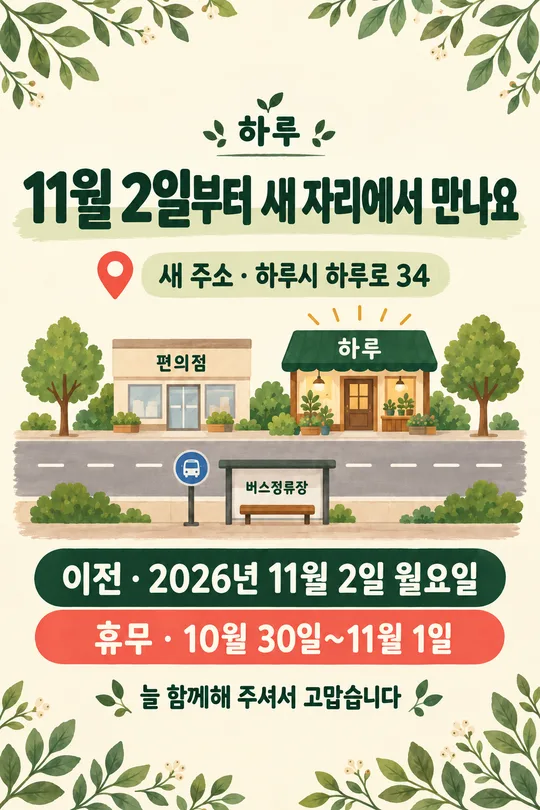
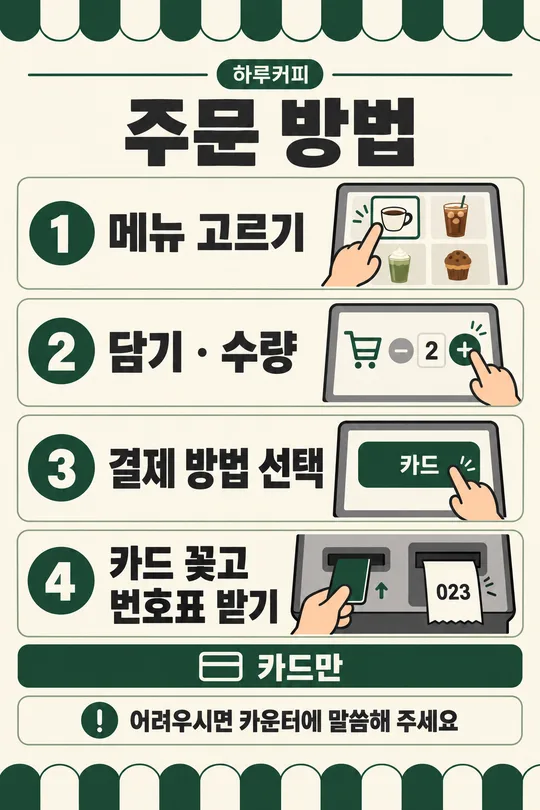
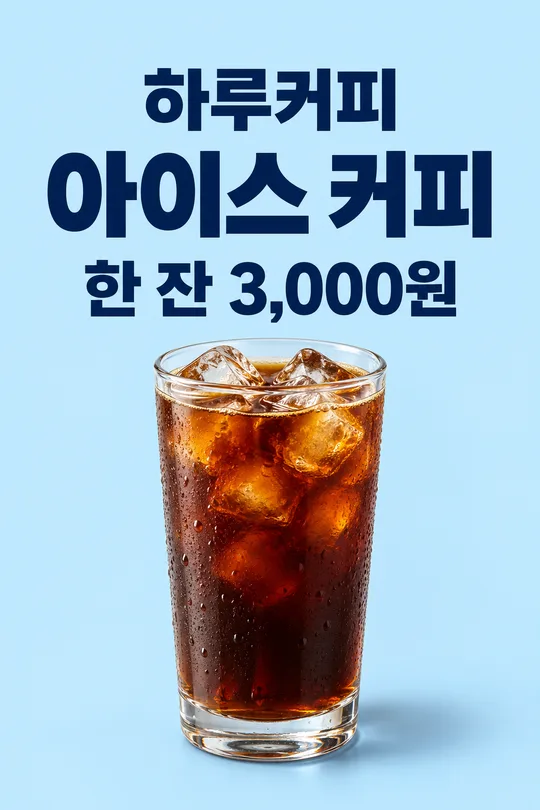
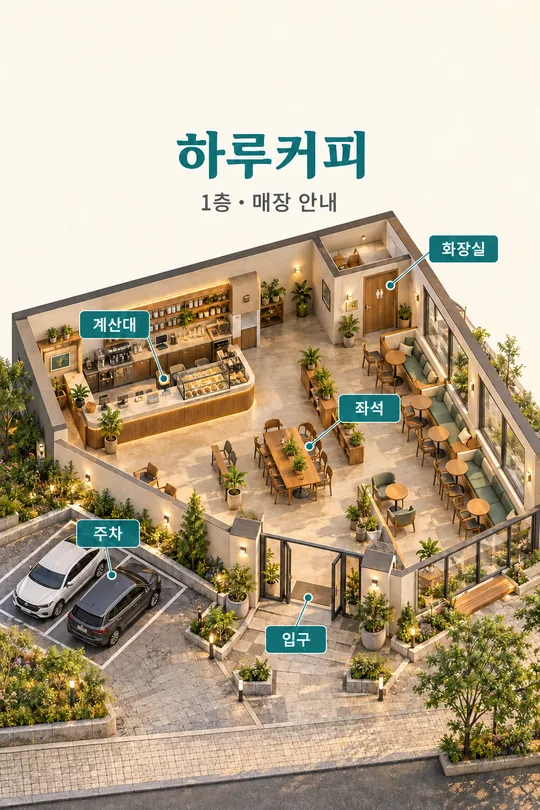
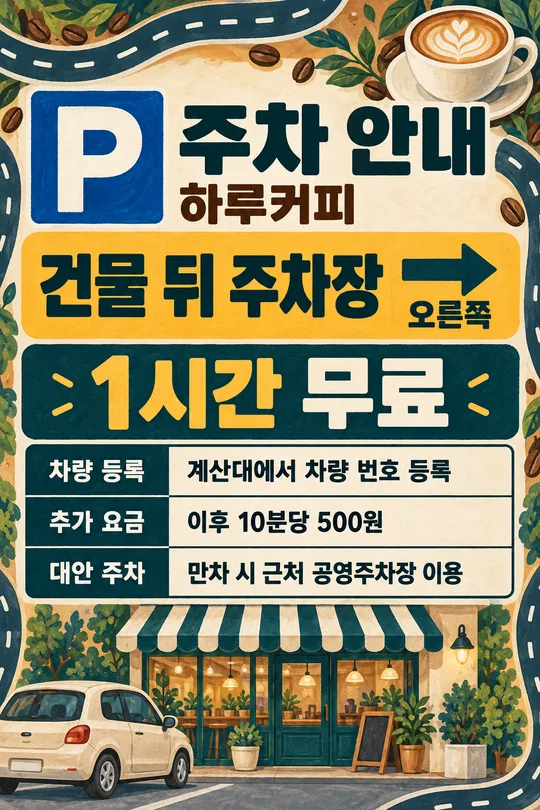
The Korean gallery contains three independently generated results: Haru Coffee with one drink and a map app destination; Haru Kitchen with one canned drink, a delivery app destination and once per order; Haru Flowers with wrapping, a map app destination and purchasing customers. Translated prompts print in their own language with the same five fields and empty-field behavior.
Choose the output ratio in the common interface. Gallery images are portrait 2:3. Preserve the ratio when printing and check the small note from the actual viewing distance. If lettering is incorrect, regenerate from the corrected input before displaying it. Can the steps change? These three actions are fixed. Can the shop be omitted? Yes, an empty name produces a general sign.